Review usage
Usage information for your organisation is available in two areas of the Admin features menus: "Plans" and "Usage."
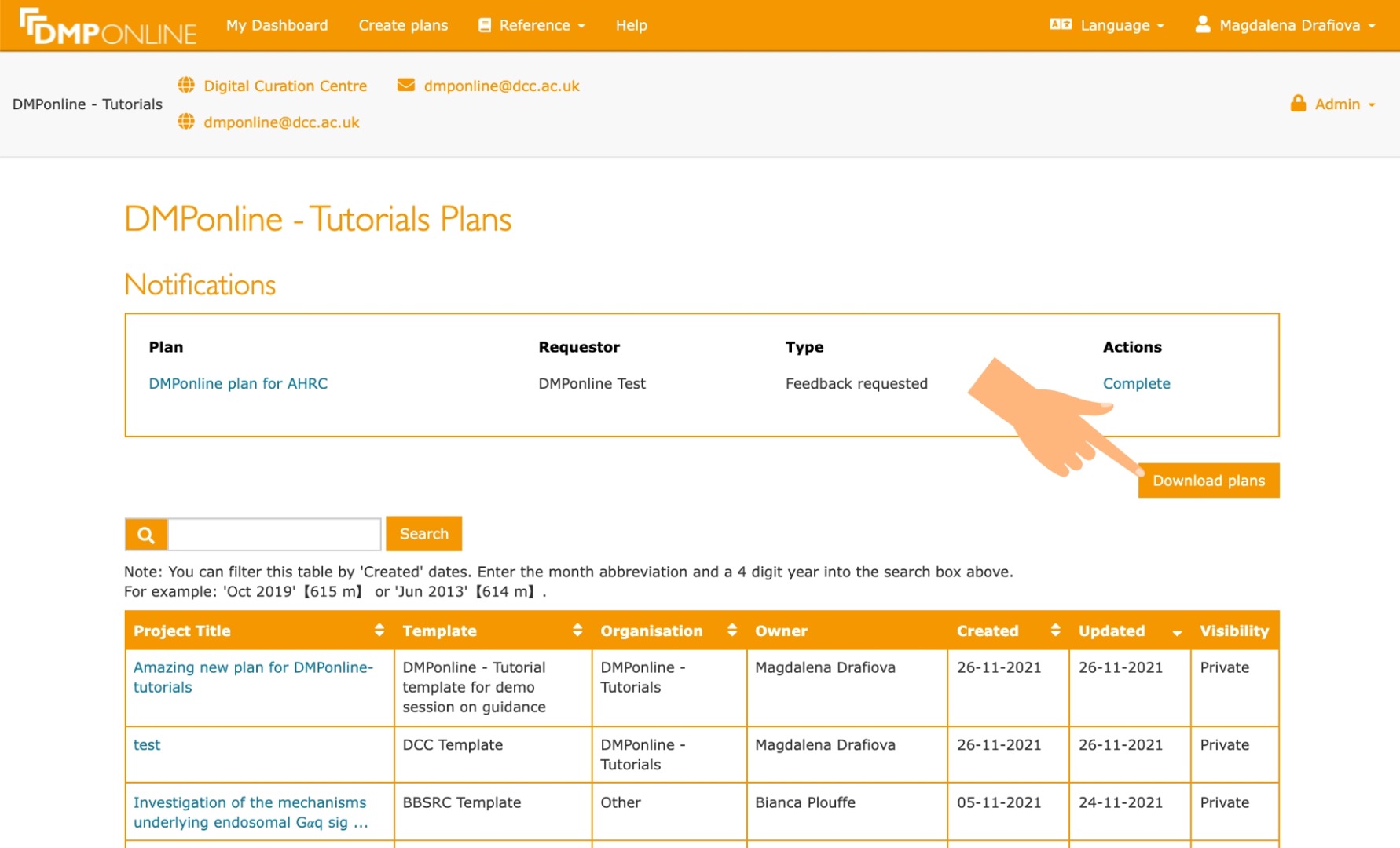
Select "Plans from the Admin features dropdown menu. You will see a list of all plans created by users affiliated with your organisation. Click the "Download plans" button in the upper right to generate a CSV; the report contains the same basic project details for all plans as listed in the table. You can also view the content of plans by clicking the links in the table.
When DMPs have been submitted for feedback, you will also be able to leave comments on plans. Submitted plans will appear in the Notifications panel at the top of the page.
Plans created by users from your organisation that are set to public visibility will appear in the main Public plans list. Those set to organisational visibility will appear in the Organisational plans table on My dashboard, where you can download a PDF.
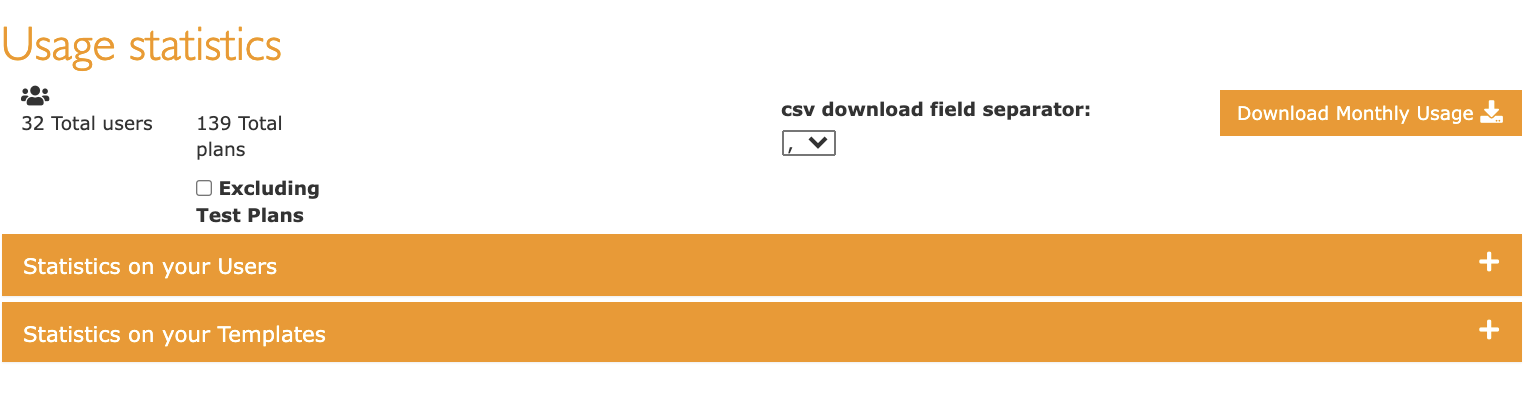
Select "Usage" from the Admin features dropdown menu. At the top of the page, you get usage statistics overview of your users and plans. We also added a possibility to exclude test plans. You can also decide which csv field separator you wish to use in the downloaded csv.

Currently you can get statistics on your users and on your template, see below:
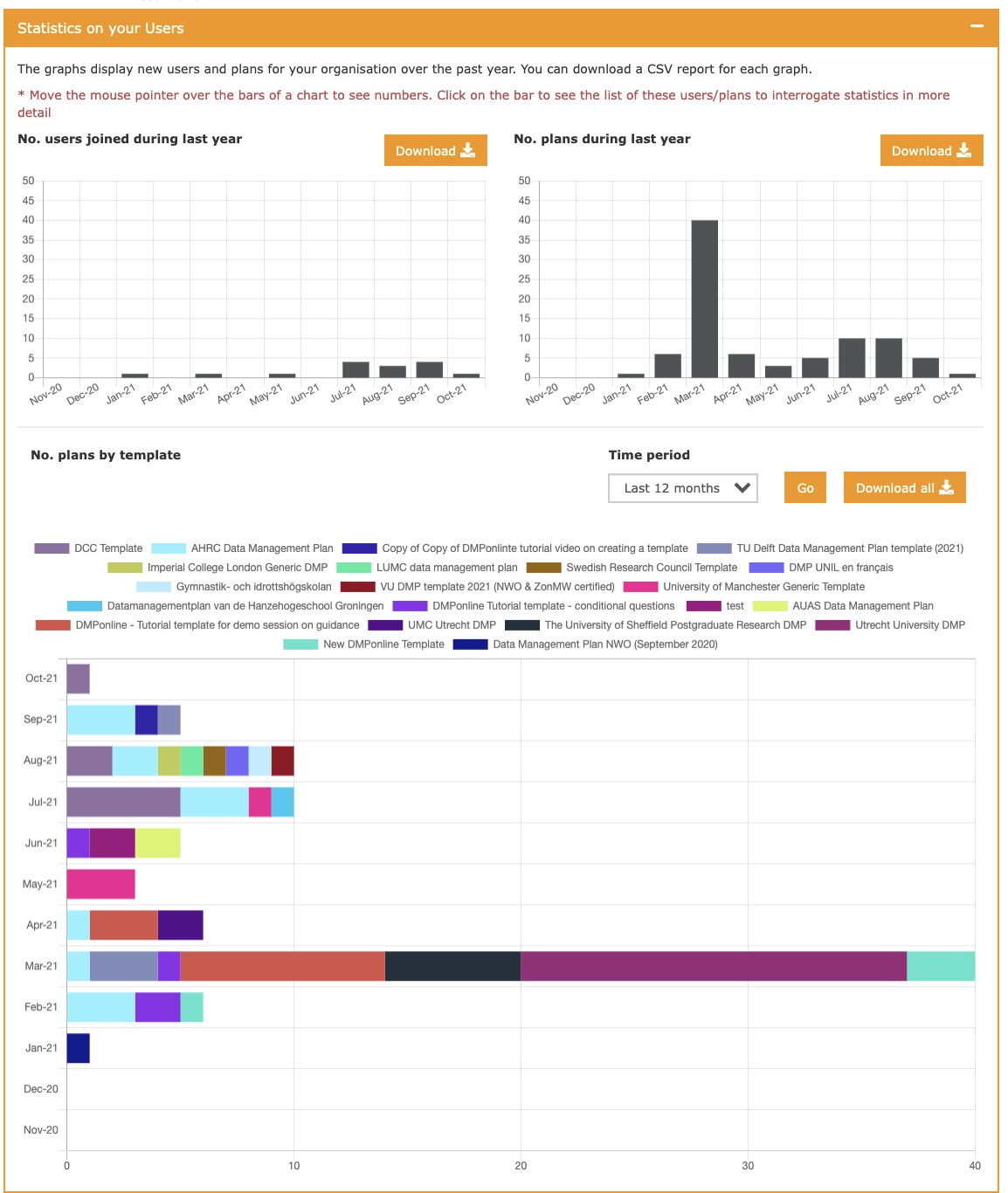
From this graph you can see number of users who affiliated themselves with your organisation over the past year.
You can also see the number of plans they have filled and the breakdown of the different templates they have used. You can also download the number of users who joined and number of plans that were created over the last year.
The tables are interactive now, and you can actually click on each month in both tables to see specifically which users or which plans were created during the months you selected.
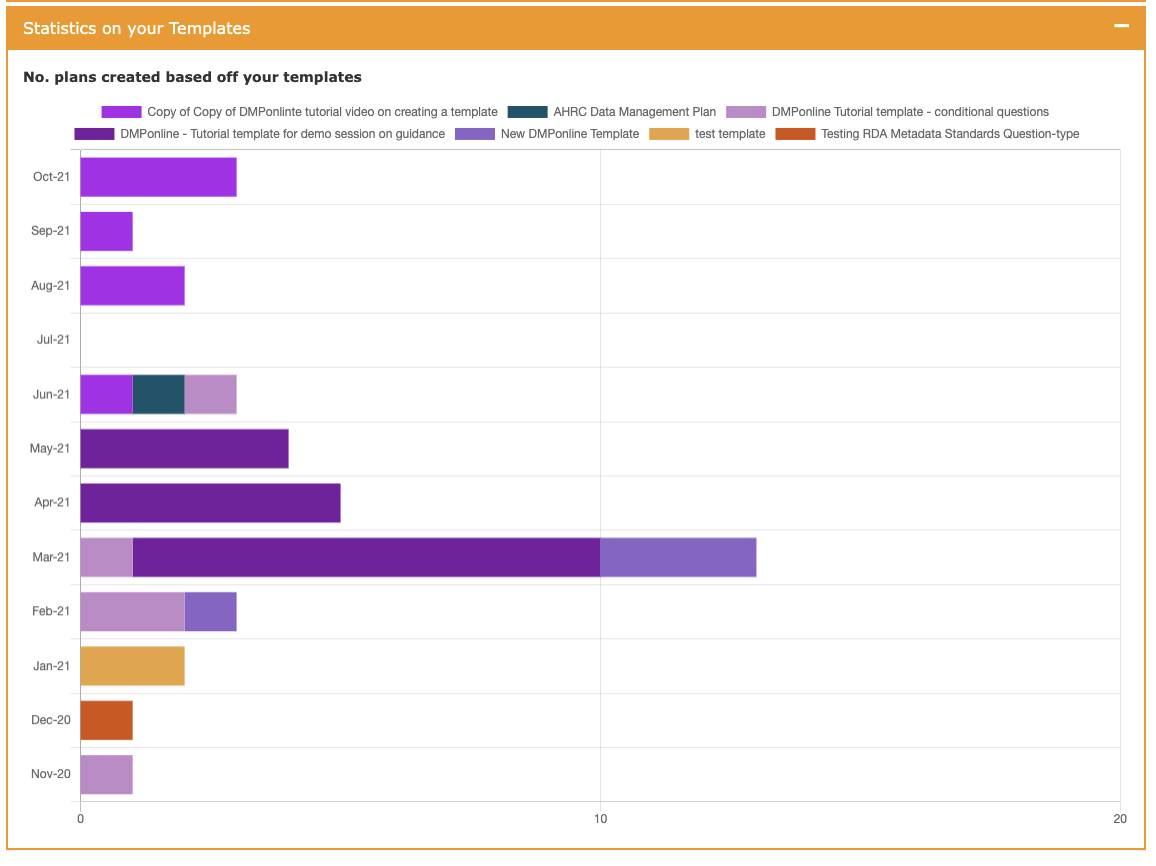
From this graph you can see number of plans created based off your template, which could be used by users who did not affiliate with your organisation but chose this as their org in the plan creation process. This view was originally created for the funders as they wanted to know the statistics for their templates regardless the affiliated institution of the users. You can hover the mouse over individual months to see the breakdown of which templates were used.
Like in number of plans by template from the user statistics, here you can also click at the name of one or more of the templates, and that will remove it from the statistics.