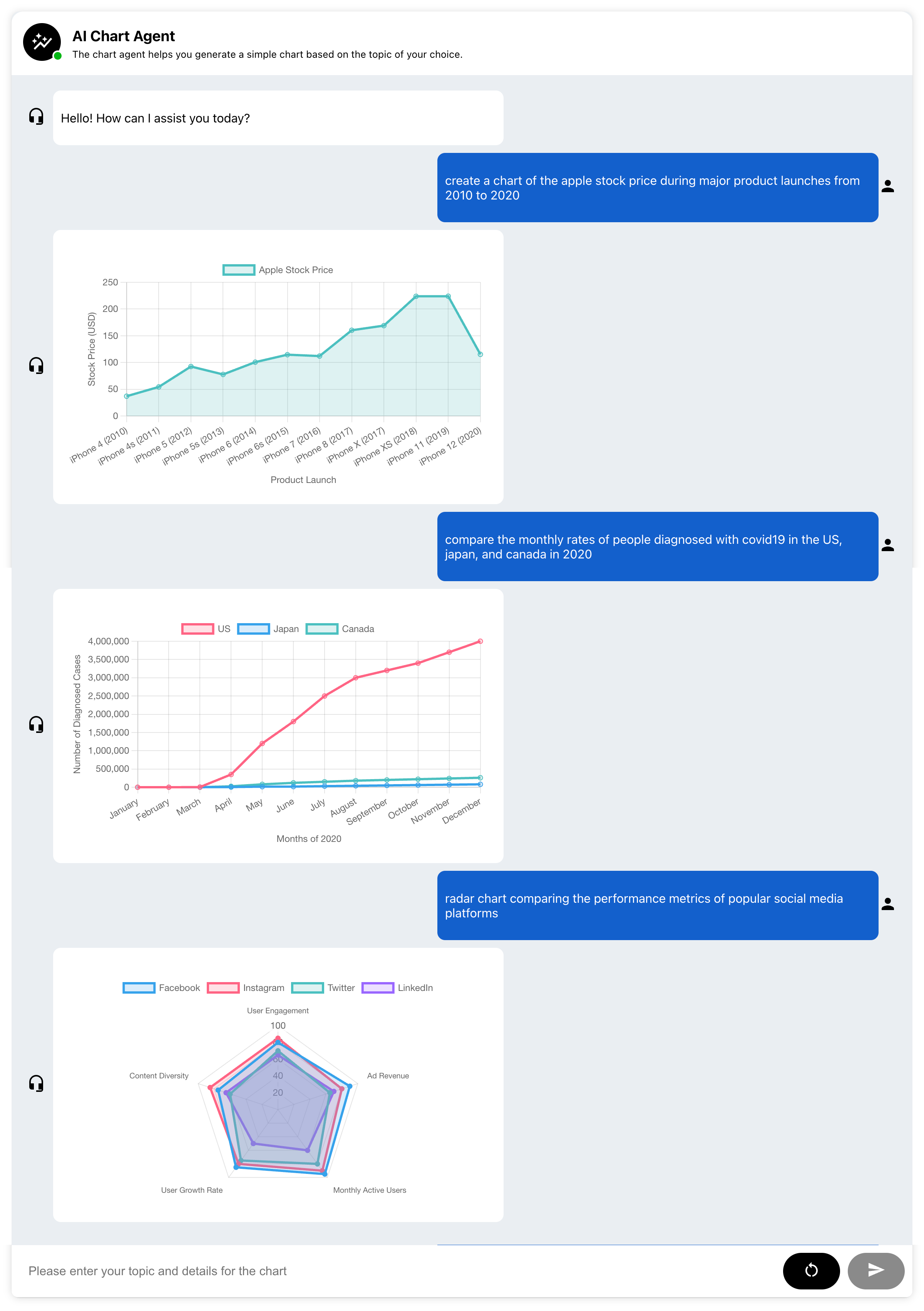
This chart agent app helps you generate a simple chart based on the topic of your choice and online data.
To get started on your local machine, follow the steps below:
-
Open a terminal and navigate to the
serverdirectory:cd server -
Create a new file named
.envto store your environment variables:touch .env
-
Open the
.envfile in a text editor of your choice, and add the following line, replacing<your_api_key>with your actual OpenAI API key:# .env file OPENAI_API_KEY=<your_api_key>
-
Save the
.envfile and update your terminal session to include the new environment variables:source .env
-
Navigate to the project directory:
cd server -
Create a virtual environment and activate it (MacOS):
python -m venv venv source venv/bin/activate -
Install the required dependencies using
pip:pip install -r requirements.txt
-
Start the FastAPI server using
uvicorn:uvicorn app:app --host 0.0.0.0 --port 5000 --reload
-
Navigate to the project directory:
cd client -
Install the required dependencies using
npm:npm install
-
Run the app in development mode:
npm start
-
Open http://localhost:3000 to view the app in your browser.
The page will reload when you make changes. You may also see any lint errors in the console.