You signed in with another tab or window. Reload to refresh your session.You signed out in another tab or window. Reload to refresh your session.You switched accounts on another tab or window. Reload to refresh your session.Dismiss alert
Nothing to configure – place the moadmin.php file anywhere on your web site and it just works!
Fast AJAX-driven XHTML 1.1 interface operates consistently in every browser!
Self-contained in a single 110kb file!
Works on any version of PHP5 with the MongoDB NoSQL database & Mongo PHP driver installed and running.
Instructional error messages – phpMoAdmin can be used as a PHP-Mongo connection debugging tool
Super flexible – search for:
+ exact-text
+ (type-casted) value
+ text with * wildcards
+ Regular Expressions (regex)
+ JSON (with Mongo-operators enabled)
Import/export data in JSON format
+ Export full collections or limit recordset to the results of a query
– Option to export exact page contents or entire query results (ignoring limit and skip values)
+ Import can specify:
– Insert new records only
– Save / upsert (adds new & overwrites existing with same _id)
– Update only pre-existing records
– Insert until a duplicate is found and then halt import
Option to enable password-protection for one or more users
+ To activate protection, just add the username-password(s) to the array at the top of the file.
E_STRICT PHP code is formatted to the Zend Framework coding standards
+ Fully-documented in the phpDocumentor DocBlock standard.
Textareas can be resized by dragging/stretching the lower-right corner
Option to query MongoDB using JSON or a PHP-array syntax
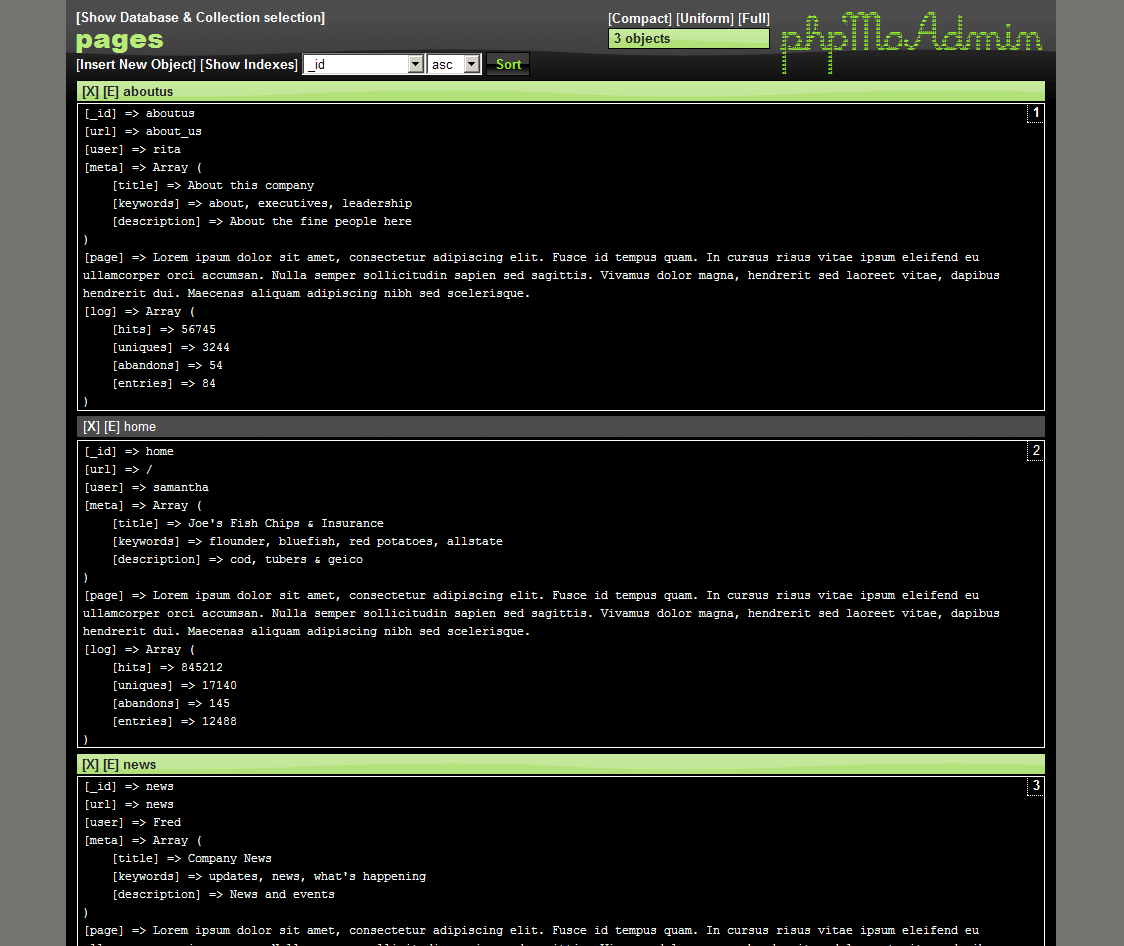
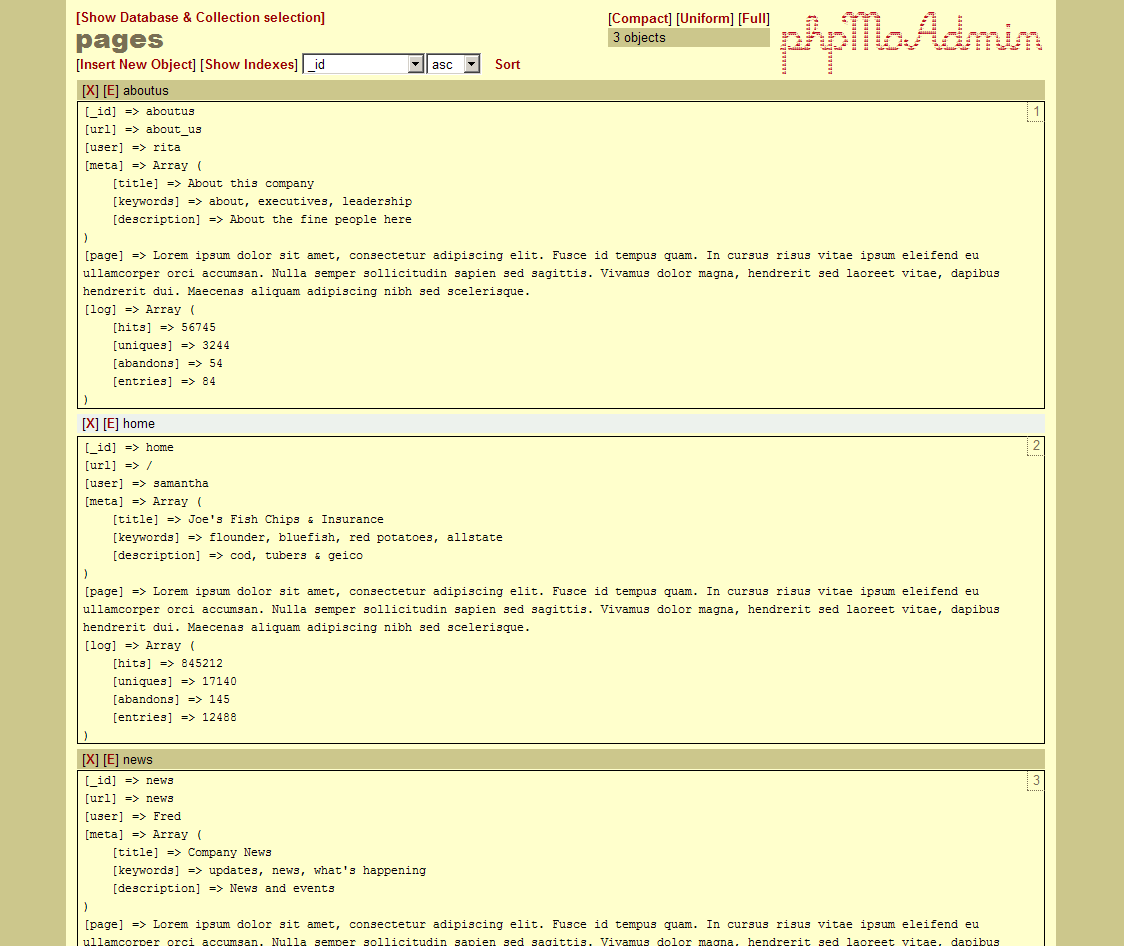
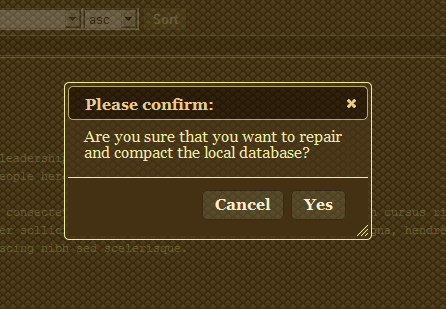
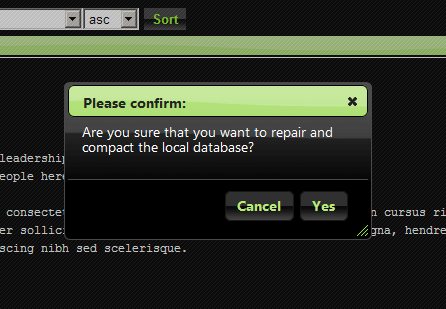
Multiple design themes to choose from
Free & open-source! Released under the GPLv3 FOSS license!
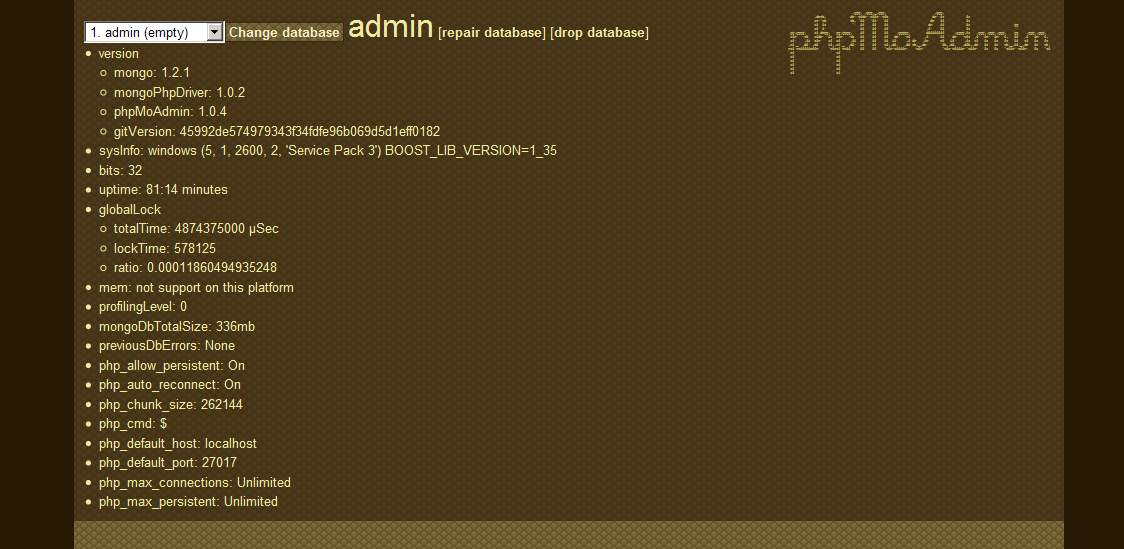
Mongo Statistics – Stats, error log, versions & system info
Features
Database
o List with data sizes
o Create/drop
o Repair
Collection
o Show collections
o Create/drop collection
o Rename collection
o List indexes
o Create/drop indexes
– multiple keys
– ascending/descending
– unique index
Data objects
o Search for exact-text, (type-casted) value, text with * wildcards, regex or JSON (with Mongo-operators enabled)
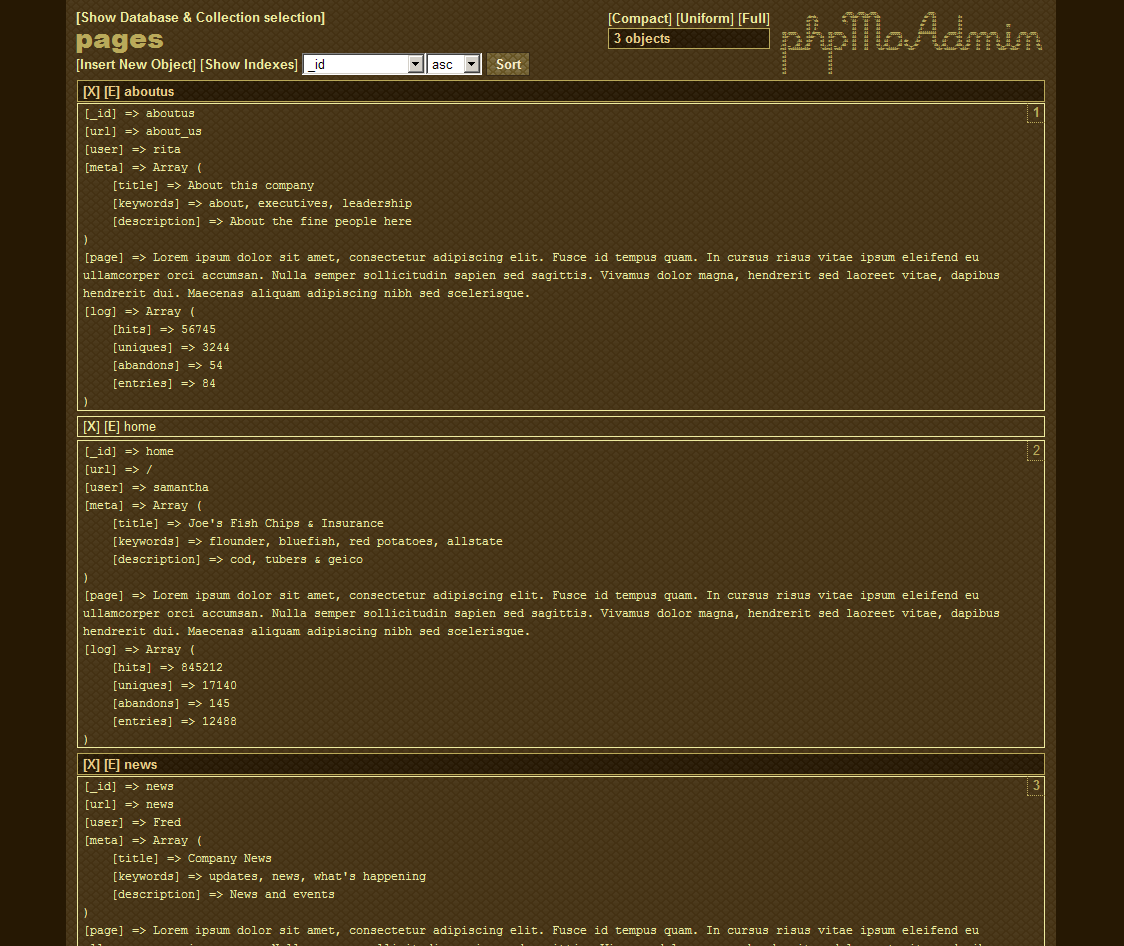
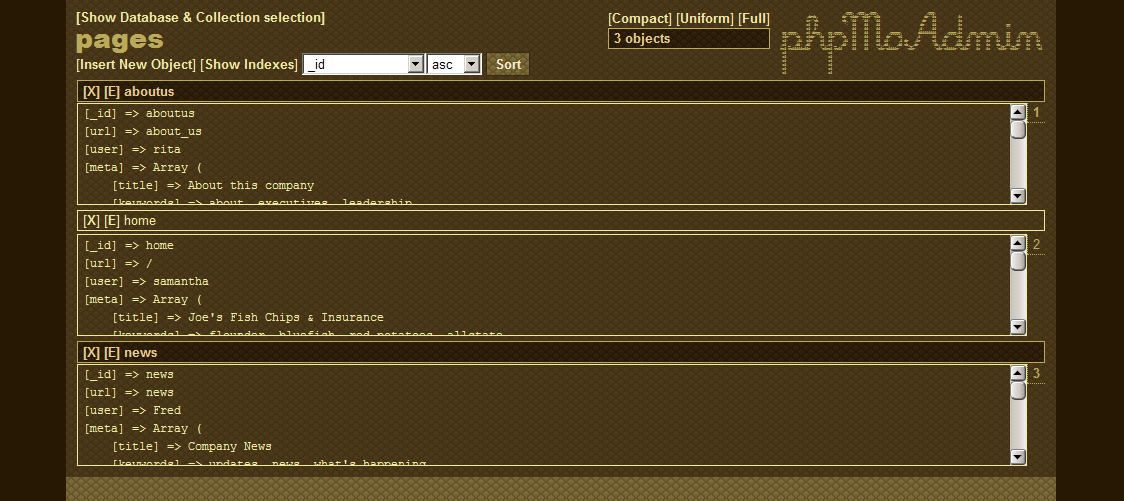
o Show objects with 3-different viewing options (full, compact & uniform)
o Option to query MongoDB using JSON or a PHP array
o Sort by any key within your data object (even nested sub-keys!) with ascending/descending option
– Option to sort by $natural for rapid browsing of large datasets
o Create/delete objects
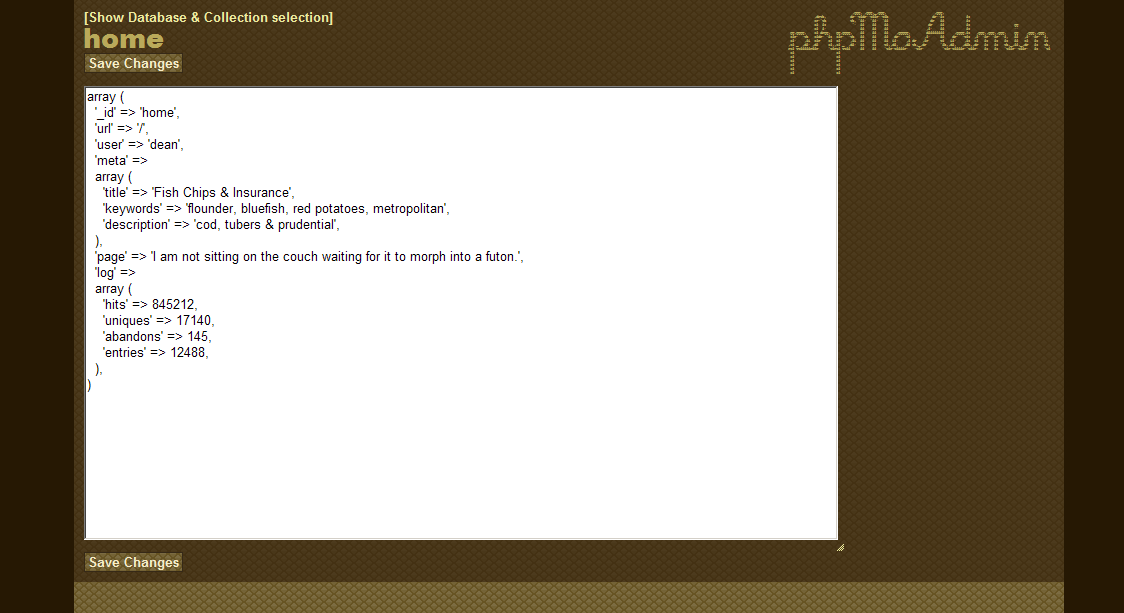
o Edit object data using standard PHP object/array syntax
o Export to JSON format
– Full collections or limited recordset based on the results of a query
– Export exact page contents or entire query results (ignoring limit and skip values)
o Import from JSON format
– Insert new records only
– Save / upsert (adds new & overwrites existing with same _id)
– Update only pre-existing records
– Insert until a duplicate is found and then halt import
Mongo GridFS
o GridFS objects automatically link GridFS chunks to GridFS files
MongoDB stats
o Uptime, memory, etc.
o Log of previous errors
o Mongo-PHP settings
o Version & bit-depth of MongoDB, Mongo PHP driver, phpMoAdmin, etc.
Optional password-protection for one or more users