
- 🙋 Ask general questions or use code snippets from the editor to query the AI
- 🔬 View AI responses in the sleek side panel
- 👀 See the responses as they are being generated
- 📝 Insert code from the AI's response into the active editor
- 💾 Save and fetch your team's code snippets from your online library
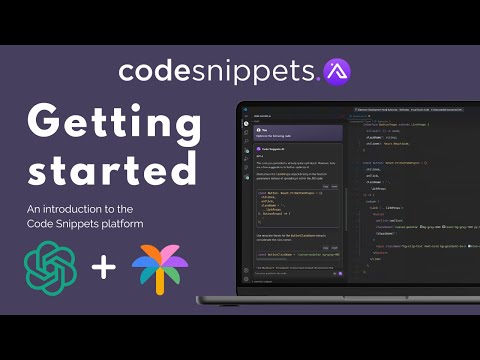
Code faster with GPT-4, ChatGPT & Google PaLM2.
Our OpenAI services are delivered by Microsoft Azure. Allowing for increased speed compared to the standard OpenAI API
- Open a file in Visual Studio Code and click on the CodeSnippets icon in the sidebar.
- This will open the side panel with an input field.
- Enter your prompt or question.
- Click Enter.
- The prompt will be sent to the AI.
- The response will be displayed below the input field in the sidebar.
Select some code in the editor, right click on it and choose one of the following commands from the context menu:
Opens the custom command window for you to insert your own prompt. (You can also press Ctrl + Shift + A). With or without selected code for added context.
Refactors the selected code.
Explains what the selected code does.
Creates tests for the selected code.
Looks for problems/errors in the selected code, fixes and explains them.
Make the selected code more concise and easier to read.
Generate comments for the selected code.
Saves your code snippet to your online library for your whole team to access.
To use this extension, install it from the VSCode marketplace.
To use this extension, you will need an API key from your dashboard.
To get one, follow these steps:
- Go to codesnippets.ai
- If you don't have an account, you will need to create one or sign up.
- Sign up to one of our plans.
- Copy the API key from the dashboard and paste it into the Access Token field in the extension settings.
- After completing these steps, the extension should be ready to use.
Answers to our most popular questions can be found here: FAQ
GPT-4 is only available on our Pro plan.
ChatGPT & Google PaLM2 is used for all other plans.
I hope you enjoy using Code Snippets AI.
If you have any questions or wish to request a feature, please get in touch with me on the Discord, where I will be happy to assist you.
Credits for Snippet Library integration, extended chat features & use of Enterprise AI Models go to Code Snippets AI.
Credits for chat display inspiration to Ali Gençay Copyright (c) 2022.