







BalanceD is a syntax theme that was developed to be pleasing to the eye while maintaining a sense of semantic purpose.
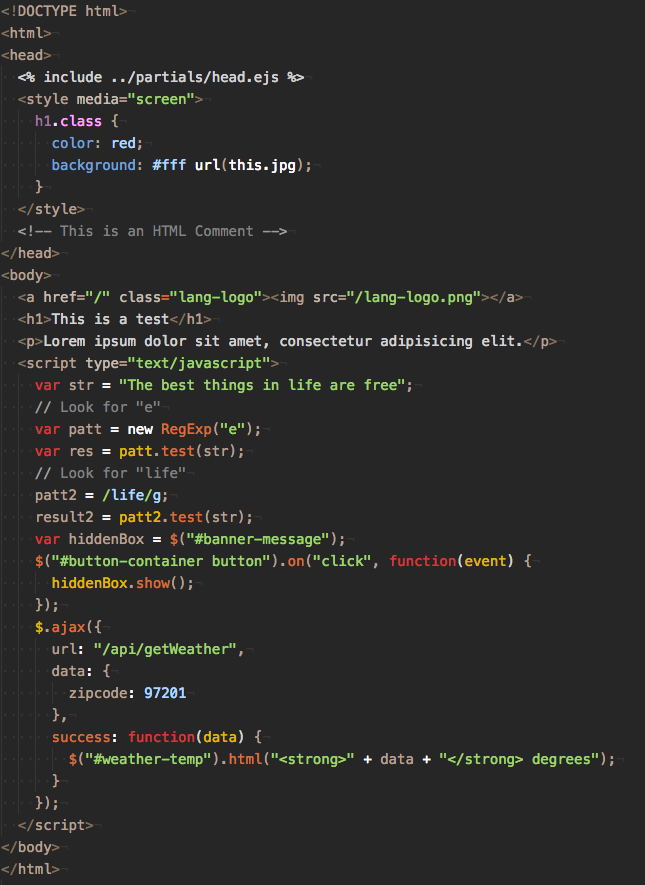
- Open Visual Studio Code application
- Go to Extensions
- Search for
balanced theme - Install the Balanced Theme package
Or, install from the command-line:
code install balanced-themeContributions are always appreciated. Read CONTRIBUTING.md documentation to learn more.
Release details are documented in the CHANGELOG.md file, and on the GitHub Releases page.
Copyright (c) 2017 Sean Trane Sciarrone