

A Three.js terrarium that grows a tiny floating-island world — biome, terrain, flora, creatures, birds, and weather — from a 16-bit seed. Cute and painterly by design.
Live demo: https://small-world.pardev.net/
Every world is deterministic from its seed (visible in the URL as ?seed=0x____), so a link reproduces exactly what you see. Hit regenerate for a fresh roll, or share your URL to send someone the exact same island.
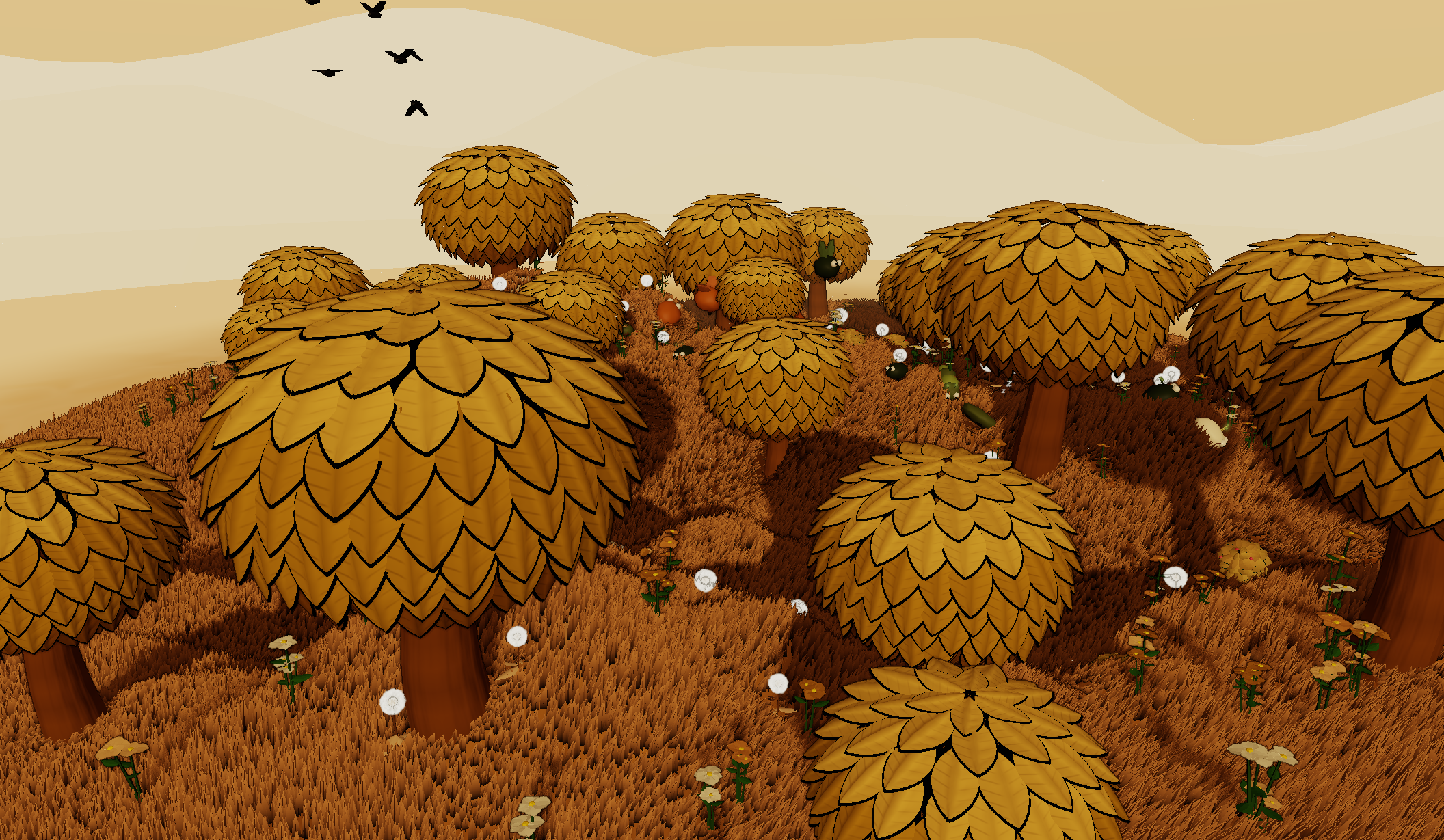
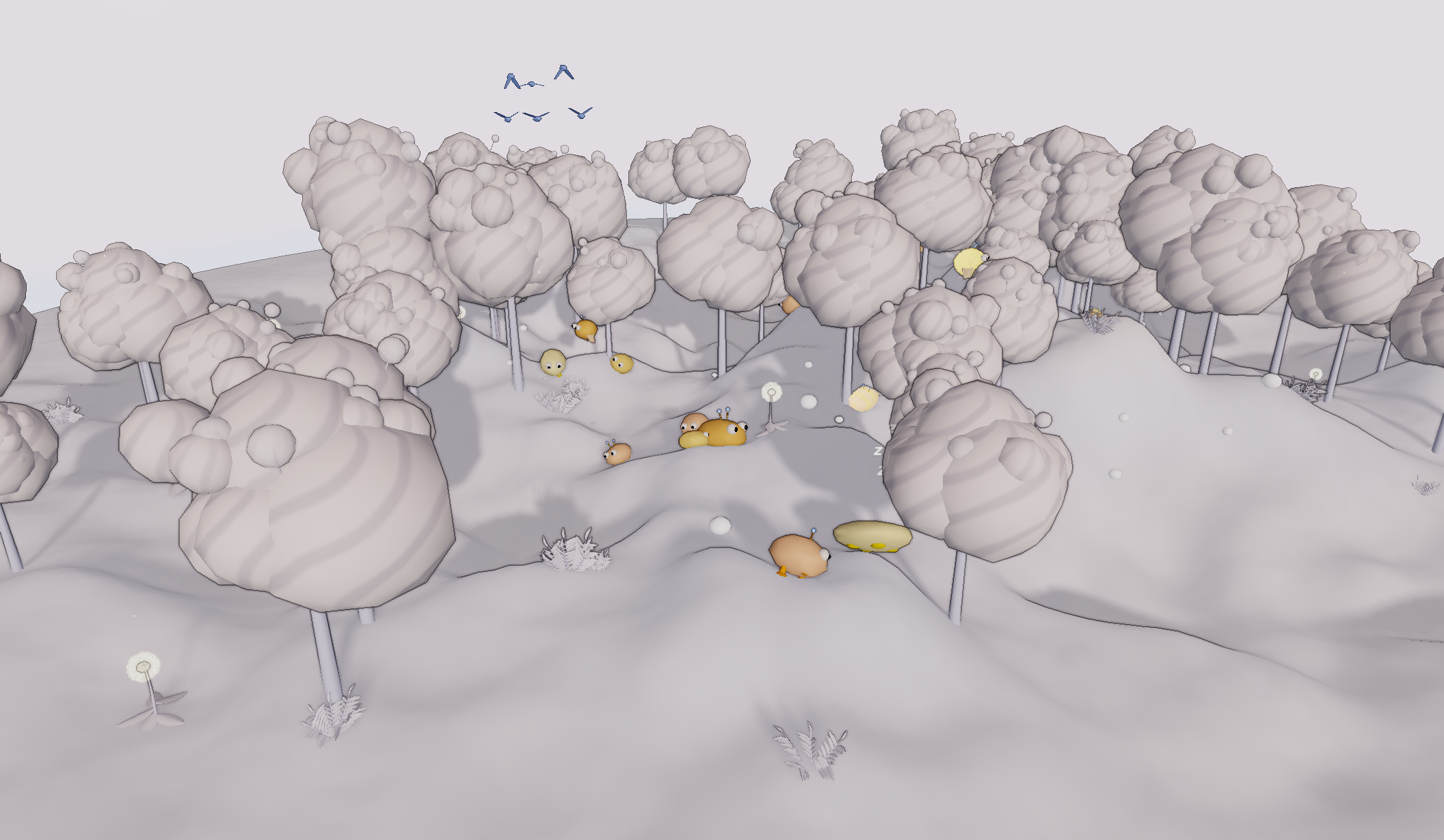
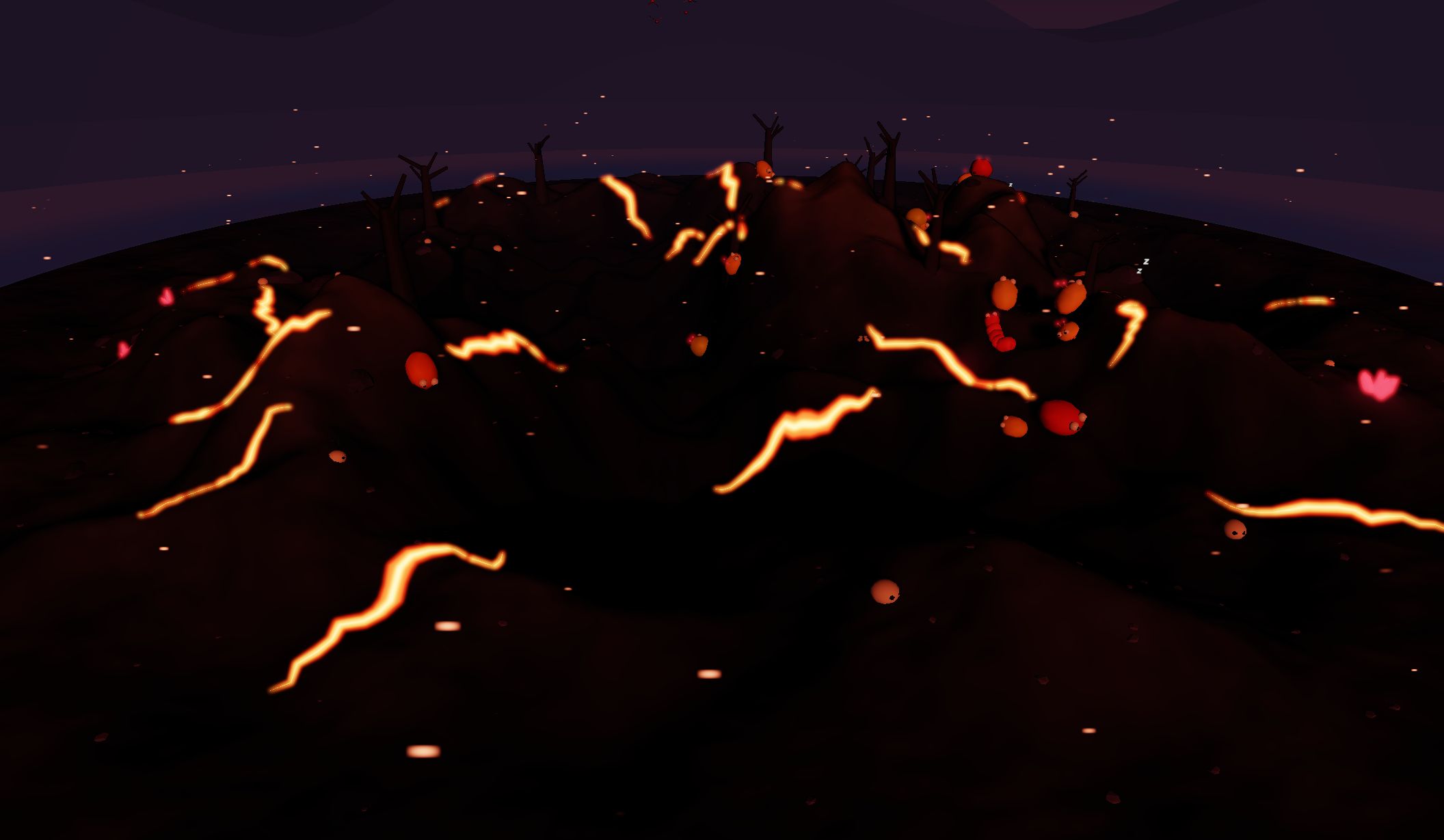
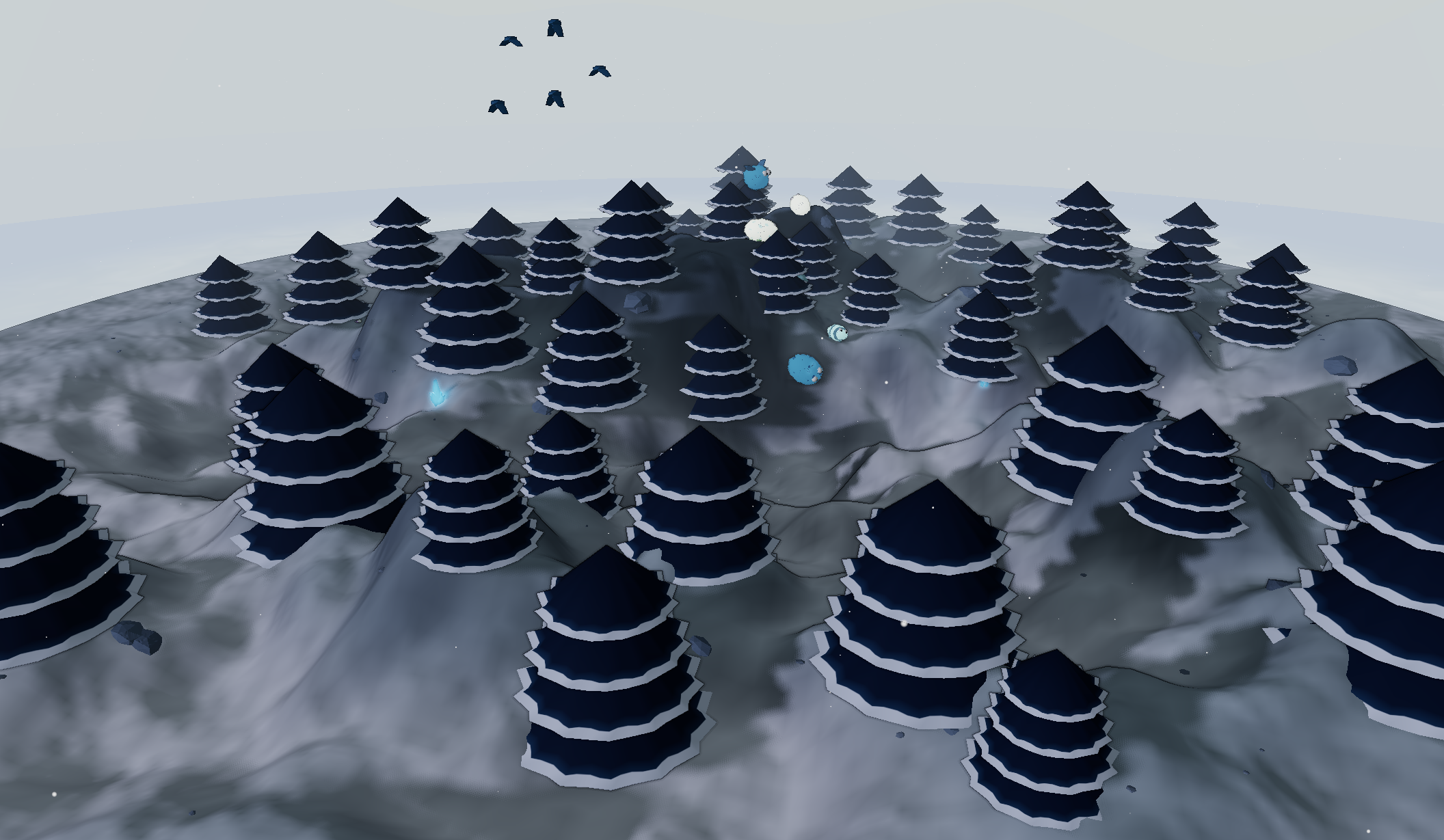
All twelve biomes — click any image to load that exact world.
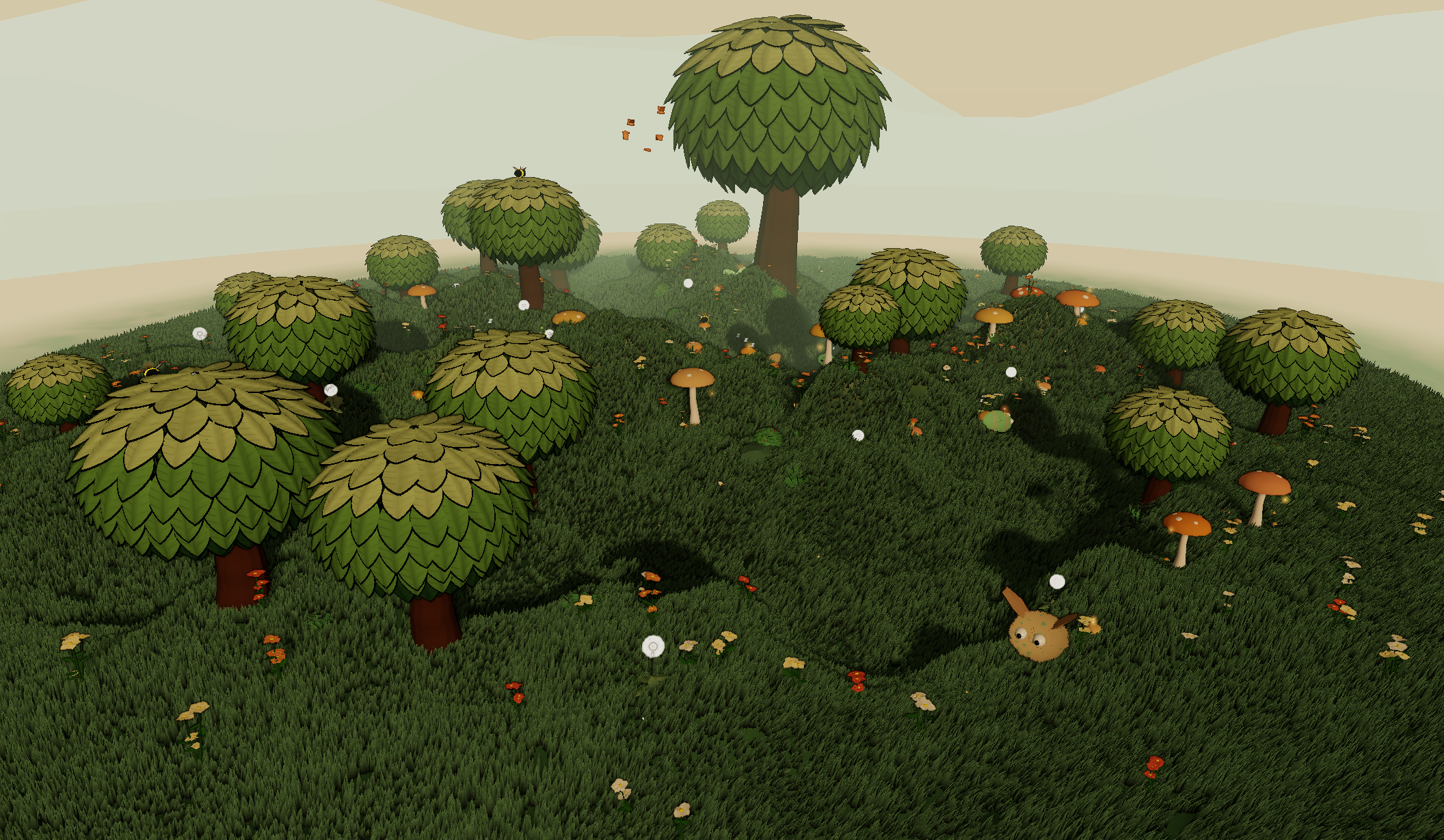 |
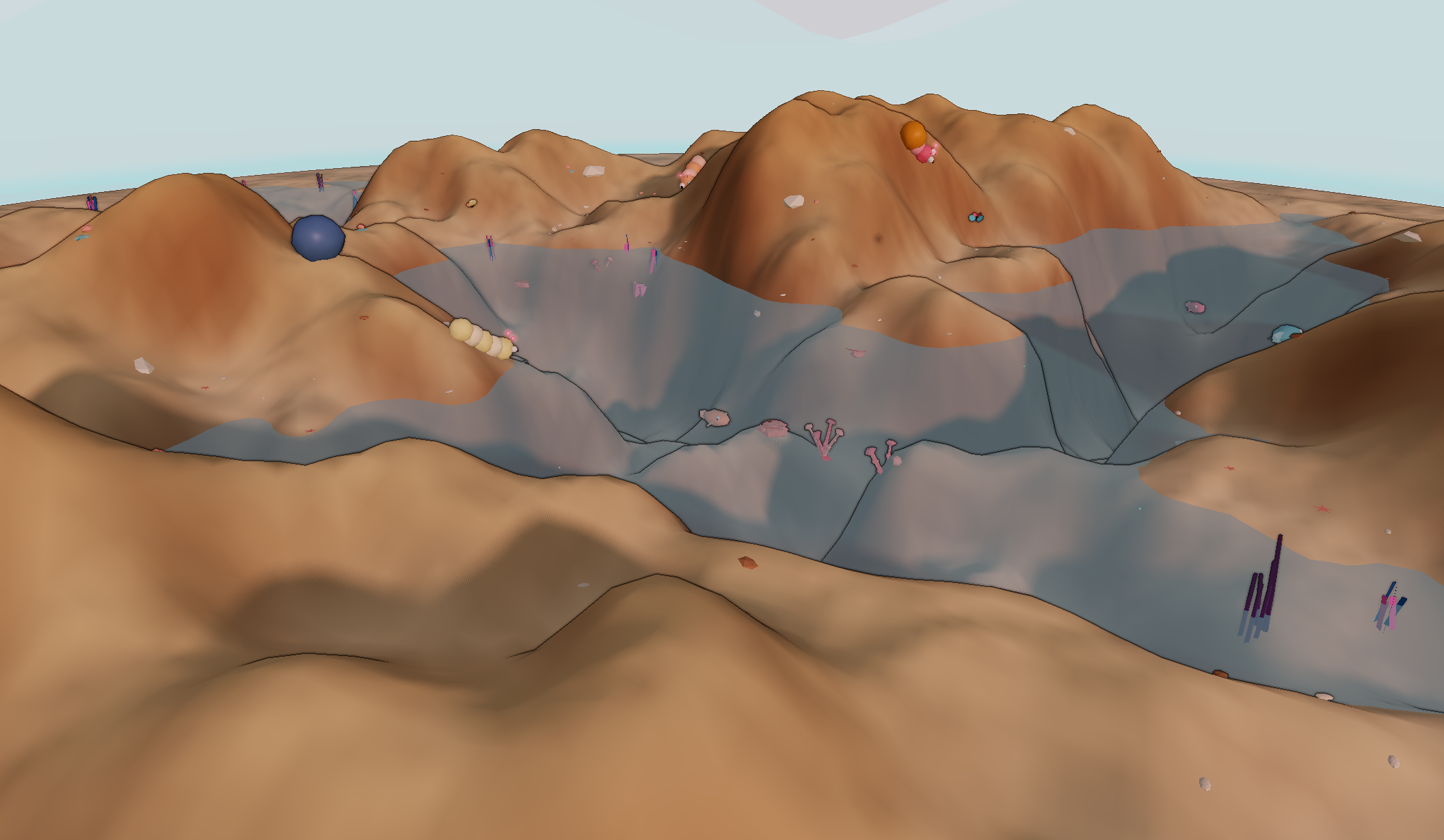 |
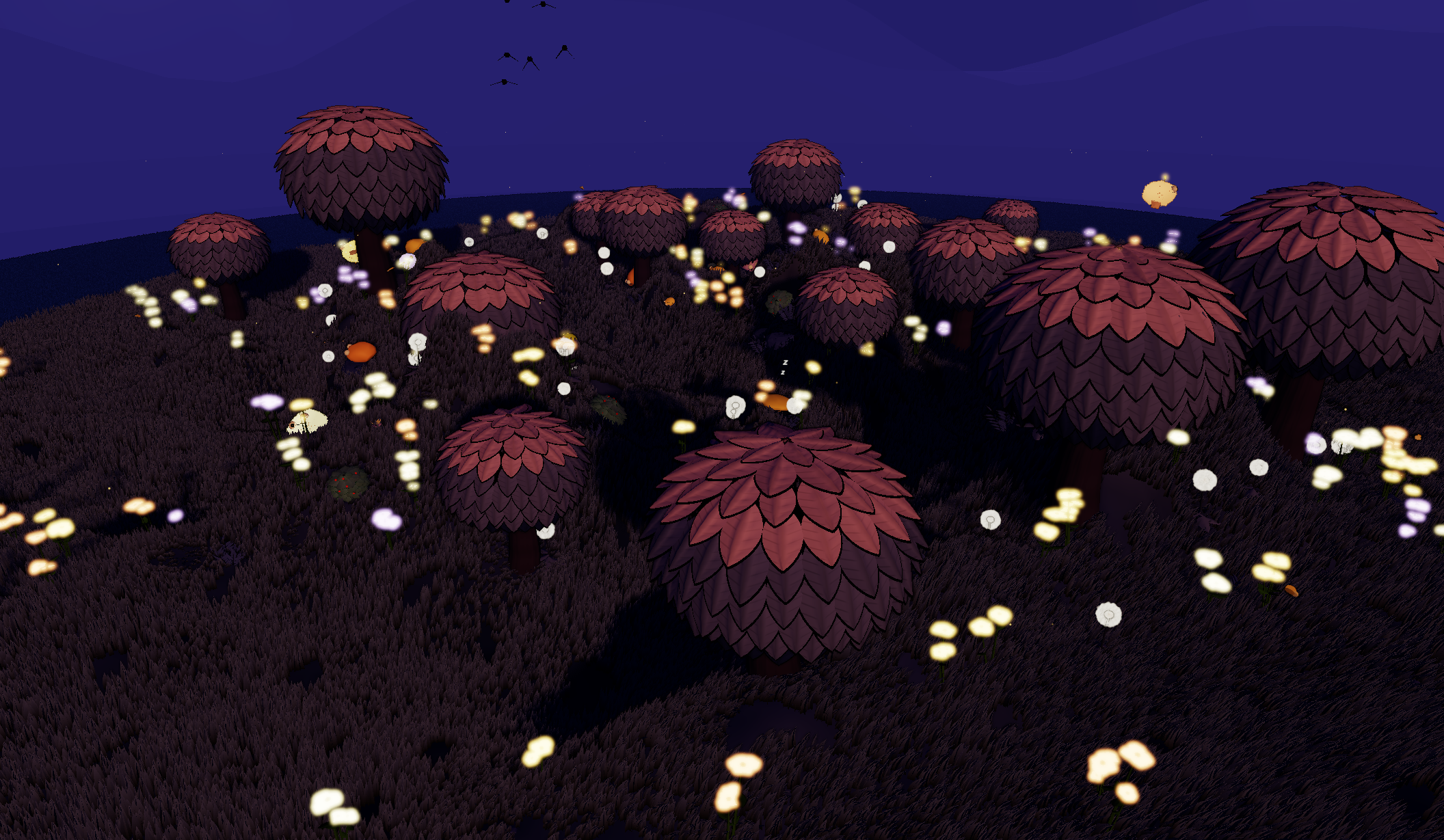 |
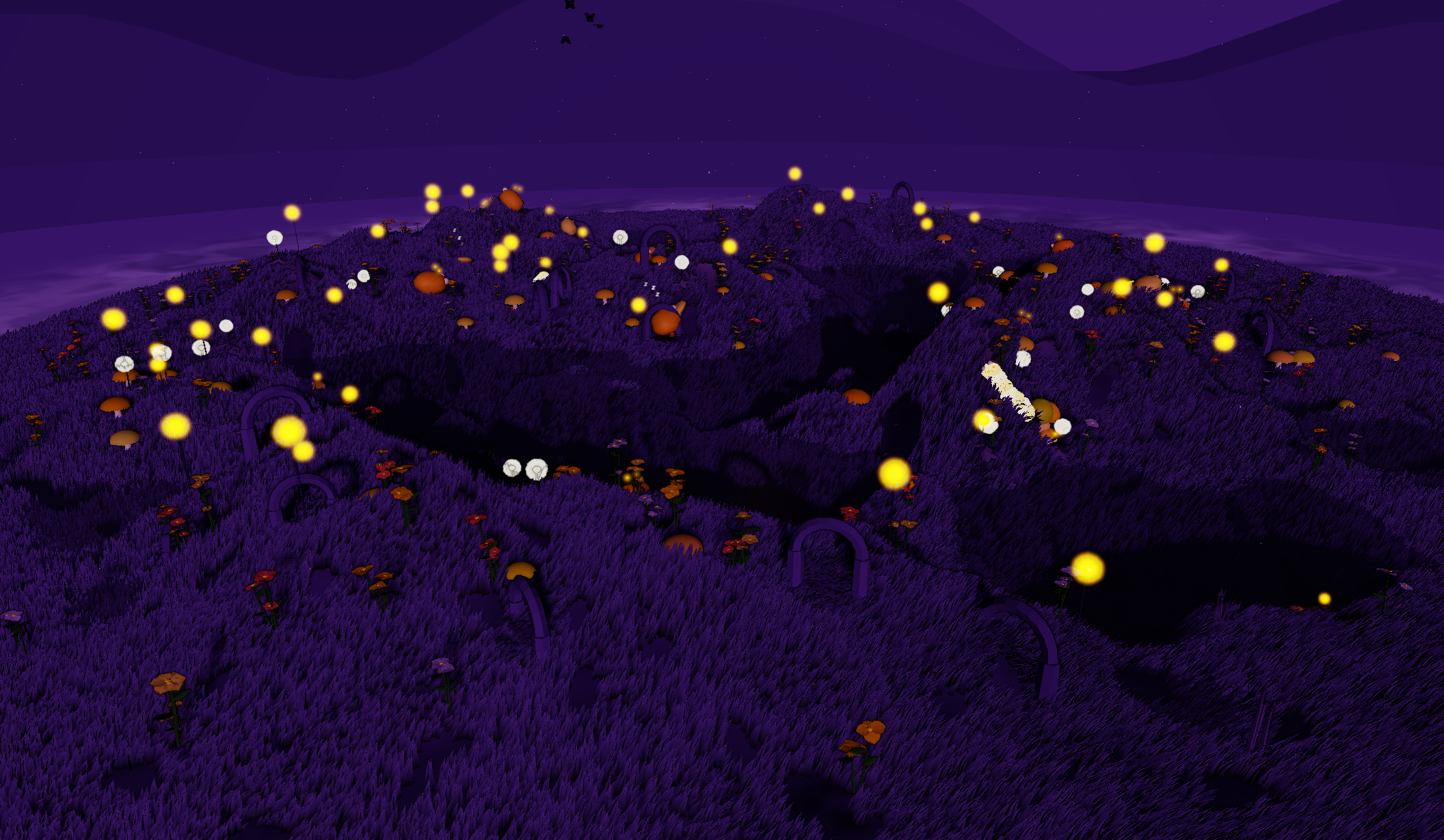 |
 |
 |
 |
 |
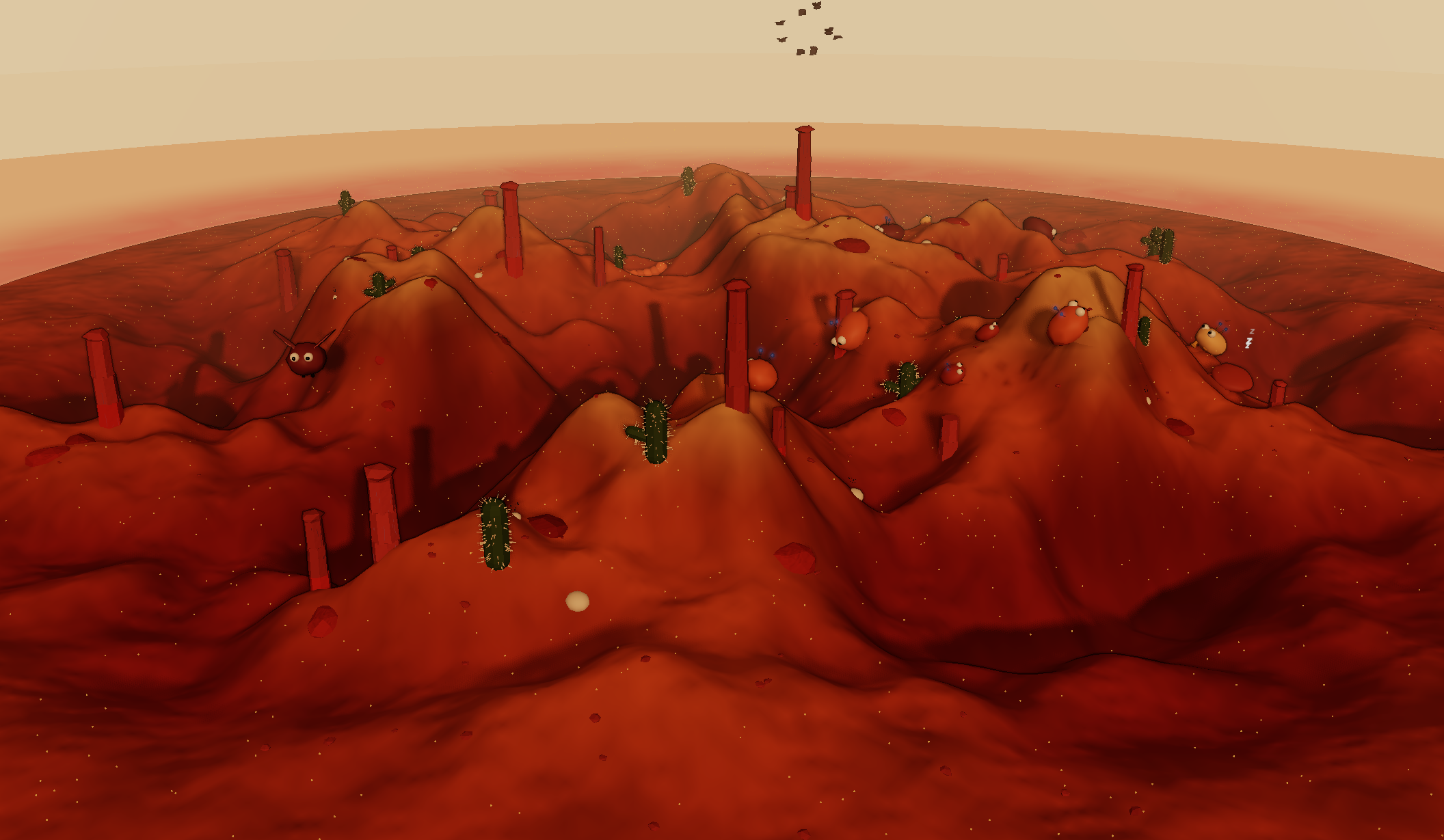 |
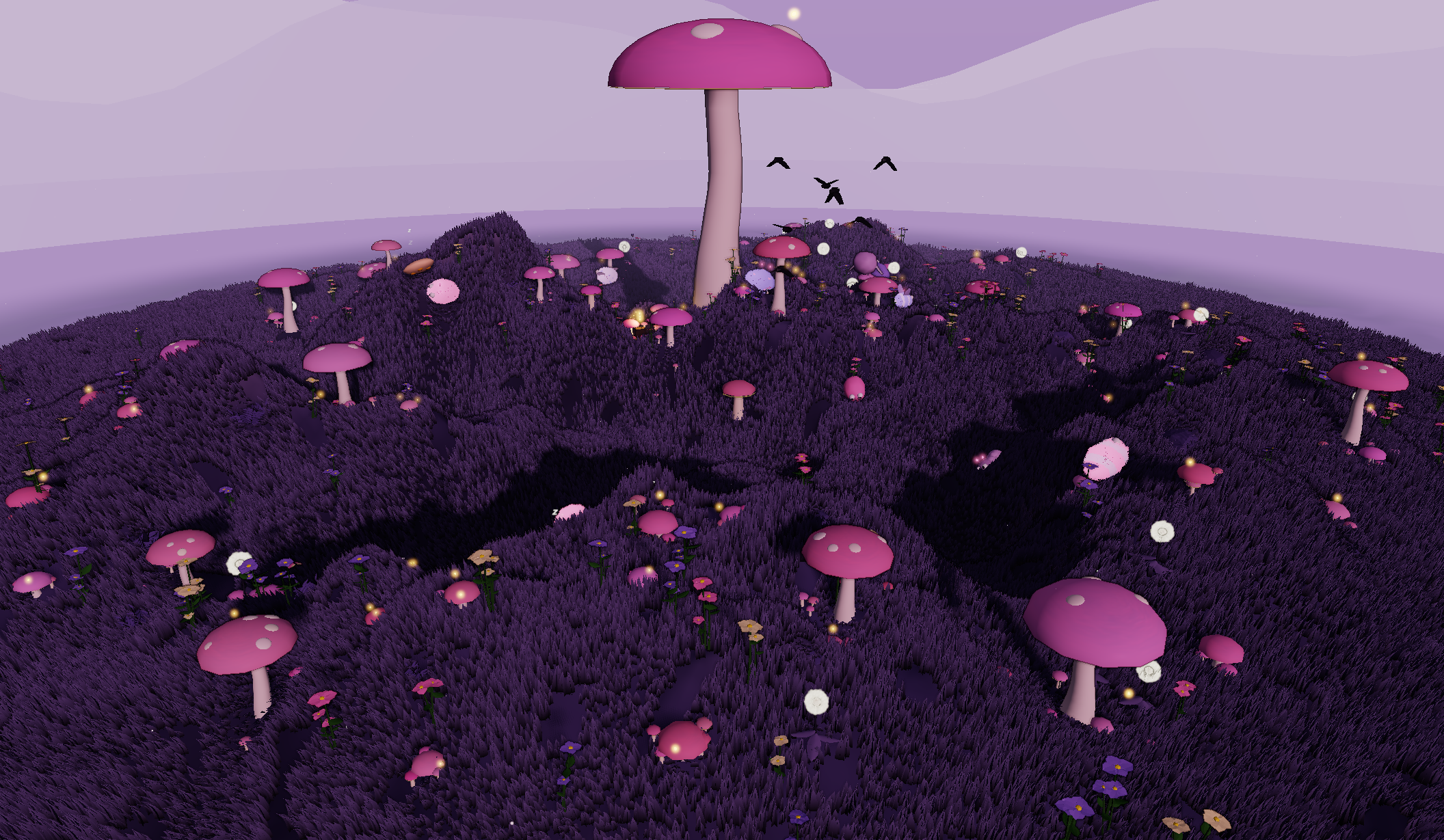 |
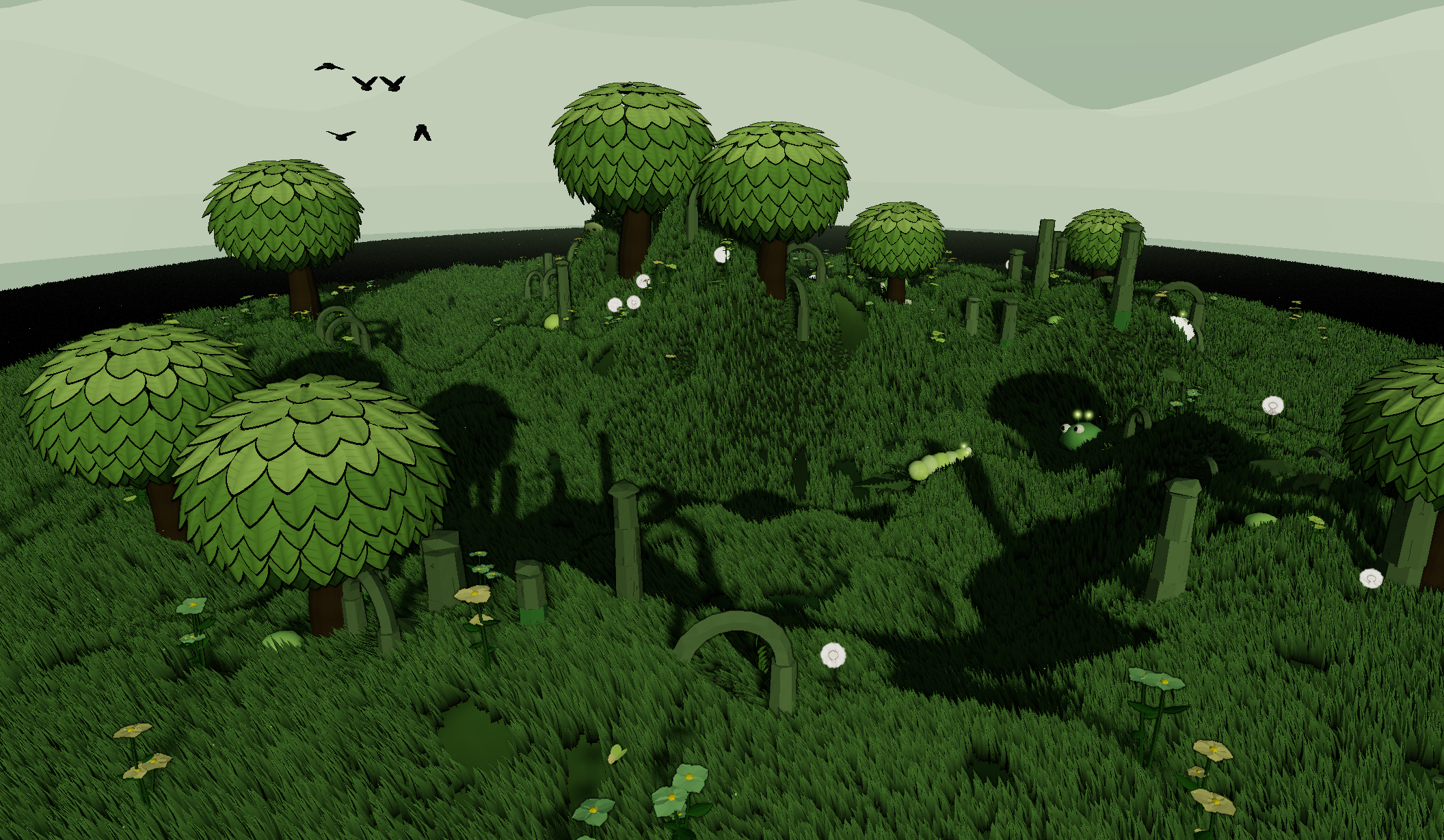 |
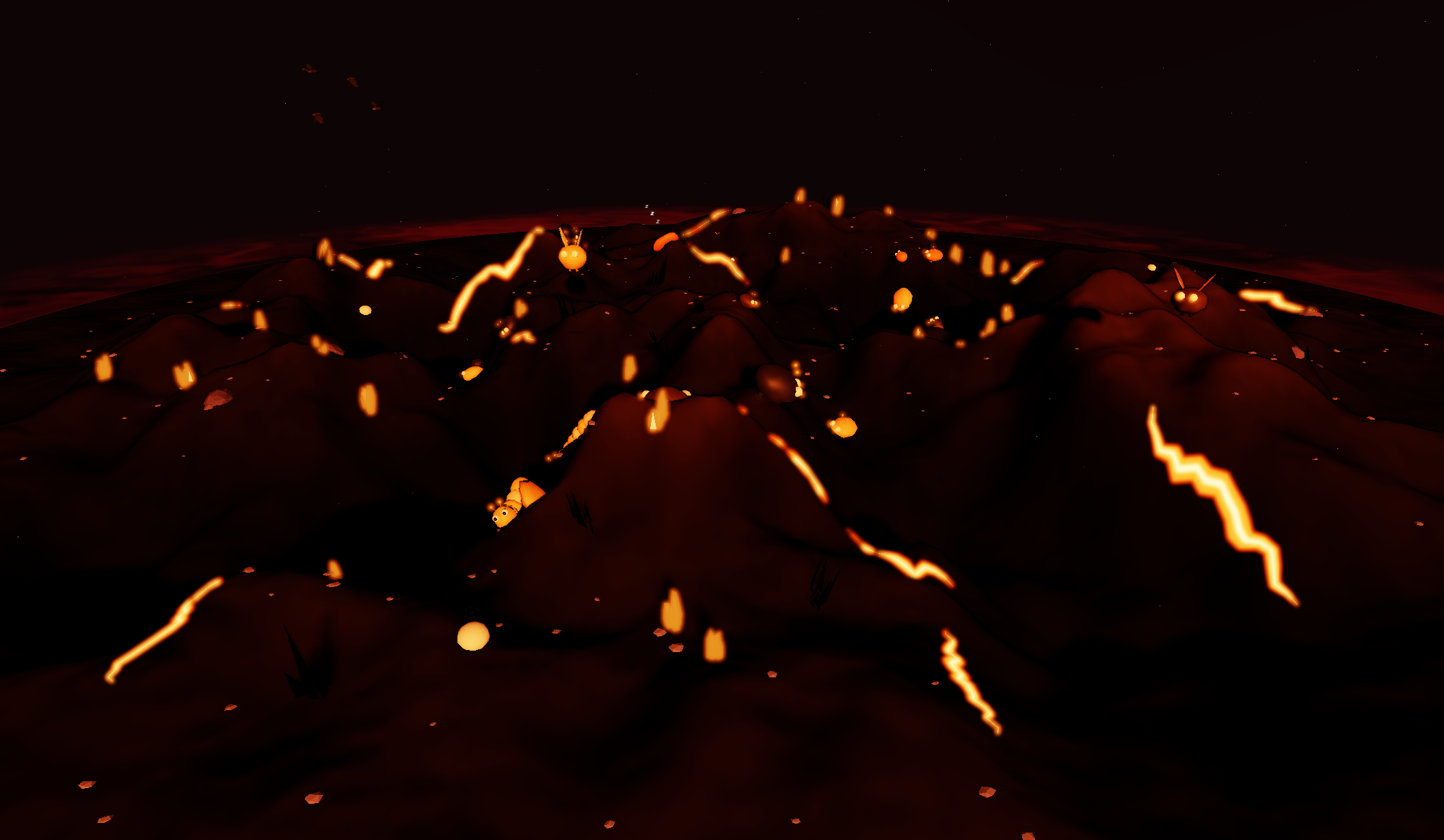 |
A fairy ring in the verdant grove:
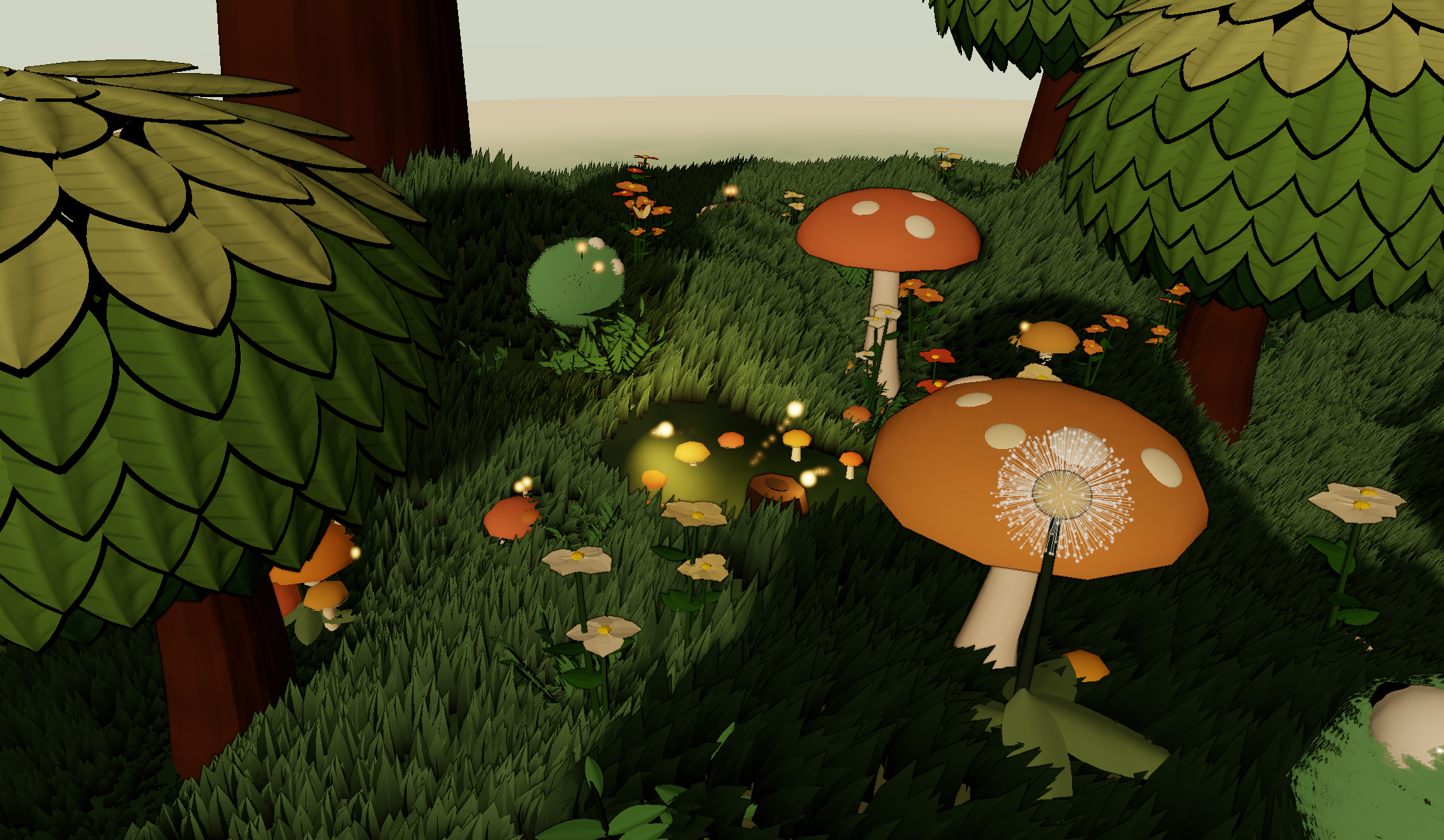
- Twelve biomes — each with a unique palette, weather, flora mix, creature variants, and original instrumental music score.
- Procedural fauna — big-eyed creatures that wander, sleep, burrow, and travel in families; caterpillars, butterflies, bees, will-o'-wisps, and flocks of birds. Many biomes give walkers and caterpillars a shell-fur shader for a soft hairy silhouette, with per-biome fur probability (from a light dusting up to a full coat).
- Day/night cycle — 120-second cycle with per-biome dusk and night palettes. Creatures respond to darkness: walkers curl up and sleep, fliers descend and grow drowsy, each personality (shy, bold, sleepy, bouncy) has a different sleep threshold.
- Visual polish — mip-chain selective bloom on emissive elements (glow flowers, lanterns, sun), optional tilt-shift miniature blur, soft circular shadows under every creature, sky reflections on water biomes, parallax mountain backdrop, GPU-particle shader with per-particle life/size, dust kicks under footsteps, and procedural PBR detail textures on terrain, bark, and stone.
- Camera modes — orbit the island, switch to fly camera with
Vfor free movement, stroll in first person among the creatures, or freeze the sim in photo mode to save PNGs and fill the Field Guide. - Field Guide catalog — biome-specific fauna and flora checklist that unlocks from photo-mode reticle captures. Thumbnails persist locally in the browser, duplicate photos ask whether to keep or replace the saved shot, and empty slots can jump to their biome with the current seed.
- Inspect mode (
?inspect=1) — a neutral studio backdrop for examining a single creature or flora variant. Cycle biome/variant with keyboard, pause and frame-step animation, copy the URL to share an exact recreation. - Interactive UI — follow-a-creature camera, bookmarks, biome filter, shareable seed links, fly camera controls, wind and grass density controls, FX toggles, auto-regenerate timer, and per-biome music track selection.
- Mobile-friendly — touch gestures plus tiered rendering: a mid-tier profile (
?midfx=1) trims the heavier depth effects while keeping bloom, and a low-FX mode (?lowfx=1) drops fur, post-FX, and particle counts on lower-end devices.
Orbit mode (the default — drag to rotate, scroll to zoom):
| Key | Action |
|---|---|
R |
Regenerate a fresh random world |
F |
Enter/exit first-person stroll |
V |
Enter/exit fly camera |
P |
Toggle photo mode |
G |
Toggle the Field Guide catalog |
L |
Toggle the locator panel |
T |
Toggle the guided tour |
, |
Open/close the settings panel |
Space |
Pause / resume the simulation |
Esc |
Exit the current mode or close the open panel |
Stroll, fly, and photo modes (after pressing F / V / P) capture the pointer for mouse-look:
| Key | Action |
|---|---|
W A S D |
Move |
Q / E |
Down / up (fly and photo only) |
Shift |
Move faster |
| Click | Capture a photo (photo mode) |
Space |
Unfreeze the sim for action shots (photo mode) |
Esc |
Return to orbit |
Open the Field Guide with the on-screen book icon or G. Each biome has its own fauna and flora entries, and only subjects available for that biome are shown. To fill an entry, enter photo mode with P, frame a catalogable subject in the reticle, click to capture, then choose save to catalog from the review screen.
The guide stores small photo thumbnails locally in your browser. If you photograph an entry that already exists, the review screen shows the current and new shots and asks whether to keep or replace the saved image. Clicking a biome title or locked photo slot loads that biome with the current seed; clicking an unlocked entry revisits the seed and biome where that photo was taken.
Inspect mode (?inspect=1):
| Key | Action |
|---|---|
[ / ] |
Previous / next biome |
, / . |
Previous / next variant |
k |
Switch category (creature ↔ flora) |
r |
Reroll the seed |
f |
Toggle fur |
w |
Toggle wind |
s |
Save a screenshot |
Space |
Pause |
← / → |
Frame-step (while paused) |
Requires Node.js (see the engines field in package.json for the supported range). Install dependencies, then start the Vite dev server with hot reload:
npm install
make dev        # foreground server at http://localhost:2001
make dev-start  # background server at http://localhost:2001
make dev-stop
make dev-restart
Production build and preview:
make build
make preview    # serves the built app at http://localhost:2001
Edits to main.js, src/*.js, style.css, and index.html are reflected by Vite HMR when possible.
- Runtime dependencies are installed via npm and bundled by Vite.
make lintruns ESLint overmain.jsandsrc/;make testruns all JS tests;make checkallruns tests, lint, and the production build.- Deployment is via GitHub Pages at the live demo URL above; completed enhancements are typically committed and pushed to publish. Original music scores for each biome are served separately from
https://static.pardev.net/small-world/music/so large MP3 files stay out of git. - AI coding agents should start with
CLAUDE.md, which is also referenced byAGENTS.mdandGEMINI.mdcompatibility stubs.
The screen goes black or the world stops responding after switching tabs or waking the laptop.
This is a WebGL context loss, which browsers can trigger under memory pressure or after a GPU driver reset. The app listens for the webglcontextlost / webglcontextrestored events and rebuilds the renderer automatically — give it a few seconds. If it doesn't recover, reload the page.
make dev-start reports the port is already in use.
Run make dev-stop first; it kills whatever is bound to port 2001 (including a stale background dev server) before you start a fresh one. make dev-restart does both steps in one command.
No music plays.
Music streams from https://static.pardev.net/small-world/music/, a separate host from the app itself — check that the host is reachable and not blocked. Browsers also require a user gesture (a click) before they'll allow audio playback; the app resumes music on the first click if it was blocked at page load.
The app is slow or stutters on a low-end device or older phone.
Append ?lowfx=1 to the URL to force the low-FX profile (drops fur, post-FX, and particle counts), or ?midfx=1 for the mid-tier profile (trims heavier depth effects while keeping bloom). Both are auto-detected on weak hardware; the query param lets you force one on for testing regardless of the device.
- Three.js, bundled by Vite
- simplex-noise for terrain
- Plain vanilla JS modules with Vite for development and production builds
main.js— boots the renderer, camera, and animation loopsrc/— world generation, entities, UI, terrain, biomes, etc. (one file per concern), includingworld.js(the regen orchestrator),postfx.js(the bloom + depth-FX pipeline),portal.js(biome portals with live previews),pbr.js(procedural detail textures),music.js(biome music streaming), andislandname.js(procedural place names)src/world/—generateWorldphase modules (atmosphere, flora placement, portals, ground cover, fauna population)src/fauna/— per-entity modules (creatures, caterpillars, butterflies, bees, will-o'-wisps)src/flora/— flora builders by family (trees, garden, rocks, structures, aquatic, volcanic)src/environment/— particles, swarms, ground marks, ground cover, watersrc/ui/— HUD panels and modes (settings, help, photo, first-person, locator, catalog)index.html/style.css— static HUD shellMakefile— Vite dev/build/preview/lint shortcutsdist/— deployment build (GitHub Pages)CLAUDE.md— architecture notes, conventions, and the project's design constraintsideas.md— running enhancement list
Pull requests are welcome. To set up a working copy:
npm install
make dev        # Vite dev server with HMR at http://localhost:2001
Before opening a PR, run the full check and make sure it passes:
make checkall # all JS tests + ESLint + production buildCommit messages follow Conventional Commits — type(scope): summary, e.g. feat(postfx): mip-chain bloom, fix(ui): mobile fly controls. The release commit that bumps package.json is chore(release): X.Y.Z; always bump the version field in package.json before pushing to main (CI reads it for the deployed build). See CONTRIBUTING.md for the full guide.
MIT — see LICENSE. Copyright © 2026 Paul Robello.