
A server plugin for Minecraft that adds a device to place portals.
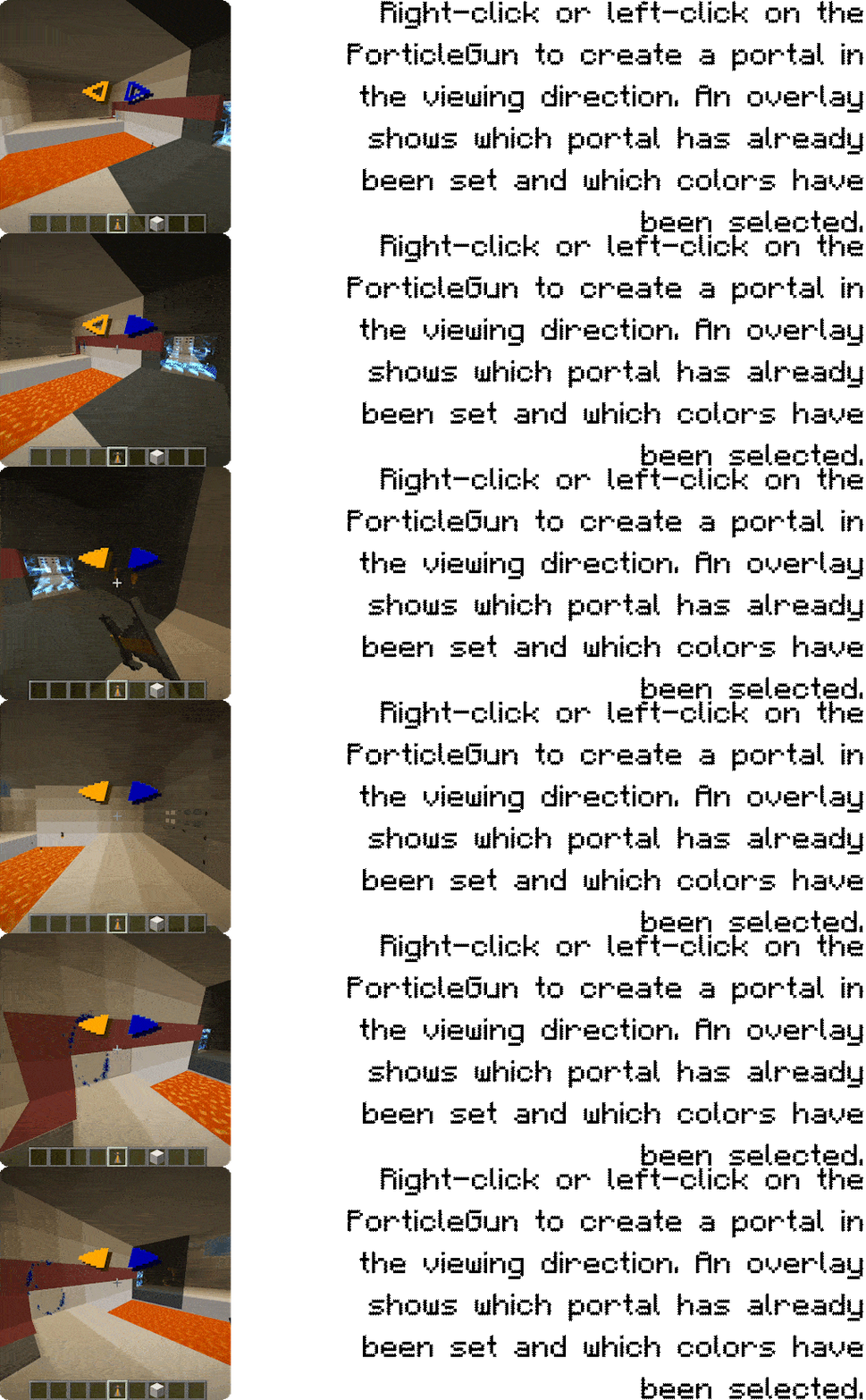
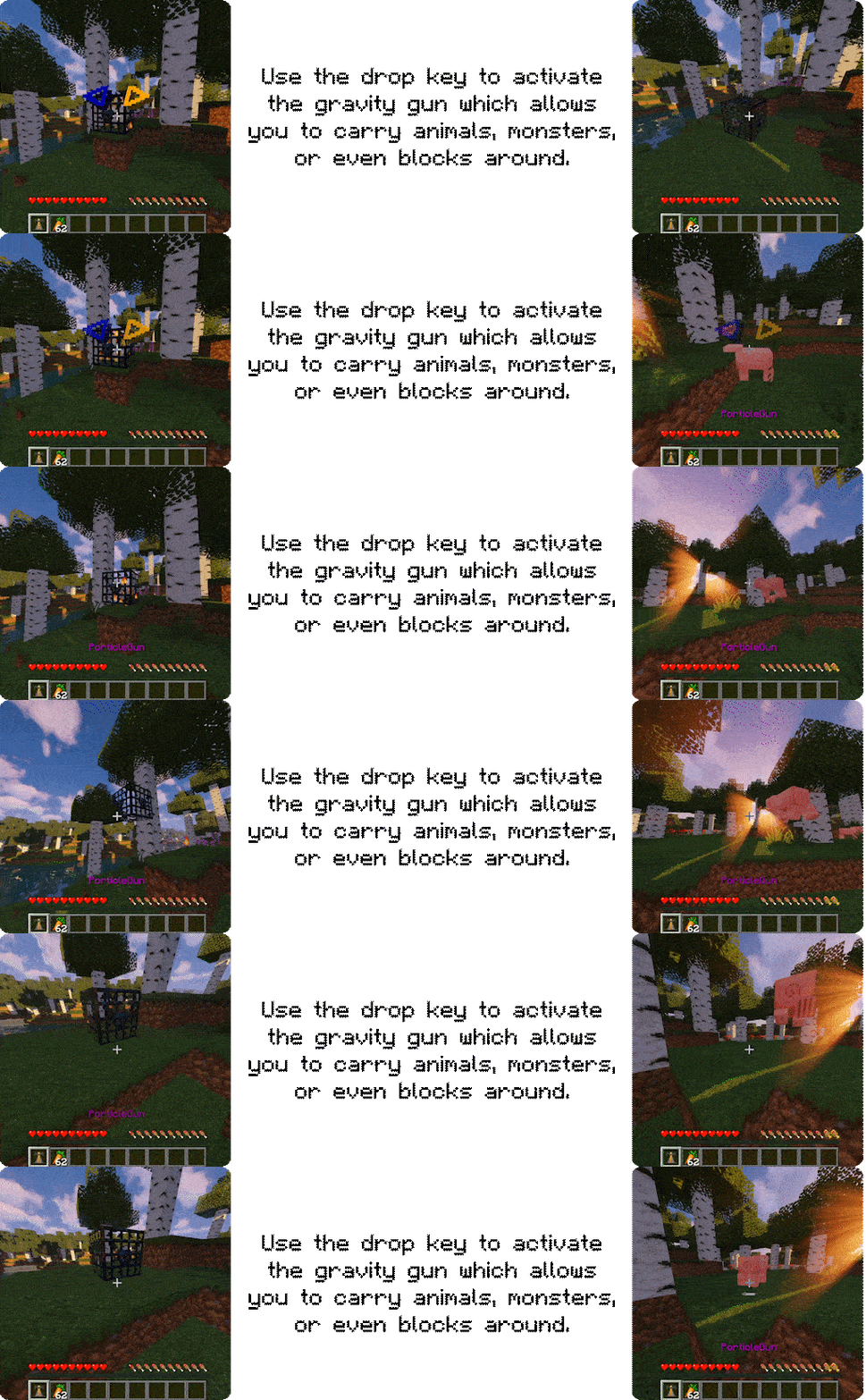
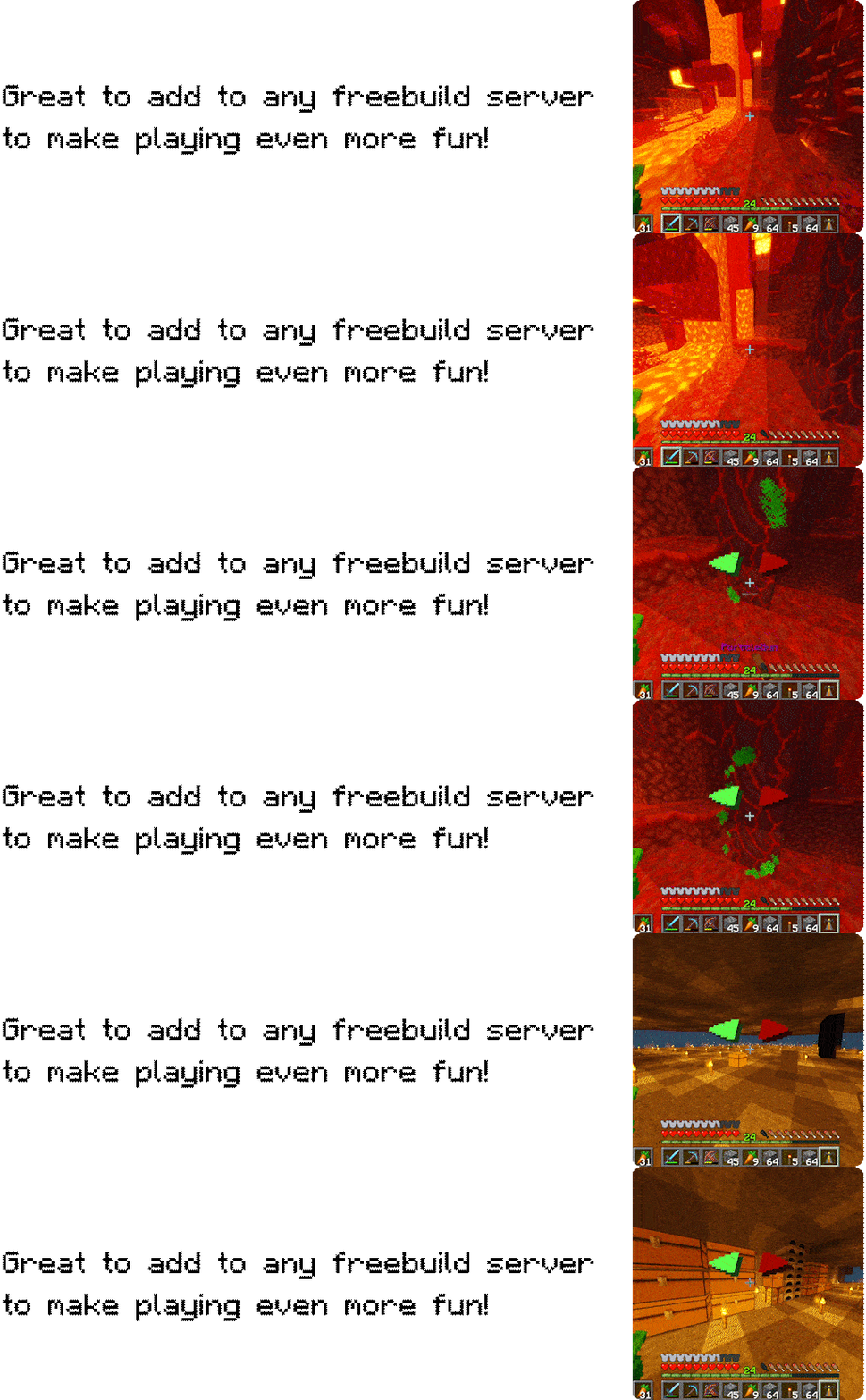
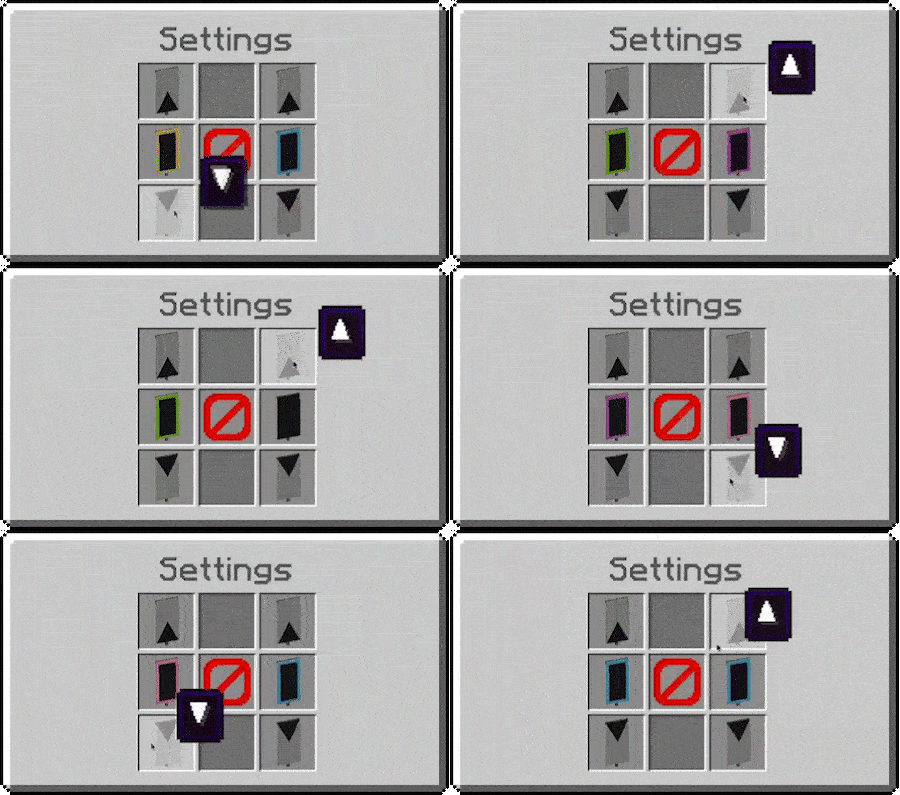
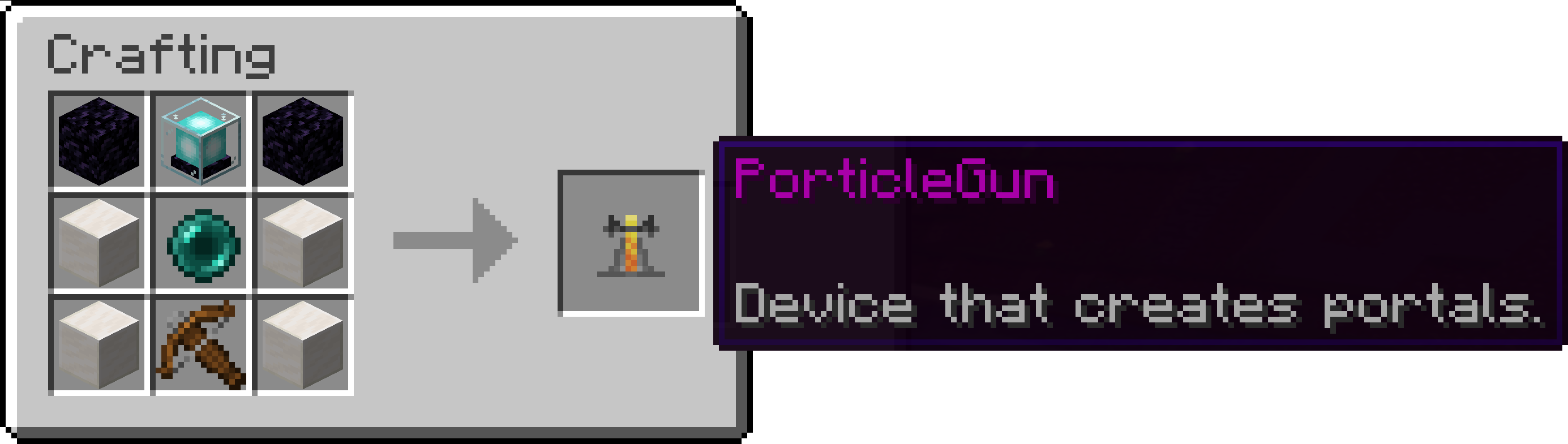
For even more information please visit the plugin page.
- Portal physics – Entities now keep their full momentum and facing when travelling between linked portals. Movement vectors are rotated into the destination portal's frame so that Portal-style conservation of velocity and view direction is preserved after teleportation.
The plugin ships with a config.yml that can be used to tweak runtime behaviour without touching the code. After editing the file you can apply your changes with /porticlegun reload.
PorticleGun automatically hooks into WorldGuard when the plugin is available on the server. The integration registers three custom region flags that let you limit where players may use the different features:
porticlegun-portal-create– Controls if players can open new portals inside a region. When the flag is denied the gun will not fire and no blocks are changed.porticlegun-portal-use– Determines whether entities are allowed to travel through existing portals that touch the region. Disabling the flag prevents teleportation in both directions.porticlegun-gravity-gun– Blocks players from picking up or moving blocks and entities with the gravity gun while inside the region.
All three flags default to ALLOW, so existing regions continue to work unchanged after installing PorticleGun. To restrict the behaviour simply set the respective flag to DENY on the regions in question.
gravity-gun.enabled– Set tofalseto completely disable the gravity gun event listeners and background tasks.gravity-gun.block-blacklist– A list of Bukkit material names that players are prevented from picking up with the gravity gun.gravity-gun.allow-chest-capture– Controls whether the gravity gun may pick up chests even if they appear in legacy configuration files.
PorticleGun now supports custom colour definitions for portal beams, banners, and chat formatting. The default config.yml already lists the built-in palette so you can tweak particle RGB values, chat formatting, or banner dyes directly. Add new entries under the portal.custom-colors list to extend the rotation:
portal:
  custom-colors:
    - name: cosmic_blue
      particle-color: "#3366FF"
      chat-color: "#3366FF" # optional, falls back to the particle colour when omitted
      banner-dye: BLUE       # optional, must be a vanilla DyeColor name
Each entry requires a unique name and at least a particle-color. Colours can be specified as hex strings (#RRGGBB) or as DyeColor names. Minecraft banners only support the 16 vanilla dye colours, so banner-dye values must match a valid DyeColor. When you omit the field the plugin automatically picks the nearest dye colour to your particle colour so the preview banner stays close to what players will see in-game. Edit the shipped defaults to override the standard colours or append additional entries, then run /porticlegun reload to apply the new palette.
Player-facing text is stored in messages.yml. The file is copied to the plugin's data folder on first start, so you can adjust translations without rebuilding the plugin.
default-languagecontrols which language section is used as the fallback and for console output. Change it to the language key you prefer (for examplede).- Each top-level language key (
en,de, …) mirrors the same nested structure. Add new sections or edit the existing strings to customise the wording. Colour codes use the standard¬ation and support placeholders such as%gun_id%,%player%, or%state%. - After modifying the file, run
/porticlegun reloadto apply the new texts in-game.
The plugin automatically tries to match a player's Minecraft locale (e.g. de_de or en_us) to the available language sections. If a match is found, that translation is used for menu titles, chat messages, and other UI elements for that player. Operators can also override the language manually at runtime:
MessageManager.setPlayerLanguage(player.getUniqueId(), "de");Calling the method with null reverts a player back to automatic detection. This makes it easy to integrate custom language selectors or to honour preferences stored by other plugins.