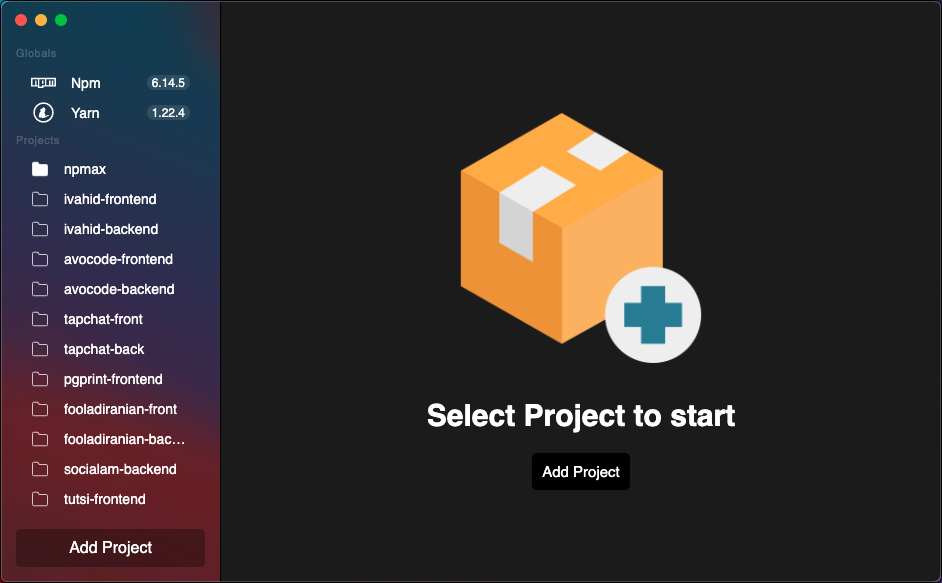
The Open Source desktop GUI for npm, yarn, pnpm, and Composer packages.
Runs on Linux, macOS and Windows.
Download for macOS Apple Silicon (arm64)
Download for macOS Intel (x64)
Download Installer for Windows
- View and manage npm, yarn, and pnpm packages from a
package.json - View and manage Composer (PHP) packages from a
composer.json - Detect outdated packages with live version checks against the npm registry and Packagist
- One-click version updates with semver prefix preservation (
^,~, etc.) - Lock file status indicator with Install / Sync button
- Supports multiple projects in a sidebar
- Cross-platform: macOS, Linux, Windows
npMax automatically detects whether your project uses composer.json (PHP/Composer) or package.json (Node.js) and displays the appropriate editor. For Composer projects:
- Fetches the latest stable version of each package from Packagist
- Skips platform requirements (
php,ext-*,lib-*) — only real packages are checked - Preserves your version constraint prefix on update (
^,~,>=, etc.) - Detects
composer.lockstatus and offers a one-clickcomposer install
Install the dependencies...
npm install...then start
npm run devPlease read our Contributing Guide before submitting a Pull Request to the project.
For additional help, you can use one of these channels to ask a question:
To create an optimized version of the app:
npm run dist