Seed site for new AI core technology, which parses documents and creates a Context AST.





The Lossless Group’s multi‑site Astro starter is called Astro Knots.
Astro-Knots demonstrates:
- Documentation-driven development with AI-Code Assistants: write docs, get code.
- Environment‑driven configuration: flip site modes and brand via
.envand config files. - Opinionated theming with design tokens: consistent branding across sites.
- Vigilant configuration with Tailwind: catch errors early.
- Component reuse or adaptability: build sites quickly.
- Optimized for multi‑site reuse: a small set of env and config switches change brand, theme, content focus, and component presence without forking code.
- Fast standing‑up new sites: clone the seed, wire brand/content, deploy.
To run the site locally, clone the repo and run pnpm dev.
- Built with Astro, using Svelte where interactivity makes sense.
- Avoidant of React patterns and JSX, TSX syntax in clean Astro.
- Preference from HTML > CSS > Astro > JavaScript > Svelte. If it can be done with cannonical and highly stable Internets code, then do it with cannonical code.
- Reluctant acknowledgement inline styling and market adoption of Tailwind makes initial prototyping easier in Tailwind.
- Designed to consume shared packages (tokens, Tailwind presets, component library, brand config, icons) from the
astro-knotsecosystem. - Lives as a Git submodule under
astro-knots/sites/cilantro-siteand as a standalone repo.
- Environment‑first theme customization: flip site modes and brand via
.envand config files, which enable rapid theming and multi-branding. - Strong theming: design tokens map to Tailwind and CSS variables, enabling consistent branding.
- Reusable components: Svelte + Astro building blocks that can be themed without duplication.
- Narrative development through layout sections: each section is a component that can be themed and reused, as well as swapped for new variants.
- BaseHeader
- BaseFooter
- BaseLayout
- Hero Section
- Problem Section
- Solution Section
- Traction Highlights Section
- Narrative Highlights Section
- Benefits Section
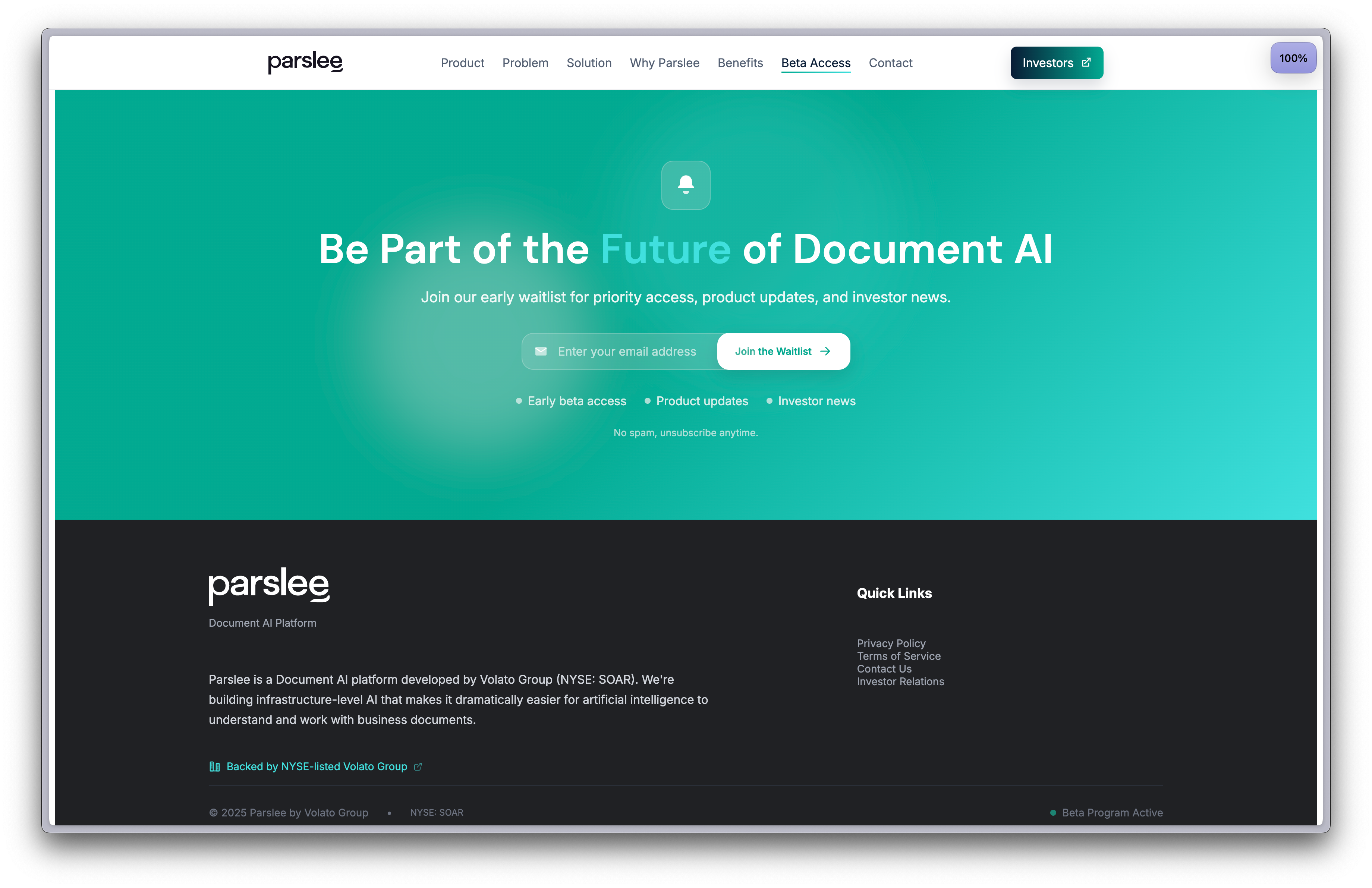
- CTA Waitlist Section
- Initial Trademark, AppIcon, and Favicon assets.
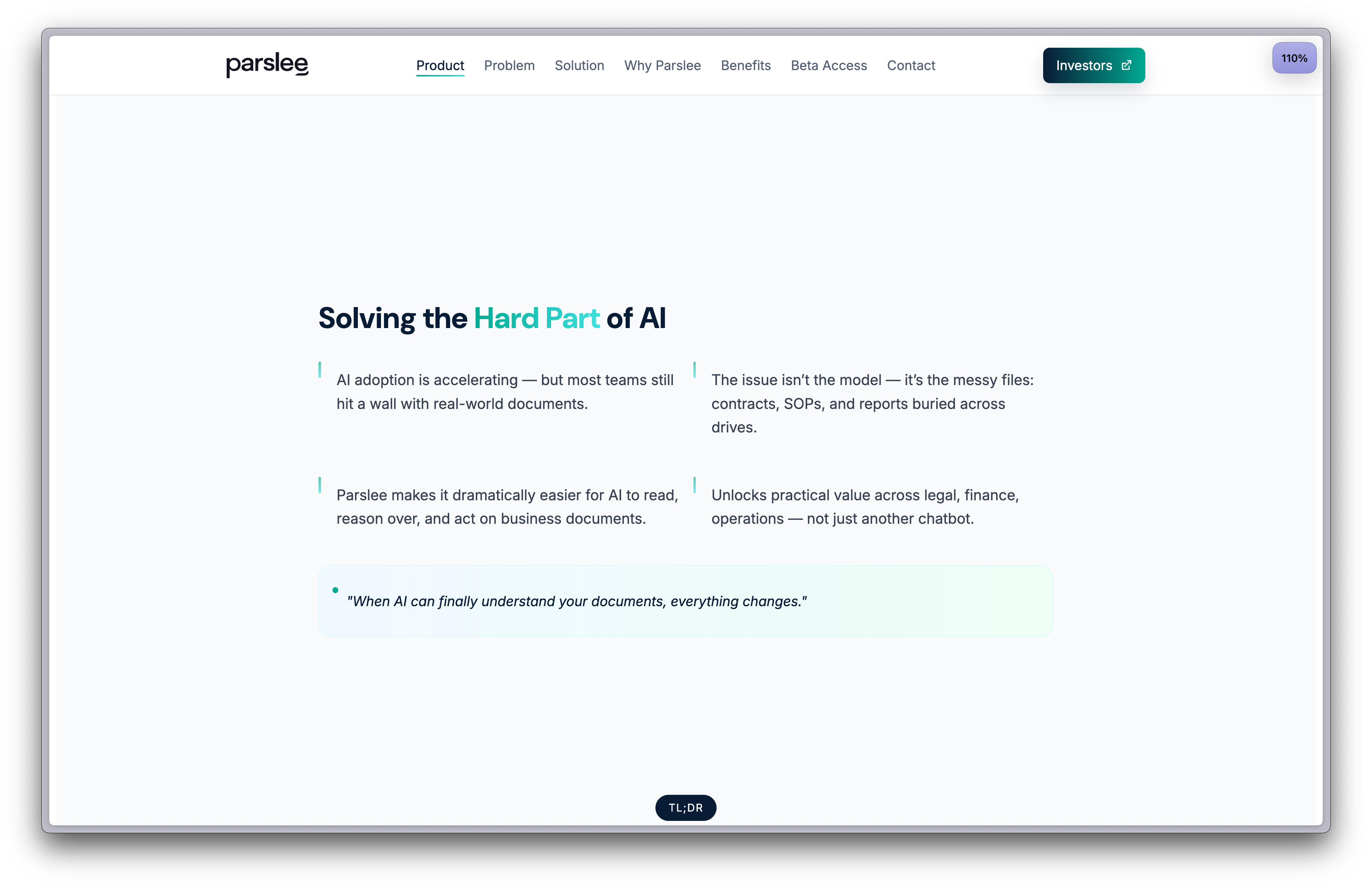
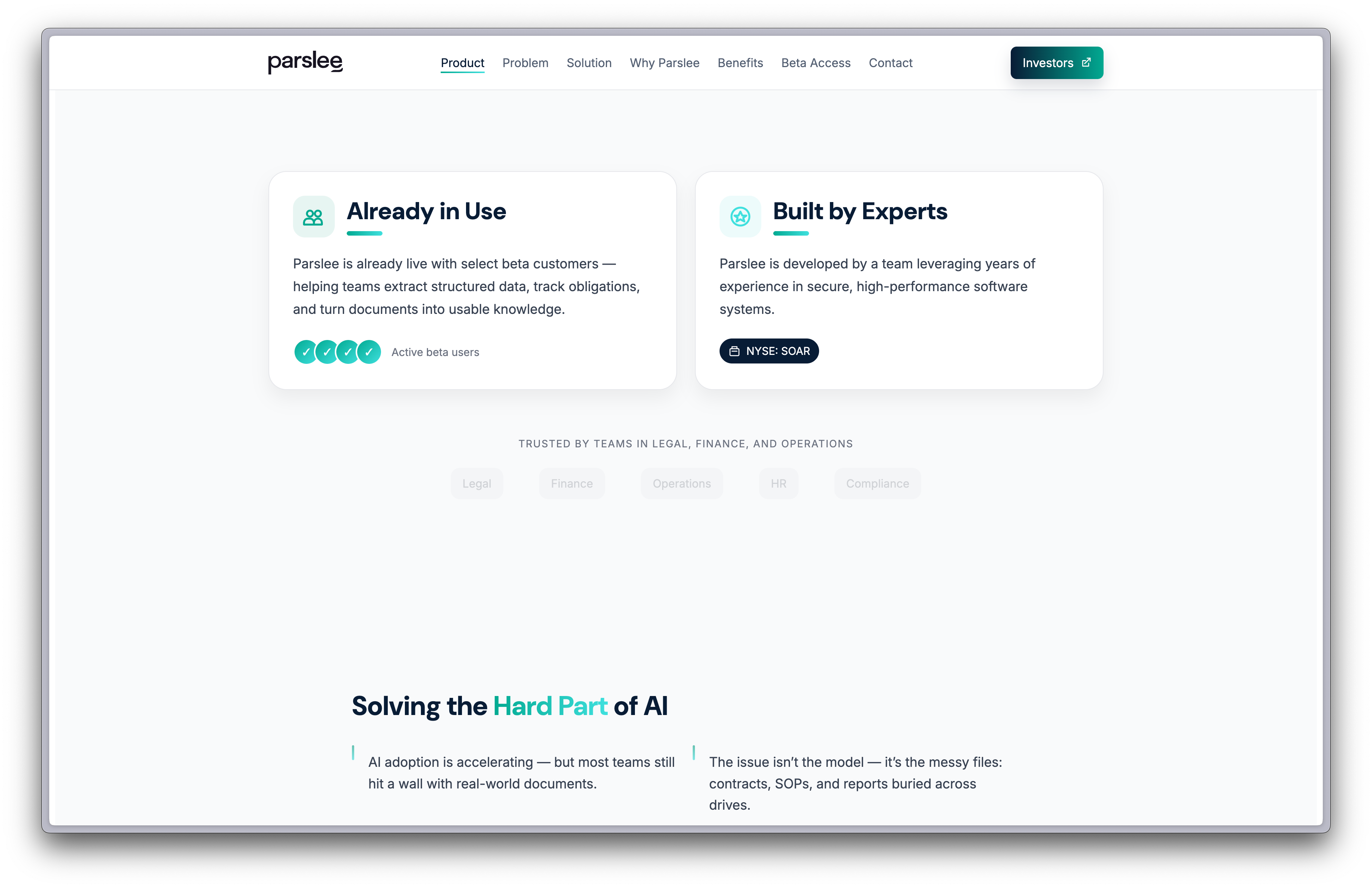
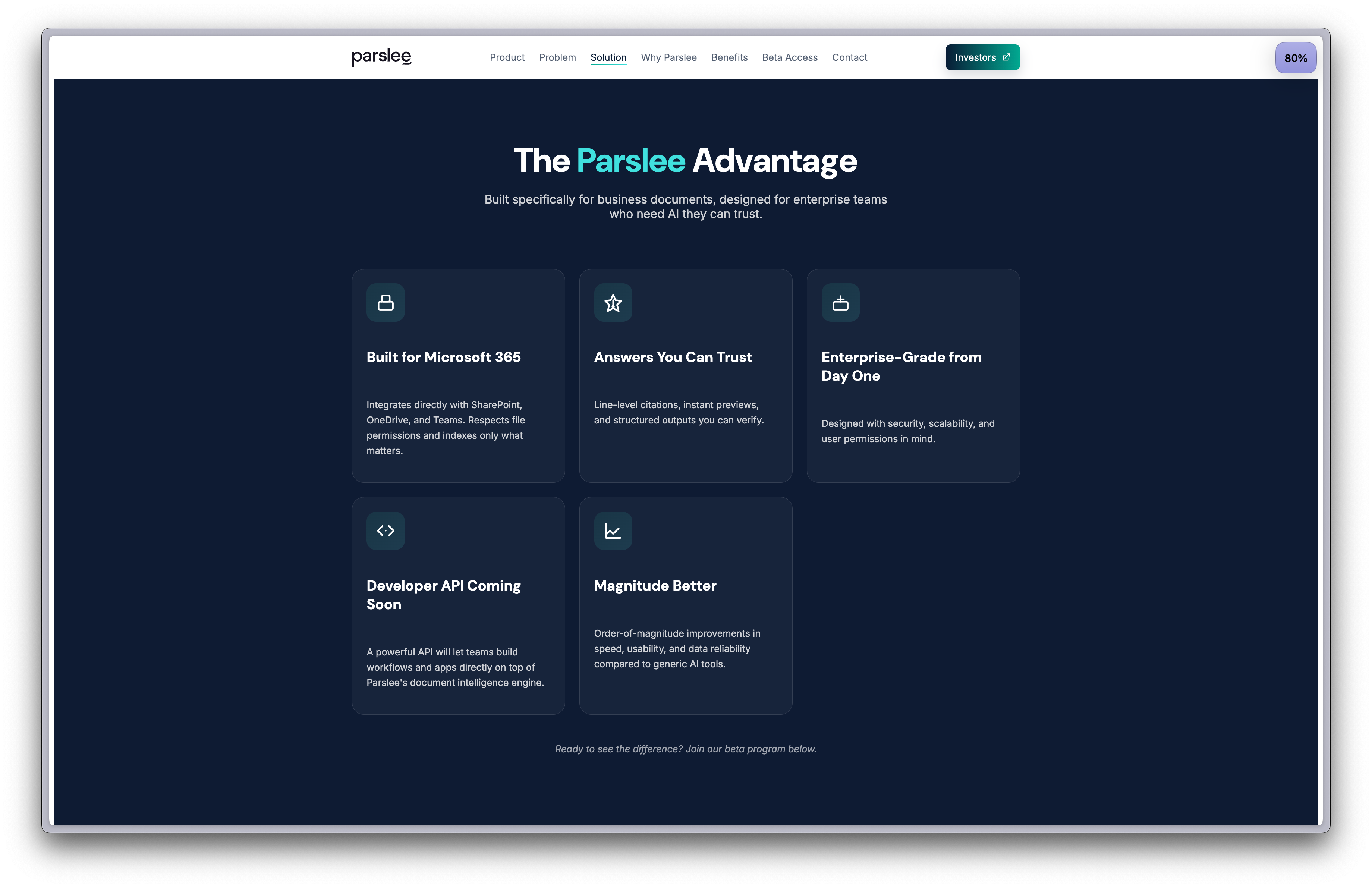
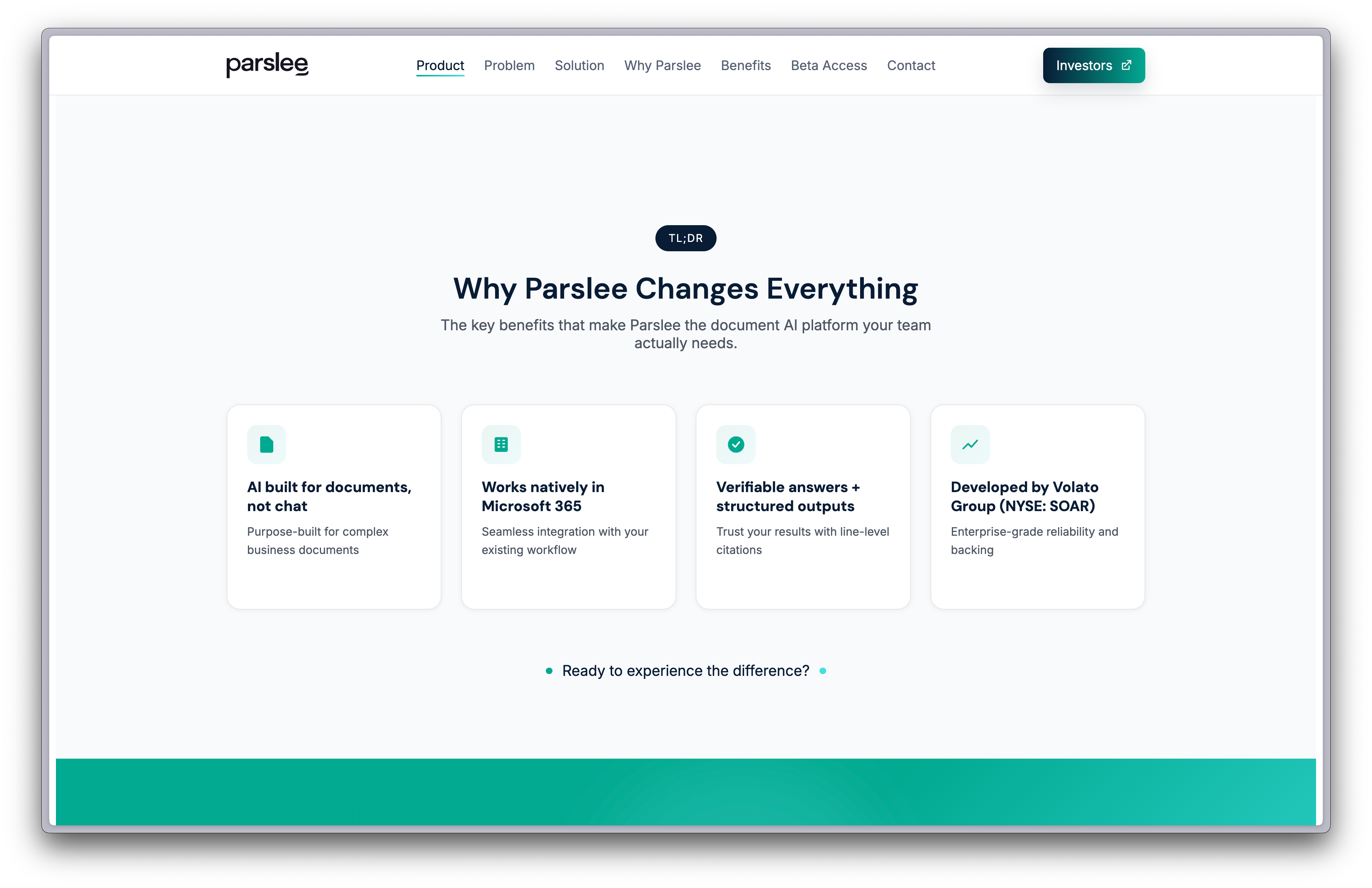
src/— pages, layouts, components, styles, and config.public/— static assets..env.example— example environment variables (copy to.env).package.json— Astro scripts and dependencies.
Exact layout may evolve as the starter grows; prefer adding brand/mode switches under src/config/ and centralizing theme tokens under src/styles/.
Prereqs
node >= 18pnpm >= 8
Install and run
- Install:
pnpm install - Dev server:
pnpm devthen openhttp://localhost:4321/ - Build:
pnpm build(outputs todist/)
.env— top‑level toggles and secrets; use.env.exampleas reference.src/config/*— site configuration (brand, theme, feature flags, content mode).src/styles/*— CSS variables and Tailwind setup sourced from design tokens.
Recommended variables
SITE_BRAND— brand key (e.g.cilantro).SITE_MODE— site mode (e.g.dark,light,vibrant).FEATURE_FLAGS— comma‑separated flags (e.g.search, blog, changelog,).
These are suggestions; wire them to your runtime as needed.
Consume shared theming from astro-knots packages to avoid drift:
@knots/tokens— design tokens (colors, spacing, typography) exported for CSS/Tailwind.@knots/tailwind— Tailwind preset and utilities wired to tokens.@knots/icons— icon set with consistent naming.@knots/brand-config— brand metadata (logos, palettes, tone) referenced bySITE_BRAND.
Example usage
- Add deps (standalone):
pnpm add -D @knots/tailwind @knots/tokens @knots/icons @knots/brand-config - In
tailwind.config.cjs, extend with the preset:presets: [require('@knots/tailwind').preset] - In
src/styles/base.css, import token CSS variables:@import '@knots/tokens/css/variables.css'; - Use brand config at runtime to select palette/assets based on
SITE_BRAND.
This site uses a centralized, flexible SEO/Open Graph system so every page can share the right content consistently.
- Defaults and types live in
src/config/seo.ts(e.g.,SITE_SEOwithdefaultTitle,defaultDescription,defaultImage,siteName,twitterHandle). - A small helper in
src/utils/og.ts(buildOgMeta(input)) composes OG/Twitter meta tags using page overrides atop site defaults. BaseLayout.astrorenders the providedmetaarray and the<title>, keeping meta tag rendering consistent across pages.
Basic usage:
---
import BaseLayout from '../layouts/BaseLayout.astro';
import { buildOgMeta } from '../utils/og';
import { SITE_SEO } from '../config/seo';

const pageTitle = 'Parslee: Enabling better use of AI through contextual understanding of documents.';
const pageDescription = SITE_SEO.defaultDescription;
const pageImage = SITE_SEO.defaultImage;
const pageUrl = Astro.site ? new URL(Astro.url.pathname, Astro.site).toString() : Astro.url.pathname;
---
<BaseLayout
  title={pageTitle}
  meta={buildOgMeta({ title: pageTitle, description: pageDescription, image: pageImage, url: pageUrl })}
>
  <!-- page content -->
</BaseLayout>
Dynamic route example (type: 'article'):
---
import { getEntry } from 'astro:content';
import BaseLayout from '../../layouts/BaseLayout.astro';
import { buildOgMeta } from '../../utils/og';

const { slug } = Astro.params;
const post = await getEntry('posts', slug);

const title = post.data.title;
const description = post.data.description;
const image = post.data.shareImage ?? '/default-share.webp';
const url = Astro.site ? new URL(Astro.url.pathname, Astro.site).toString() : Astro.url.pathname;
---
<BaseLayout title={title} meta={buildOgMeta({ title, description, image, url, type: 'article' })}>
  <!-- post content -->
</BaseLayout>
Notes:
- Set
siteinastro.config.mjs(e.g.,site: 'https://parslee.ai') to generate absolute canonical/OG URLs. - If using TS
verbatimModuleSyntax, import types withimport type { ... }(e.g.,ShareMetaInput). - Consider adding
og:image:width/height/typeandtwitter:image:altfor stricter parsers. - For dynamic OG images, implement
/api/ogand cache aggressively; fall back to a static default image on failure.
- Astro layouts compose site shells; Svelte components handle interactivity.
- Components read brand/theme via context or props; avoid hardcoding colors.
- Prefer slots and small compositional pieces over monolith components.
- Content lives under
src/content/(MD/MDX), or sourced via adapters. - Modes (e.g. marketing vs docs) toggle routes/layouts/components via
SITE_MODE. - Optional: integrate a docs subsystem (e.g. Starlight) behind a flag.
There are two ways to consume @knots/*:
- Same workspace (recommended in
lossless-monorepo): add the site topnpm-workspace.yamland reference packages directly. This gives local dev on tokens/components. - Separate repo: depend on published versions or use
file:links pointing to a Git submodule directory in the parent monorepo.
If using workspace, run commands from the monorepo root to leverage hoisted installs.
- Cilantro is a Git submodule under
astro-knots/sites/cilantro-siteand tracksmain. - Parent repo commands:
- Initialize:
git submodule update --init sites/cilantro-site - Sync config:
git submodule sync - Update to latest remote:
git submodule update --remote sites/cilantro-site
- Initialize:
- Commit changes inside the submodule root. Then return to parent and commit the gitlink change.
- In GitHub: create a new repo (e.g.
parslee-site). - In parent monorepo: add as submodule:
git submodule add https://github.com/lossless-group/parslee-site.git astro-knots/sites/parslee-site - Copy initial config/content from Cilantro; adjust
SITE_BRAND, theme tokens, and assets. - Optionally add
astro-knots/sites/parslee-sitetopnpm-workspace.yamlfor local package linking.
- Lint:
pnpm lint - Format:
pnpm format - Typecheck:
pnpm typecheck - Preview:
pnpm preview
Scripts may vary; see package.json for the authoritative list.
- Static build via
pnpm build; deploydist/to your provider (Vercel/Netlify/etc.). - Environment variables should be configured in the host (CI or platform) to select brand/mode.
- Folder shows red in the parent repo: the submodule isn’t initialized or has local changes. Run
git submodule update --initand commit inside the submodule. - Shared package resolution fails: ensure workspace membership or correct package versions.
- Theme not applying: verify token CSS is imported and Tailwind preset is configured.
- Cilantro repo: https://github.com/lossless-group/cilantro-site
See LICENSE in the repository.