
A native macOS app for managing scheduled tasks.
No crontab, no launchd — just TaskTick.




⬇️ Download Latest | 💖 Sponsor
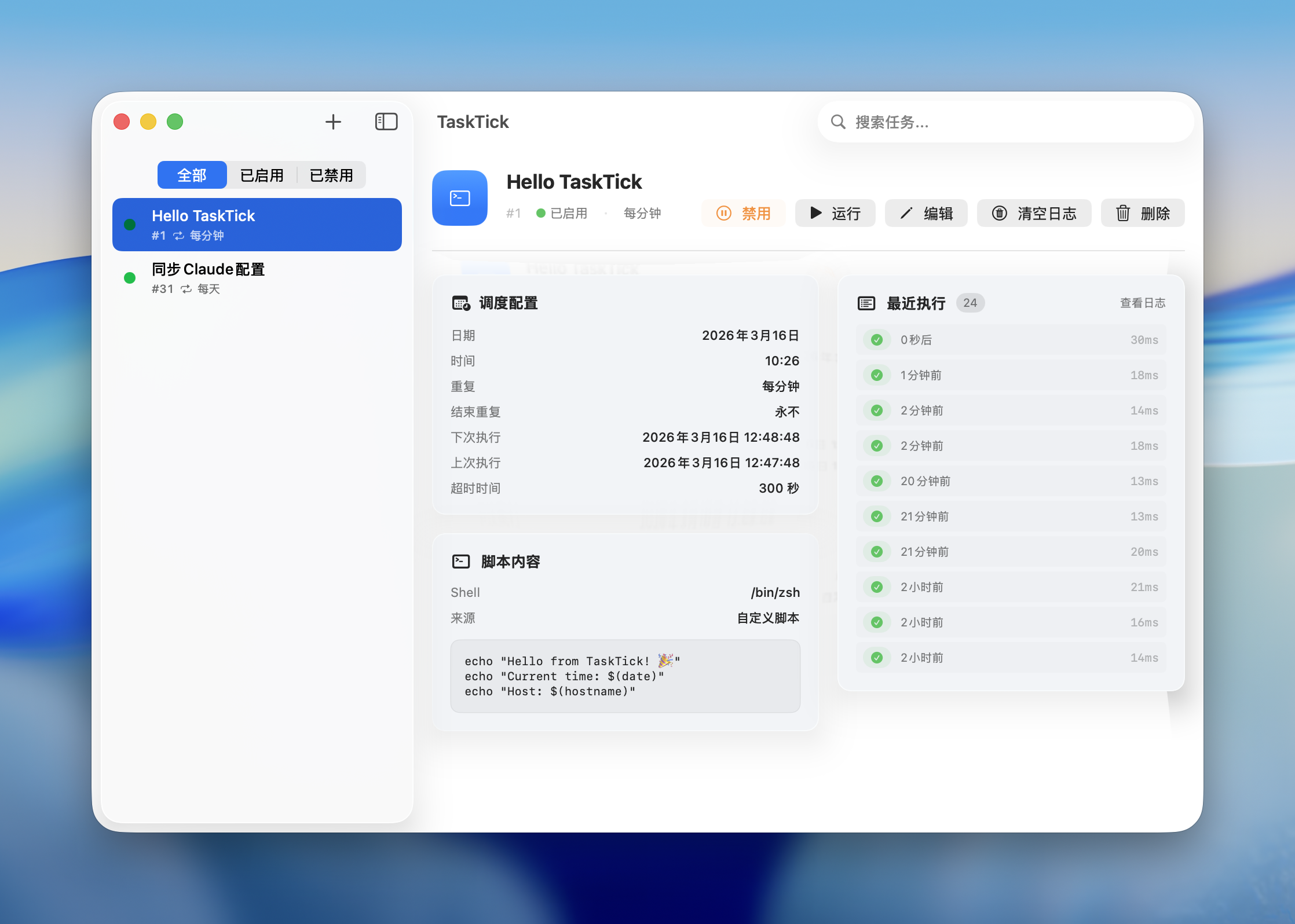
- Menu Bar Resident — runs in background, always accessible from menu bar
- Flexible Scheduling — date, time, repeat cycle with intuitive UI (like Reminders)
- Script Execution — inline scripts or local files (.sh, .py, .rb, .js)
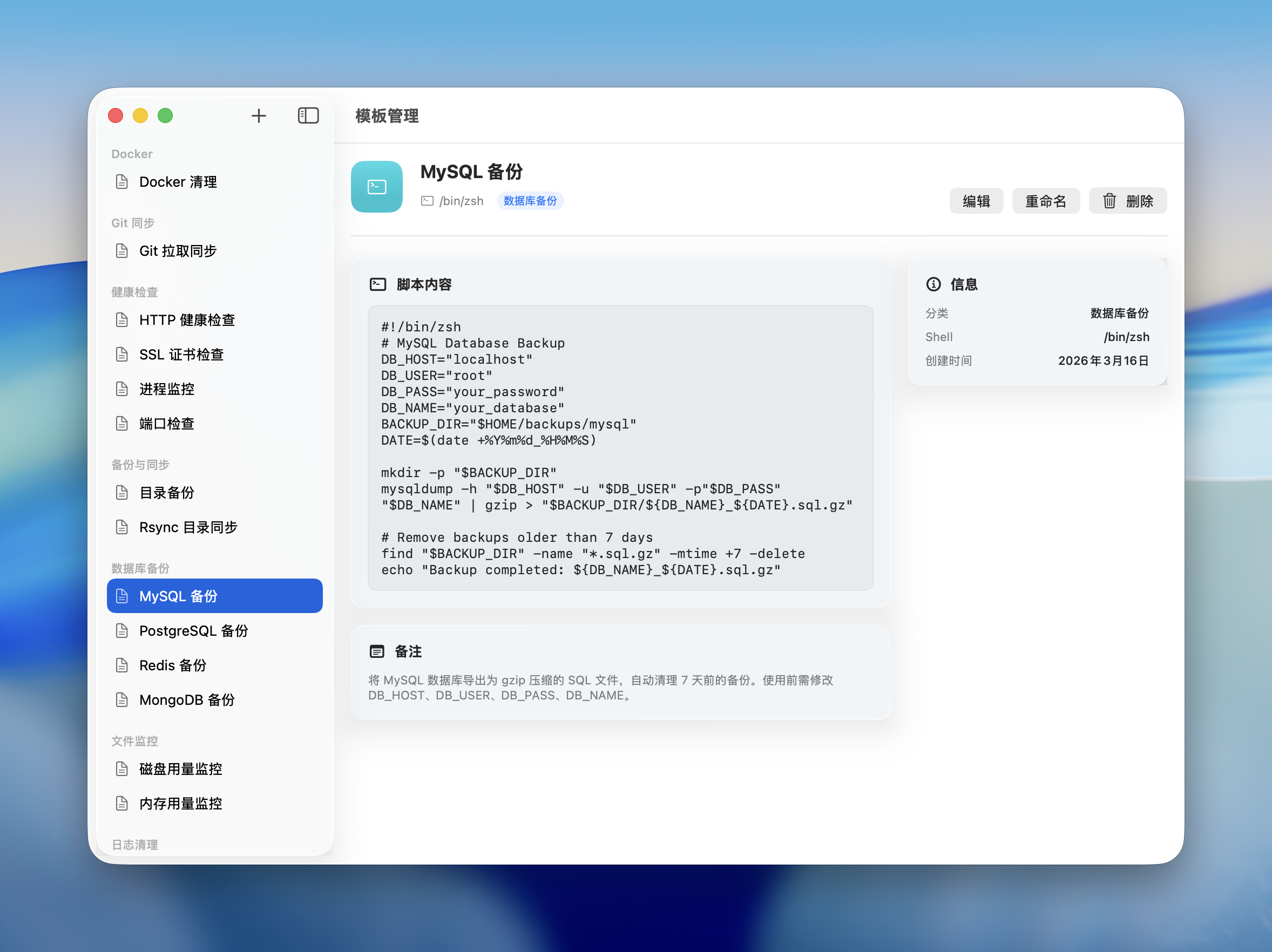
- Script Templates — built-in templates (DB backup, log cleanup, health check, etc.) + create and manage your own
- Execution Logs — stdout/stderr capture, exit codes, duration tracking
- Notifications — macOS system notifications on success/failure (per task)
- Crontab Import — import from system crontab with one click
- i18n — English & Simplified Chinese, switchable in-app
- Auto Updates — checks GitHub Releases for new versions
- macOS 26 Ready — liquid glass effects on supported systems
Quickly create tasks from built-in templates or save your own scripts for reuse. Supports categories, notes, script validation, and file import.
- macOS 14 (Sonoma) or later
- Apple Silicon or Intel Mac
brew tap lifedever/tap
brew install --cask task-tick
Update to the latest version:
brew upgrade --cask task-tickGrab the latest .dmg from Releases:
| File | Architecture |
|---|---|
TaskTick-x.x.x-arm64.dmg |
Apple Silicon (M1/M2/M3/M4) |
TaskTick-x.x.x-x86_64.dmg |
Intel Mac |
On first launch: Right-click TaskTick.app → Open → Open
Or run:
xattr -cr /Applications/TaskTick.app
git clone https://github.com/lifedever/TaskTick.git
cd TaskTick
swift build -c release
swift runIf TaskTick is useful to you, consider sponsoring the developer to support ongoing maintenance.
GPL-3.0 © lifedever