English | 简体中文
快速构建属于你的企业级 Vue 3 组件库,基于最新技术栈的 Monorepo 模板





A modern component library template based on Turborepo + Vue 3.5 + TypeScript, using Monorepo architecture to manage multiple packages with pre-configured code standards and development toolchain. This template helps developers focus on component development without dealing with complicated underlying configurations, quickly building their own enterprise-level component library.
Version note: the current main branch is the latest v2 line. The v1 line is kept on the
v1branch. This v2 label belongs to the template project itself, while the four example library packages stay at1.0.0so users can rename the template and maintain their own initial package versions.
- 🚀 Cutting-edge Tech Stack - Built on Vue 3.5 + TypeScript 6, enjoy the latest features
- 📦 Monorepo Architecture - Managed with Turborepo for multiple packages, improving code reusability
- 🚫 Enforced pnpm - Resolves phantom dependencies, saves disk space, improves installation speed
- 🎨 Complete Standards - Integrated ESLint, Prettier, Stylelint, Commitlint and other code standards
- 📚 Documentation Support - Built with VitePress, supports internationalization
- 🔥 On-demand Import - Supports Tree Shaking to reduce final bundle size
- 🎯 Full Type Support - Comprehensive TypeScript type definitions for better DX
- 🛠️ Rich Toolset - Built-in common Hooks, utility functions and directives
- 🔄 HMR Support - Real-time preview during development, boosts productivity
- 🔧 One-click Renaming - Quickly replace @mylib with your custom package name
- ⚡️ Fast Library Builds - Uses Rolldown for base packages and tsdown for the UI package
- 🧩 Optional Aggregate Build - Keeps
build:gulpfor collecting all library outputs under rootdist - 🧪 Modern Playground Dependency - Uses antdv-next and @antdv-next/icons in playground
- 📝 Version Management - Uses Changeset for multi-package versioning and release workflow
├── apps/
│   └── docs/           # Component library documentation based on VitePress
├── build/              # Gulp aggregate build entry powered by Rolldown and tsdown
├── packages/
│   ├── ui/             # UI component library
│   ├── hooks/          # Custom Hooks
│   ├── directives/     # Custom directives
│   ├── utils/          # Utility functions
│   └── lint-configs/   # Code standard configurations
├── playground/         # Component demo environment
└── scripts/            # Helper scripts
# 1. Clone the template
git clone https://github.com/huangmingfu/vue3-turbo-component-lib-template.git

# 2. Install dependencies
pnpm install

# 3. Start development environment
pnpm dev

# 4. Build the project
pnpm build# Replace @mylib with your own package name
pnpm add @mylib/ui @mylib/utils @mylib/hooks @mylib/directives
# Example installation
pnpm add @hmflib/ui @hmflib/utils @hmflib/hooks @hmflib/directives# Development
pnpm dev # Start development environment for all packages
pnpm dev:docs # Start documentation application
pnpm dev:play # Start playground
# Building
pnpm build # Build all packages
pnpm build:docs # Build documentation application
pnpm build:gulp # Aggregate library packages into root dist for unified output collection
# Testing
pnpm test # Test all packages
pnpm test:ui # Test UI package
pnpm test:coverage # Test coverage for all packages
# Code Quality
pnpm lint:all # Check all code standards
pnpm deps:check # Check for dependency updates
pnpm deps:update # Update all dependencies
# Others
pnpm clean # Clean build artifacts
pnpm rename-pkg # One-click package renaming
pnpm generate:component # Generate new component- Cutting-edge Technology - Based on the latest Vue 3.5 and TypeScript 6, always in sync with technological development
- Ready to Use - Pre-configured complete development toolchain, start developing without additional setup
- Flexible Architecture - Monorepo structure for managing multiple packages while maintaining module independence
- Enterprise-grade Standards - Integrated complete code and commit standards to ensure code quality
- Comprehensive Documentation - Built-in documentation system with internationalization support
- Fast Build Pipeline - Base packages use Rolldown, the UI package uses tsdown, and
build:gulpaggregates library outputs - Easy Customization - One-click renaming script to quickly customize to your own component library
Supports internationalization
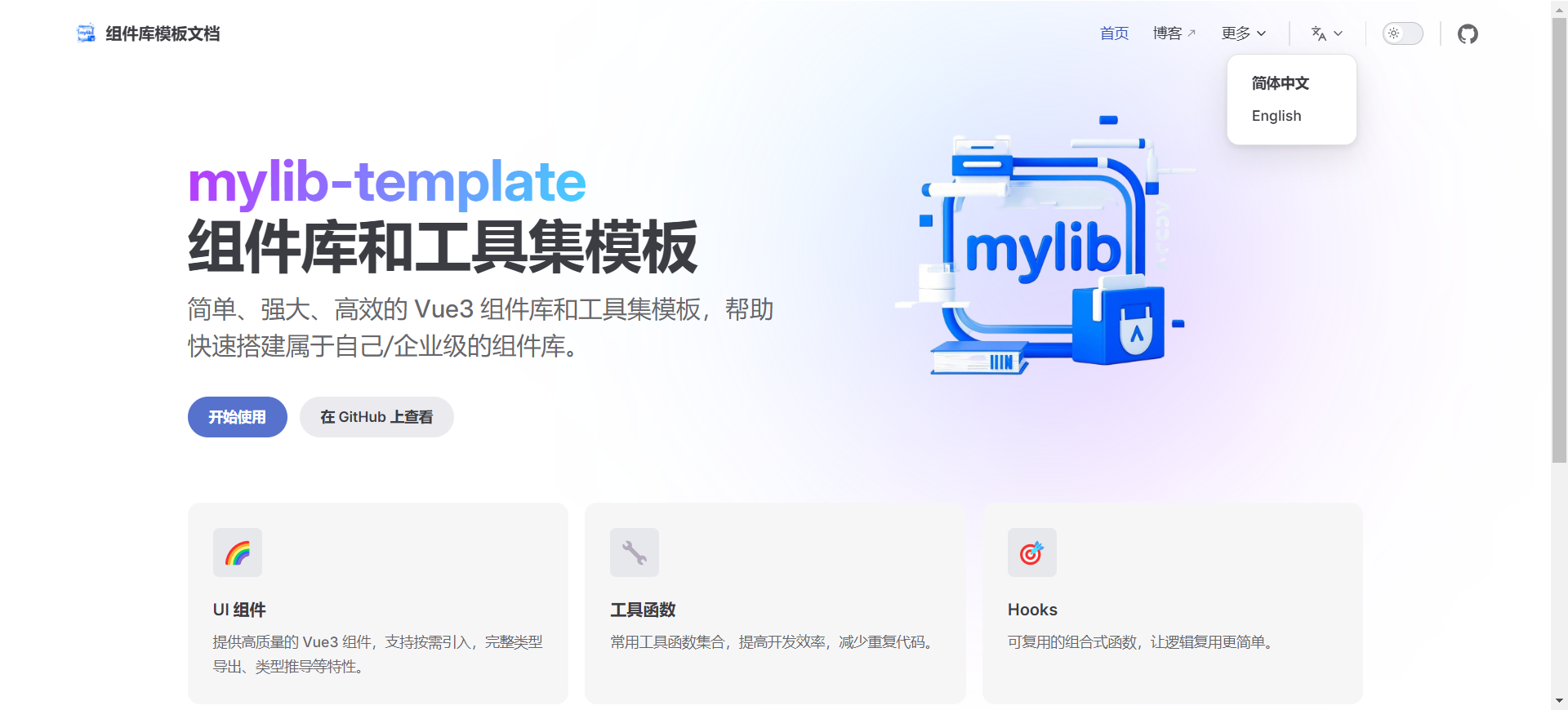
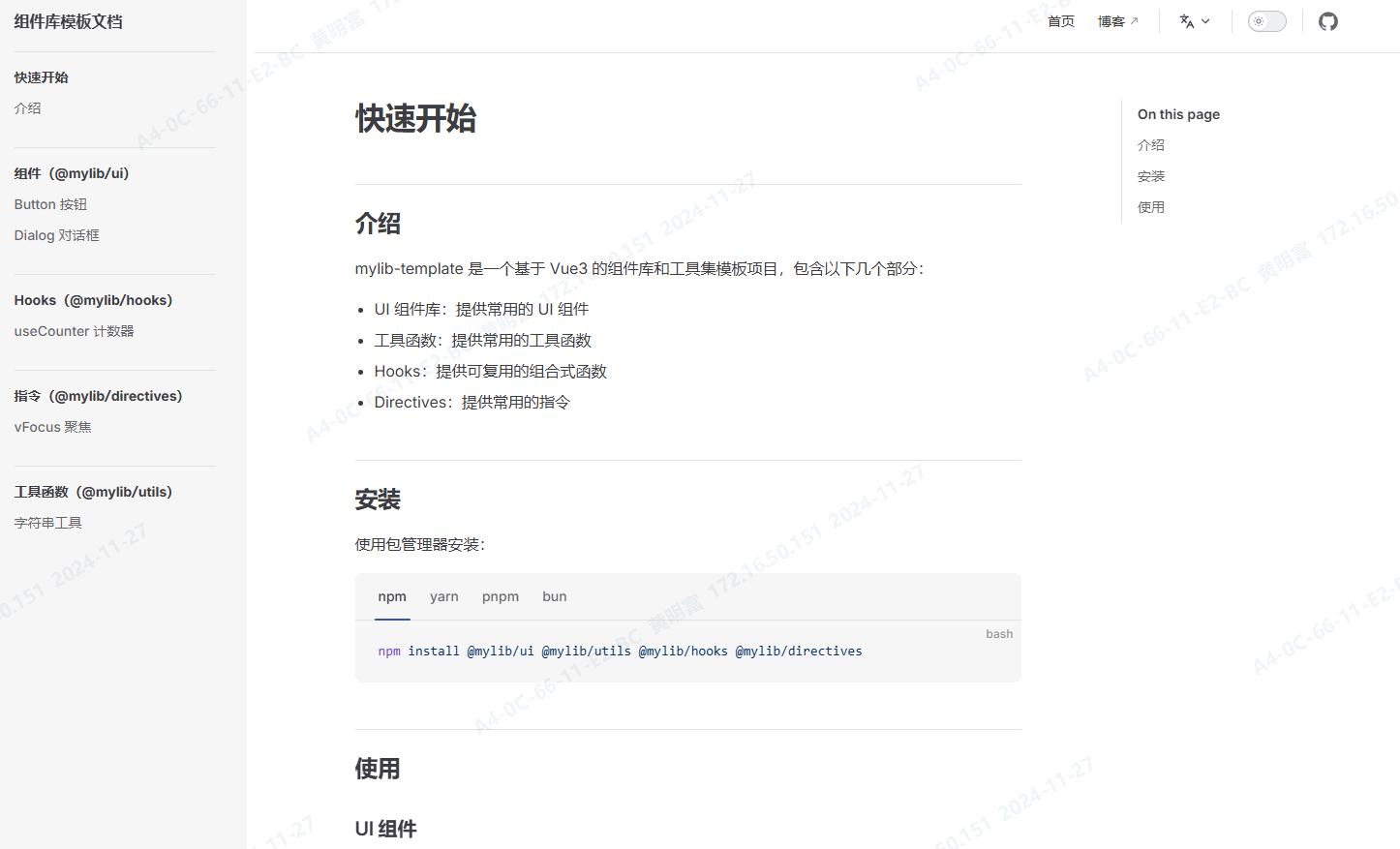
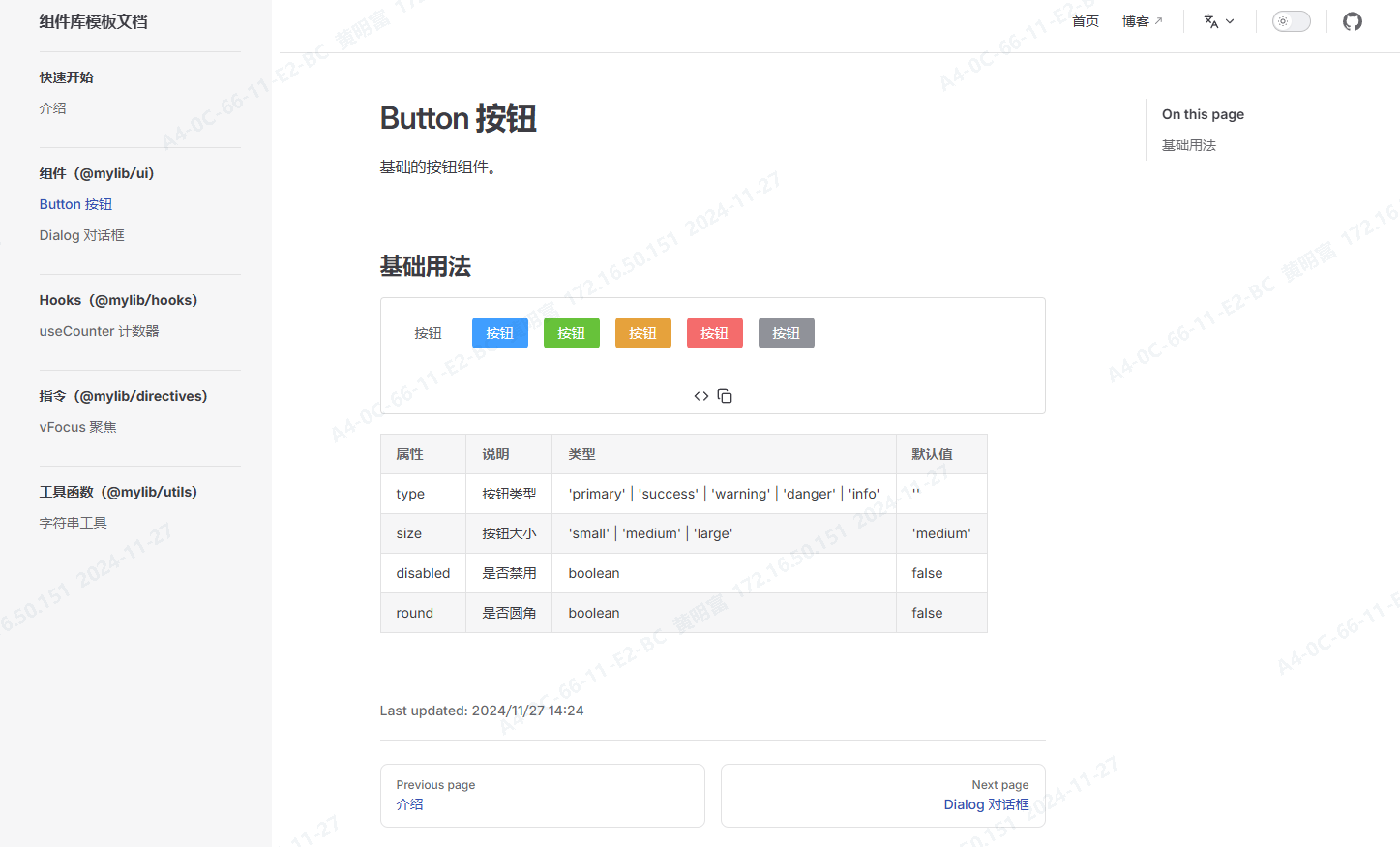
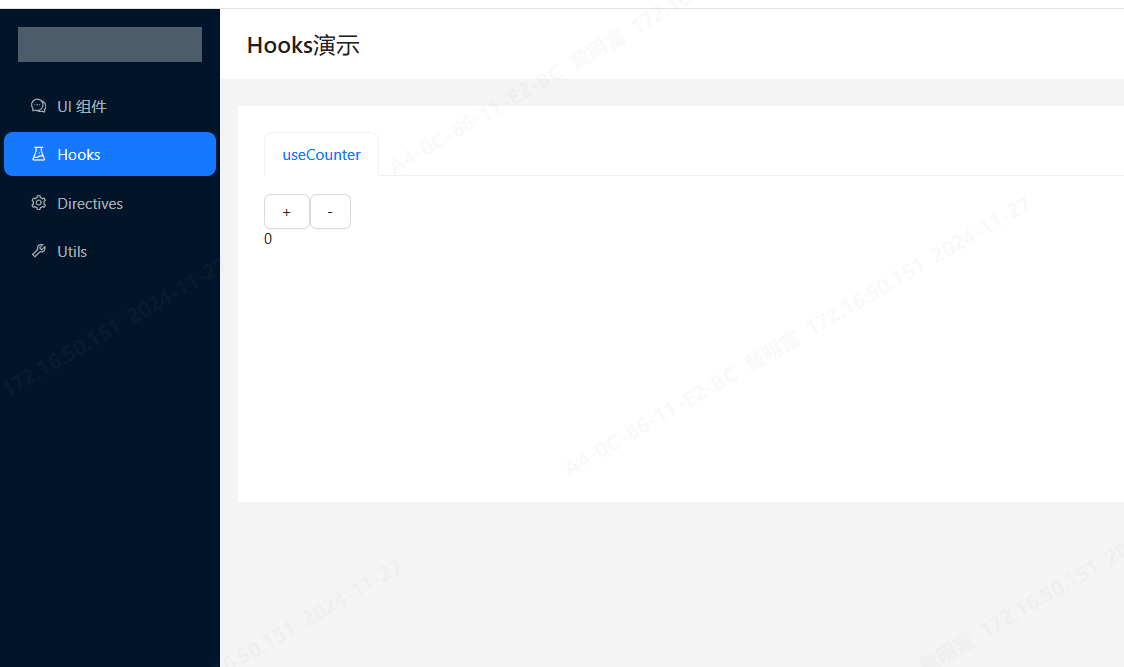
Real-time preview and testing of components
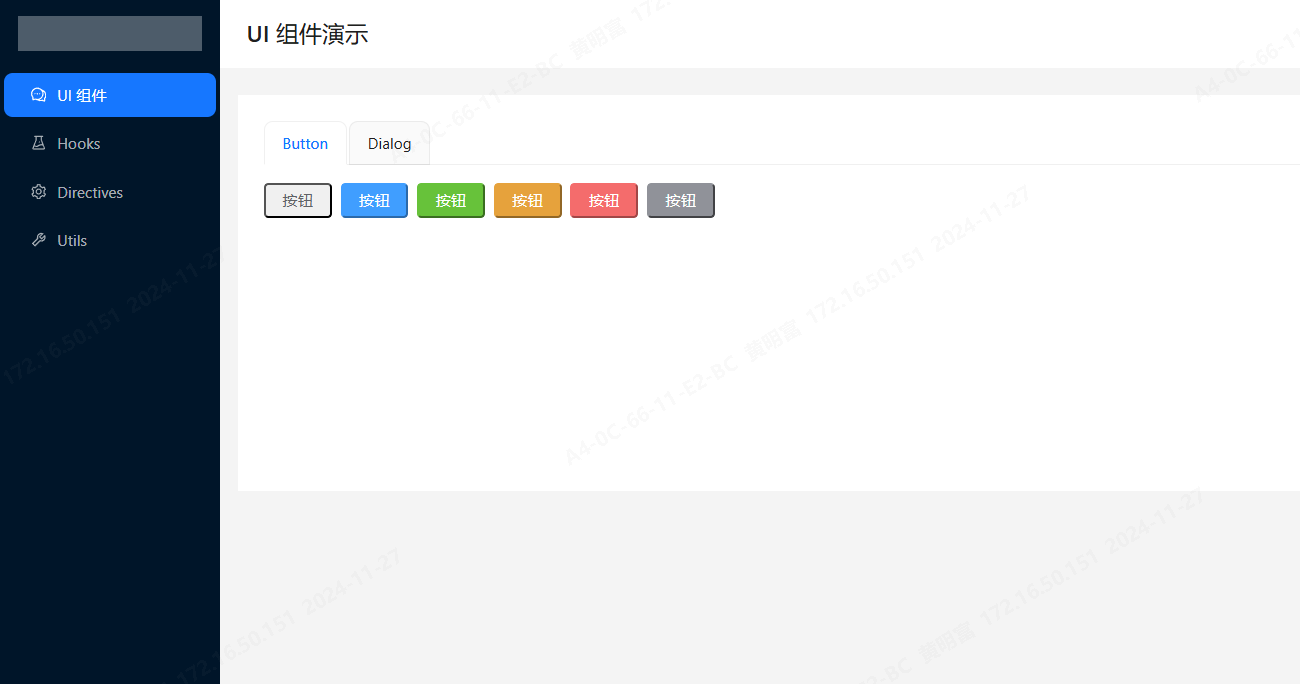
- Vue 3 - Progressive JavaScript framework
- TypeScript - Superset of JavaScript with type safety
- Turborepo - High-performance Monorepo build system
- VitePress - Vite-powered static site generator
- Vite - Next-generation frontend build tool
- Rolldown - High-performance JavaScript/TypeScript bundler
- tsdown - TypeScript library bundler powered by Rolldown
- antdv-next - Vue component library used by playground
- pnpm - Fast, disk space efficient package manager
- ESLint - JavaScript/TypeScript code quality tool
- Prettier - Code formatter
- Stylelint - CSS/SCSS/Less code linter
- Commitlint - Commit message linting tool
- husky - Git hooks manager
- lint-staged - Run linters on git staged files
- Changesets - Versioning and release management tool
Some code and structure design references Vben5
- Vue 3 Official Documentation
- TypeScript Official Documentation
- Turborepo Official Documentation
- VitePress Official Documentation
- Vben Admin
pnpm has the following advantages over npm and yarn:
- Solves phantom and doppelganger dependencies issues
- Saves significant disk space
- Faster installation speed
- Ensures consistent node_modules structure
The project uses @mylib as the default package name prefix. You can replace it with one command:
# Replace @mylib with your custom package name, e.g. @yourname
pnpm rename-pkg "@mylib" "@yourname"Use the built-in script to quickly generate new components:
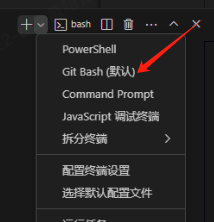
pnpm generate:componentIf you encounter issues executing rm -rf or other shell commands, please use Git Bash terminal to run the commands.
If pnpm run dev fails, first execute the build command:
pnpm run build
pnpm run devpnpm build uses Turborepo to run each package's own build task and keeps output in each package's dist directory. pnpm build:gulp runs build/gulpfile.ts and aggregates ui, utils, hooks, and directives into root dist/<package>, which is useful when you want one collected library output directory.
Contributions of any kind are welcome!
- Fork the repository
- Create your feature branch (
git checkout -b feature/AmazingFeature) - Commit your changes (
git commit -m 'Add some AmazingFeature') - Push to the branch (
git push origin feature/AmazingFeature) - Open a Pull Request
⭐ If you like this project, please give it a star! Your support is our motivation for continuous improvement!