

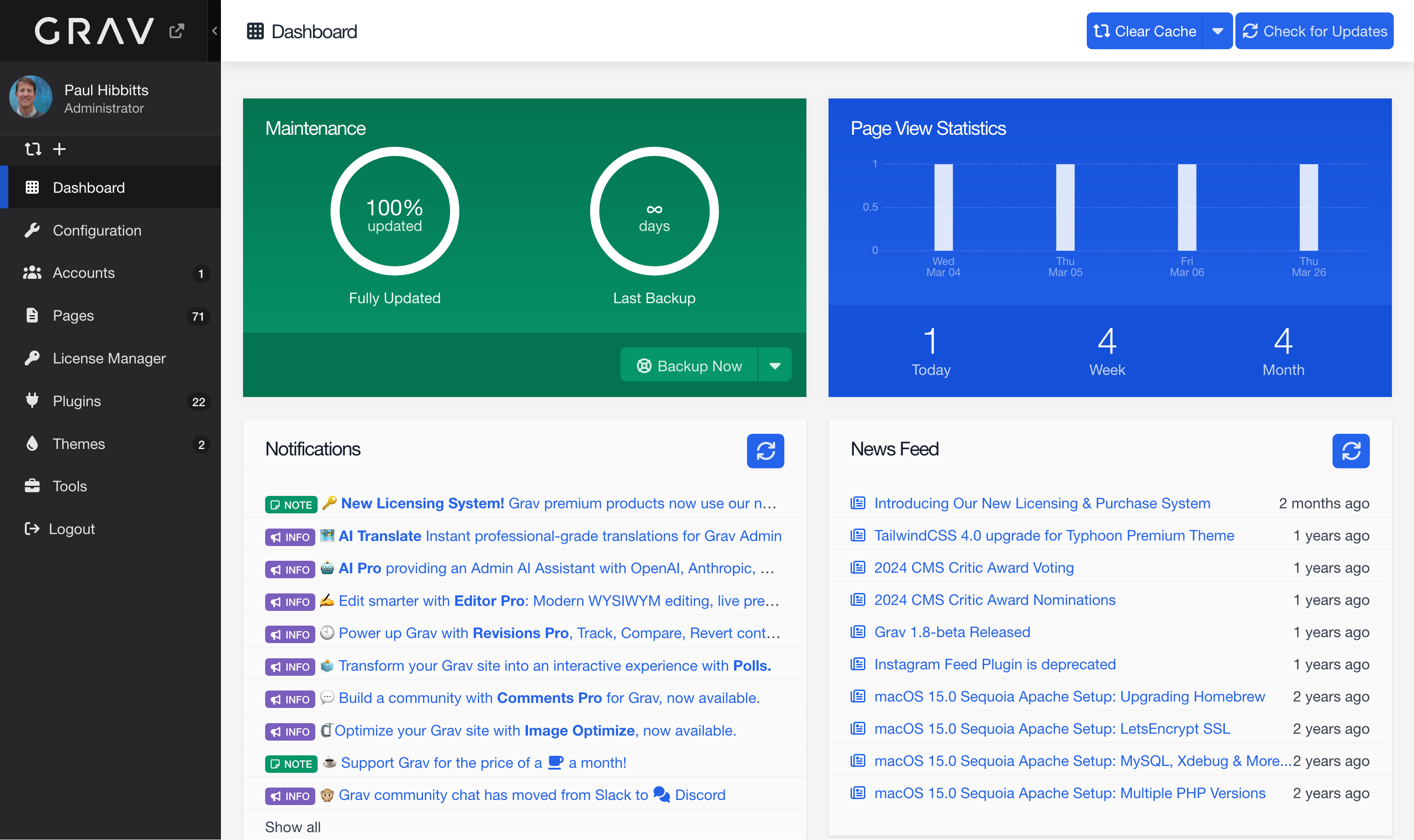
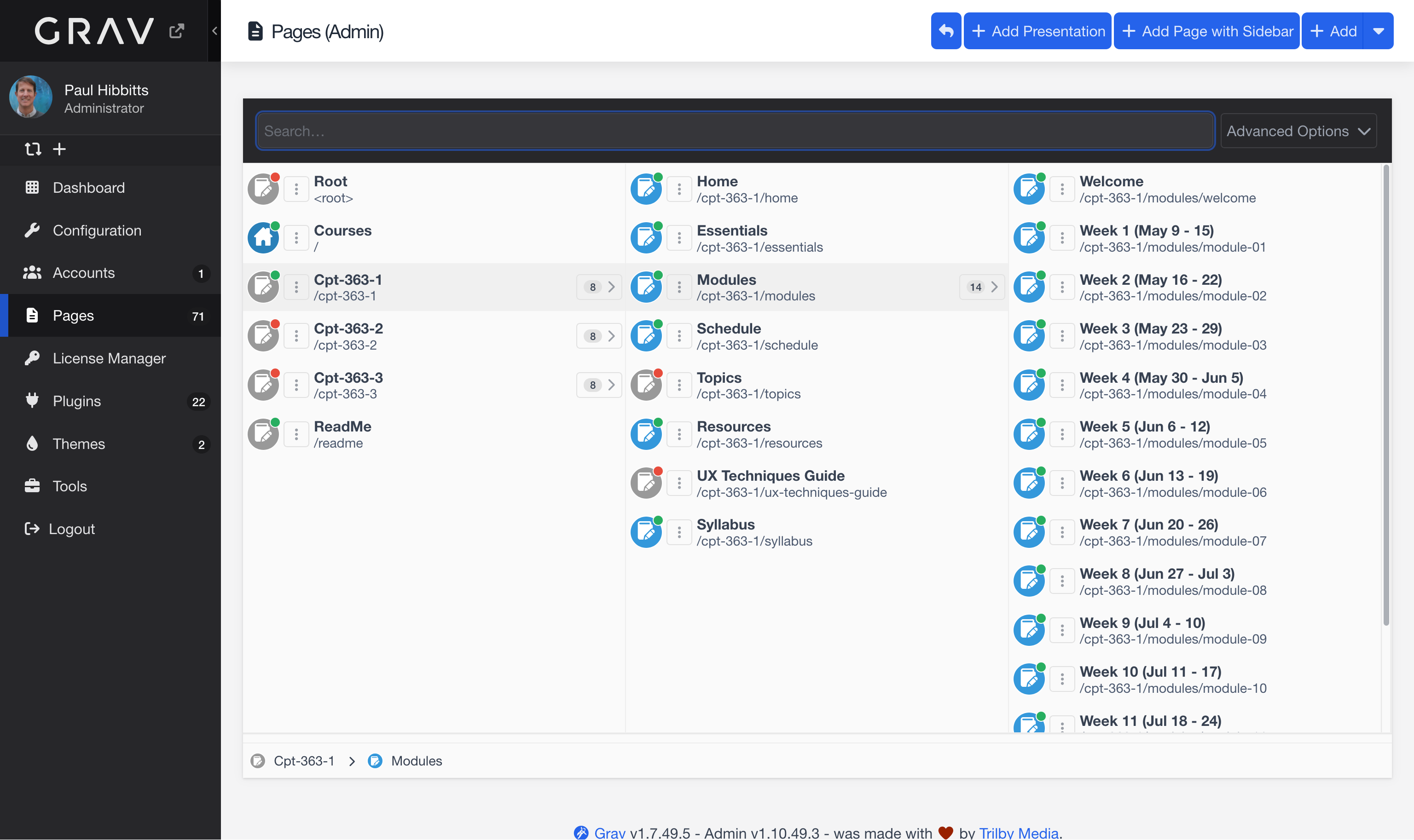
Example Grav Helios-inspired Admin Panel pages.
A Helios-inspired refresh for the Grav Admin Panel – zinc dark nav, accessible blues, muted purple accent, and CSS enhancements for a more modern feel. No Grav Premium Helios theme required.
CSS Enhancements (applied automatically via the plugin toggle):
- Rounded corners on inputs, buttons, badges, tabs and dropdowns
- Subtle card/panel shadows
- Sidebar active state left border accent
- Table row hover highlight
- Keyboard focus rings on inputs and buttons (WCAG AA accessible)
- Font size scaling for body, form elements, toolbar, and Editor Pro (Default, Large, Larger)
Colour Scheme (applied separately — see below):
- Zinc-toned dark sidebar nav (zinc-900/800/700)
- Zinc off-white content surfaces
- Accessible blue links and buttons (#2563EB, 5.16:1 on white)
- Muted purple accent (#7A5EBD)
- All key colour pairs pass WCAG AA
Via the Grav Admin Panel: Plugins → Add → search for Admin Helios Refresh → Install.
Via GPM:
bin/gpm install admin-helios-refreshManual install:
- Download the plugin from GitHub
- Unzip and rename the folder to
admin-helios-refresh - Copy the folder to
user/plugins/admin-helios-refresh
The CSS enhancements load automatically when the plugin is enabled. If not already configured, the colour scheme can be applied with one step:
- Go to Admin Panel → Customization → Presets
- Click Load Preset for the Helios preset — it appears automatically once the plugin is installed
- Click Save
Note: The Helios-inspired colour scheme is independent of the Helios-inspired Admin Styling toggle. If you have existing custom presets defined in
custom_presets, the Helios preset will not be injected automatically — in that case copysample-admin.yaml(found atuser/plugins/admin-helios-refresh/) touser/config/plugins/admin.yamland apply manually.
| Setting | Default | Description |
|---|---|---|
| Helios-inspired Admin Styling | Enabled | Apply Helios-inspired styling enhancements to the Admin Panel (rounded corners, transitions, shadows, focus rings, table row hover, sidebar accent) |
| Admin Font Size | Large | Font size scale for the Admin Panel body, form elements, toolbar, and Editor Pro. Options: Default (admin built-in), Large, Larger |
Developed by HibbittsDesign.org with the assistance of Claude Code.