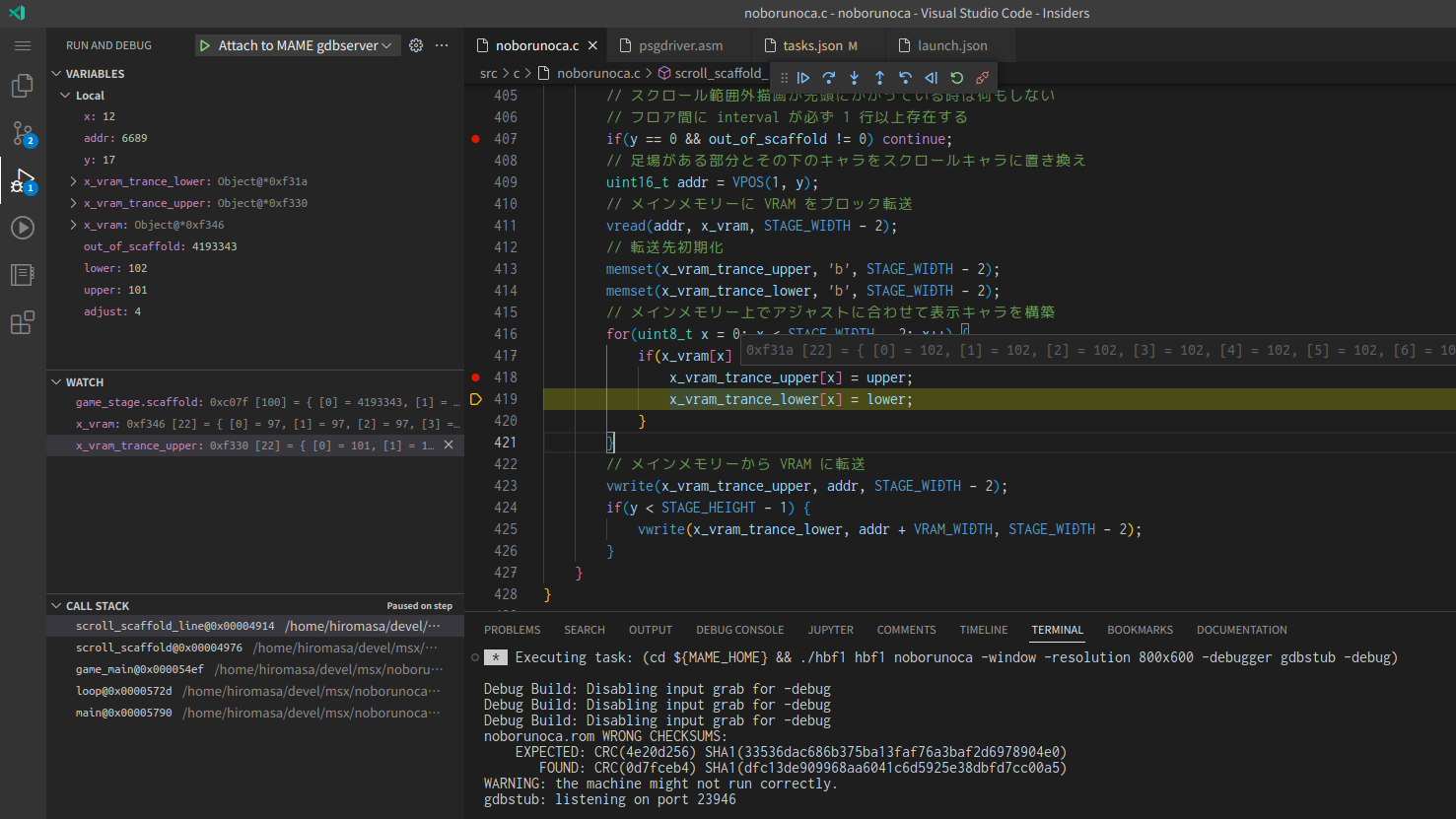
This repository contains sample games and utilities for MSX development using Z88DK, MAME, and C-BIOS.
See also: Z88DK を使って MSX のゲームをつくるための環境構築メモ
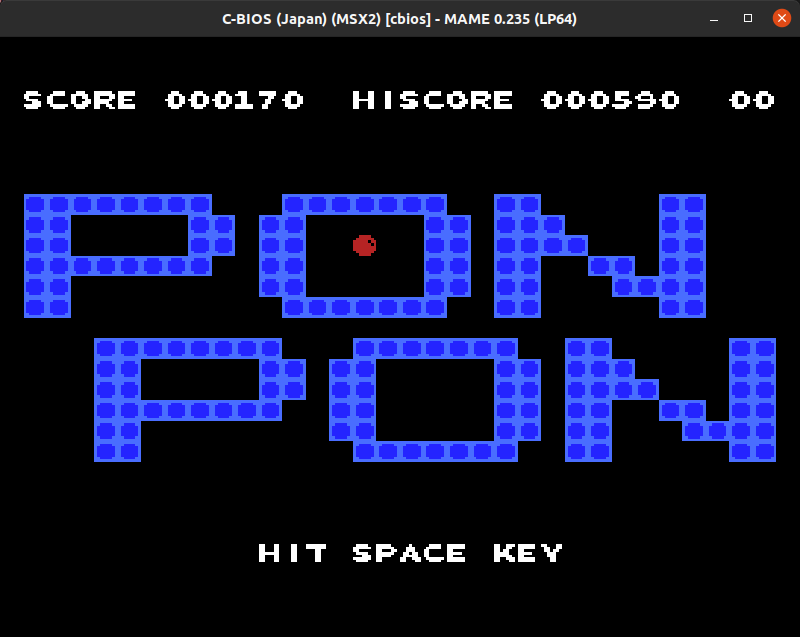
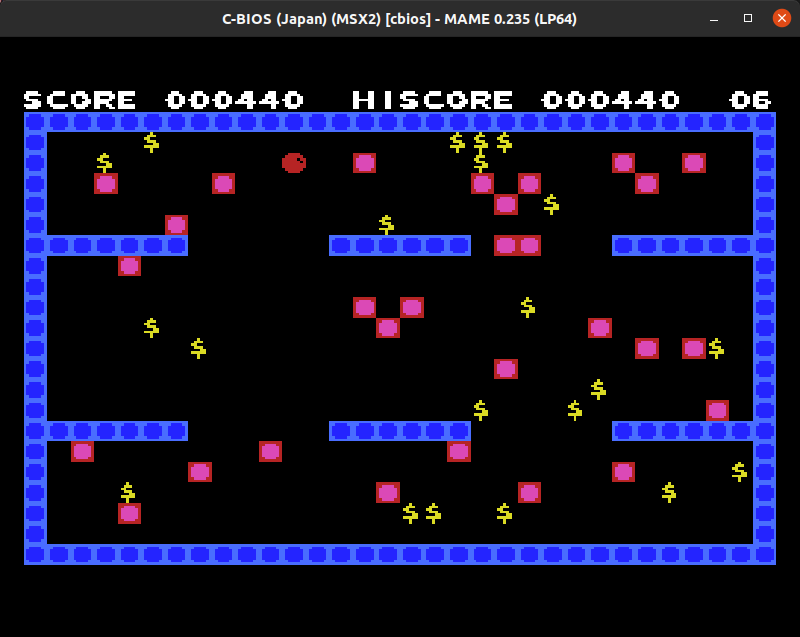
MIT License
- Z88DK - The Development Kit for Z80 Computers - Compiler and toolchain
- Lovely Composer - Music sequencer
- @aburi6800 - MSX sound driver and converter
- MAME - Emulator
- openMSX - Emulator
- C-BIOS - MSX open-source BIOS
- Native Debug - Native debugging for VS Code
- DeZog - Visual Studio Code Debugger for Z80/ZX Spectrum.
- Ubuntu 24.04 LTS or Ubuntu 22.04 LTS or Windows WSL2
- Z88DK v2.4
- cmake (
sudo apt install cmake)
Set environment variables in ~/.bashrc
# z88dk
export Z88DK_HOME=/home/hiromasa/devel/msx/z88dk
export ZCCCFG=${Z88DK_HOME}/lib/config
export PATH=${Z88DK_HOME}/bin:${PATH}
Verify
$ which zcc
/home/hiromasa/devel/msx/z88dk/bin/zcc
$ ls -laF ${ZCCCFG}/msx.cfg
-rw-rw-r-- 1 hiromasa hiromasa 1627 12月 22 20:18 /home/hiromasa/devel/msx/z88dk/lib/config/msx.cfg
$ zcc 2>&1 | head -5
zcc - Frontend for the z88dk Cross-C Compiler - v23854-4d530b6eb7-20251222

Usage: zcc +[target] {options} {files}
   -v -verbose                  Output all commands that are run (-vn suppresses)
   -h -help                     Display this text
Compile
cmake -S . -B build
cmake --build build
Verify
$ ls -laF ../dist/*.rom
-rw-rw-r-- 1 hiromasa hiromasa 16384 12月 24 14:11 dist/example.rom
Setup openMSX
Run
$ ls -laF dist/*.rom
-rw-rw-r-- 1 hiromasa hiromasa 16384 12月 24 14:11 dist/example.rom
$ openmsx dist/example.rom
Setup MAME
@see DeZog + Z88DK + MAME で MSX アセンブリーをデバッグする手順
Enable -debug flag
CMakeLists.txt
target_compile_options(${PROJECT_NAME} PRIVATE
    +msx
    -O2
    -vn
    -m
    #$<$<COMPILE_LANGUAGE:C>:-debug> # <- Enable this line
    $<$<COMPILE_LANGUAGE:ASM>:--list>
)
Build with debug
rm -Rf build/
cmake -S . -B build
cmake --build build
Verify
Deploy debug ROM for MAME
$ ls -laF dist/*.rom
-rw-rw-r-- 1 hiromasa hiromasa 16384  9月  3 18:13 dist/example.rom
$ cd dist
$ zip -j ../mics/mame/roms/msx1_cart/example.zip example.rom
Run MAME with gdbstub
$ cd mics/mame
$ ./mame cbiosm1jp example -debugger gdbstub -debug
gdbstub: listening on port 23946
Connect z88dk-gdb to MAME
$ z88dk-gdb -h 127.0.0.1 -p 23946 -x dist/example.map
Reading debug symbols...OK
Connected to the server.
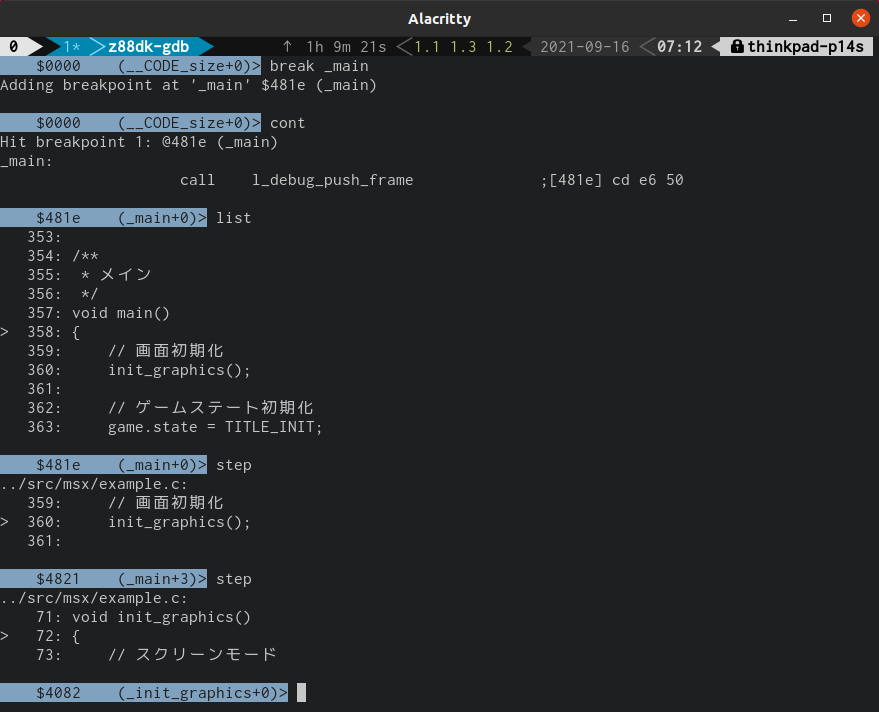
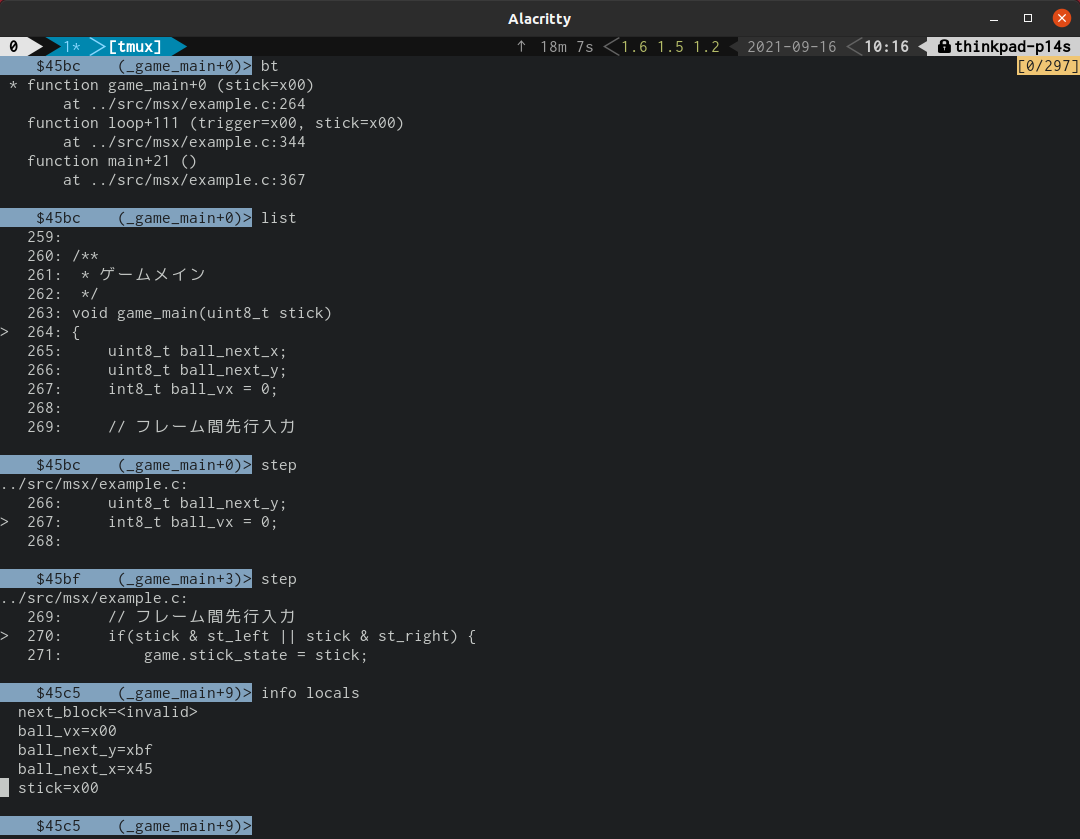
VSCode Attach (Native Debug)
- Breakpoints may shift; set breakpoints after startup.
- As of July 2022, "Step Over" may not behave reliably. Use "Continue" or "Step Into" instead.
.vscode/launch.json
{
    "version": "0.2.0",
    "configurations": [
        {
          "name": "Attach to MAME gdbserver",
          "type": "gdb",
          "request": "attach",
          "target": "127.0.0.1:23946",
          "remote": true,
          "cwd": "${workspaceRoot}",
          "gdbpath": "${env:Z88DK_HOME}/bin/z88dk-gdb",
          "debugger_args": [
            "-x",
            "${workspaceRoot}/dist/example.map" // or appropriate .map of your project (-m -debug needed!)
          ],
          "autorun": [
          ]
      }
    ]
}