This example is based on the example Starlette application from Starlette example, but is adding a document database using and . This is based on a series of articles that show this for a node typescript solution Web Api Node Typescript.
Install and run:
git clone https://github.com/encode/starlette-example.git
cd starlette-example
scripts/install
scripts/run
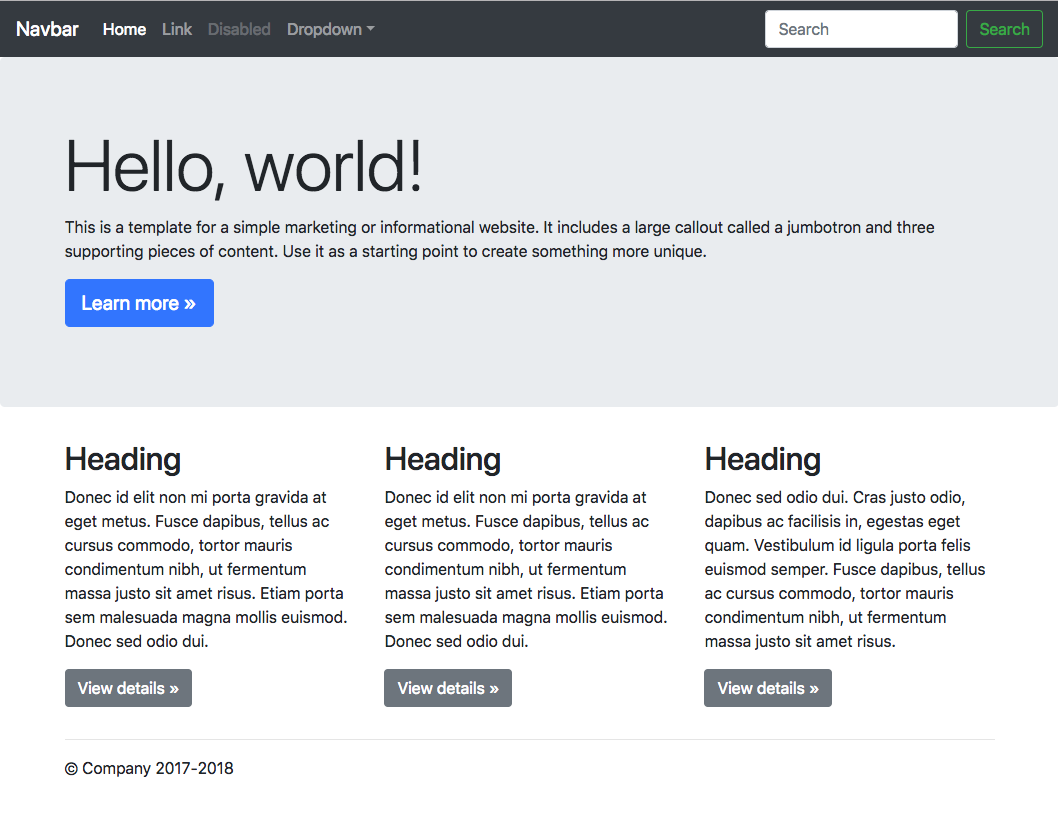
Open http://127.0.0.1:8000/ in your browser:
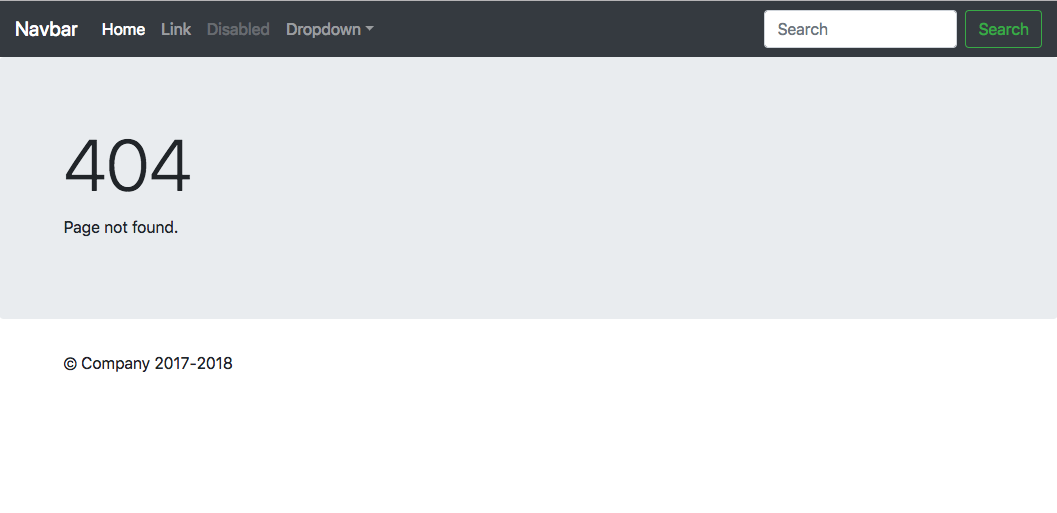
Navigate to path that is not routed, eg http://127.0.0.1:8000/nope:
Raise a server error by navigating to http://127.0.0.1:8000/error:
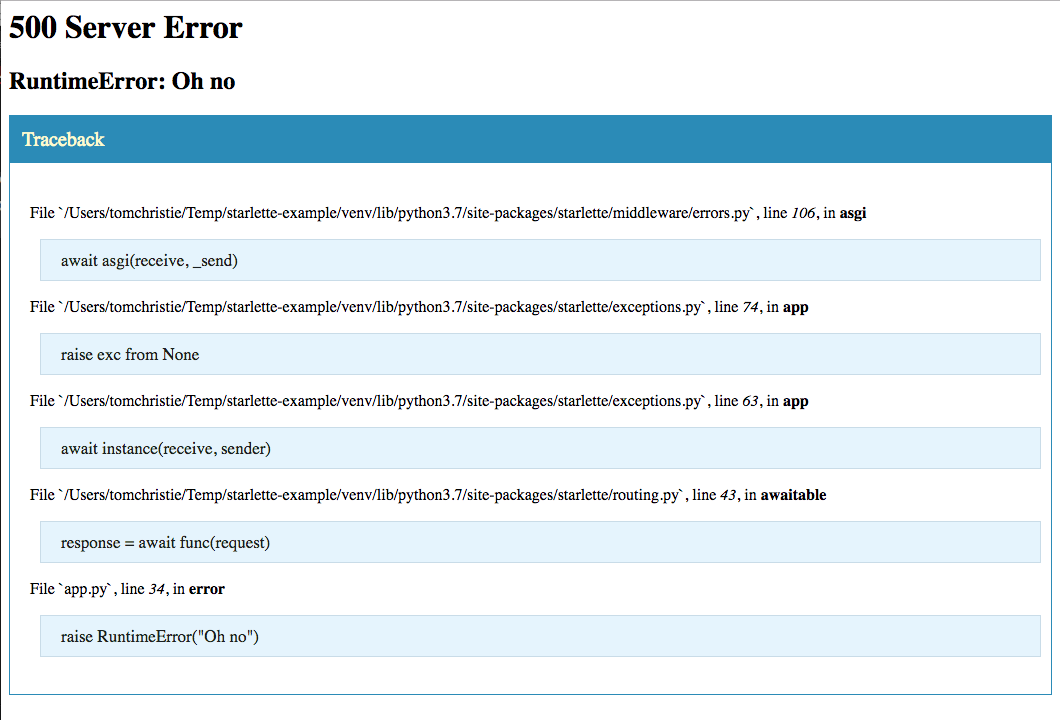
Switch the app = Starlette(debug=True) line to app = Starlette() to see a regular 500 page instead.
Now a contact rest service is going to be added that stores, retieves, updates and deletes json objects from an sqllite database using dataset. Dataset provides a simple abstraction layer removes most direct SQL statements without the necessity for a full ORM model - essentially, databases can be used like a JSON file or NoSQL store.
Add code to handle the creation of a contact as a result of a POST request.
@app.route('/api/contact', methods=['POST'])
async def post_contact(request):
    new_contact = await request.json()
    new_contact['creationTime'] = int(time.time())
    print(f"new contact: {new_contact}")
    contact_table = db['contacts']
    contact_table.insert(new_contact)
    return JSONResponse({"created": "ok"})
The remainder of the rest methods can be seen in the source code []
This can be tested with the following curl command
curl --header "Content-Type: application/json" \
  --request POST \
  --data '{"firstName":"Fred","lastName":"Smith","email":"[email protected]","company": "temp ltd", "phone": "012-345-67890"}' \
  http://localhost:8000/api/contact
Once one or more contacts has been created you can test fetching from the api using:
curl http://localhost:8000/api/contact- fetches a list of contactscurl http://localhost:8000/api/contact/1- fetches a single of contact
To update a record using the contact api use:
curl --header "Content-Type: application/json" \
  --request PUT \
  --data '{ "firstName": "John","lastName": "Smith","email": "[email protected]","company": "brewers ltd","phone": "012-345-67890","creationTime": 1577808587}' \
  http://localhost:8000/api/contact/1
To delete a record using the following:
curl -X DELETE http://localhost:8000/api/contact/4- this deletes record with id 4
This shows crud capability for the example, but because the dataset library includes search and query capability this is also supported.