

A Git-aware file browser for macOS.
Finder-style list view, real-time Git status, inline diffs, full git actions — all in one window.



Website · Documentation · Download

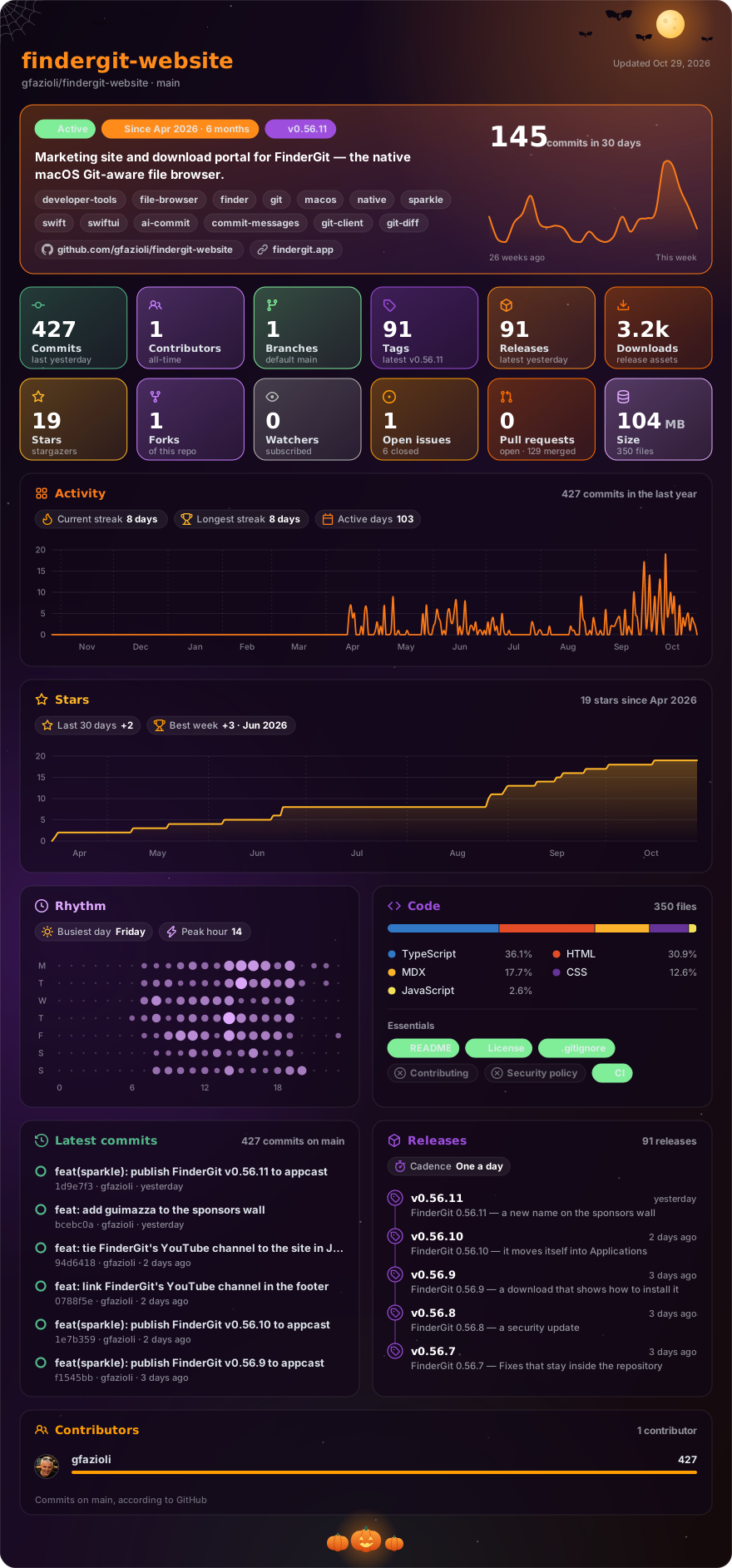
Made with glancecard · refreshed daily
FinderGit is a native macOS app that combines file browsing with Git intelligence. Instead of switching between Finder and a Git client, you get everything in one window:
- Tree view with columns — browse files like Finder's list view, with sortable columns for Branch, Status, Changes, Size, and Date Modified
- Live Git status — every repository shows its branch, clean/dirty/unpushed state, and number of changed files, updated in real time via FSEvents
- Ahead/behind counter — the status badge shows
↑N,↓N, or↑N ↓Mso you can spot repos that need a push, a pull, or both at a glance - Auto-fetch — optional background
git fetchat a user-chosen interval to keep the ahead/behind counter fresh - Diff viewer — click any modified file to see a colored inline diff
- Git actions — stage, unstage, commit, push, pull, fetch, branch switch, all from the UI
- Repo Trust — supply-chain safety — surface a repo's auto-run surface (editor tasks, AI-agent configs, dev-container and npm hooks) and get alerted when it changes after a pull. FinderGit also detects the committed dropper behind supply-chain worms like Shai-Hulud / Miasma — the obfuscated
.github/setup.js-style payload — across every branch, not just the checkout, and never runs anything it finds. When a repo looks compromised it shows an incident runbook: revoke the OAuth authorization, then reset (not revert) the infected branches - Repo Maintenance — a per-repo disk-usage breakdown and one-click cleanup (Optimize / Deep Clean) to reclaim Git space, with a sortable Size column in the browser
- Native Markdown preview — press Space on any
.mdfile for a rendered preview - Smart context menus — adapts to whether you're on a regular file, a tracked file, or a repository
- Multiple root folders — add as many as you want; drop folders from the macOS Finder into the sidebar to add them as roots
- Universal binary — one DMG runs on Apple Silicon and Intel Macs
- Auto-updates — built in via Sparkle
After downloading, open the DMG and drag FinderGit into your Applications folder. Launch it normally — the app is signed with Apple Developer ID and notarized by Apple, so Gatekeeper accepts it on first open.
- macOS 15 Sequoia or later
- Xcode Command Line Tools (FinderGit uses the system
gitbinary). On a fresh Mac, run once:xcode-select --install sudo xcodebuild -license
- Repositories that use Git LFS need
git-lfsinstalled (brew install git-lfs && git lfs install). FinderGit detects when it's missing and tells you exactly how to fix it instead of failing silently.
Full documentation, screenshots and FAQ at findergit.app.
This repo hosts the marketing site and release downloads for FinderGit. The app source lives in a separate repository.
The site is built with Next.js 16, Mantine 9 and Nextra 4.
yarn install
yarn dev
Then visit http://localhost:3000.
MIT