



Zabbix monitoring with low-level discovery for Philips Hue networks.
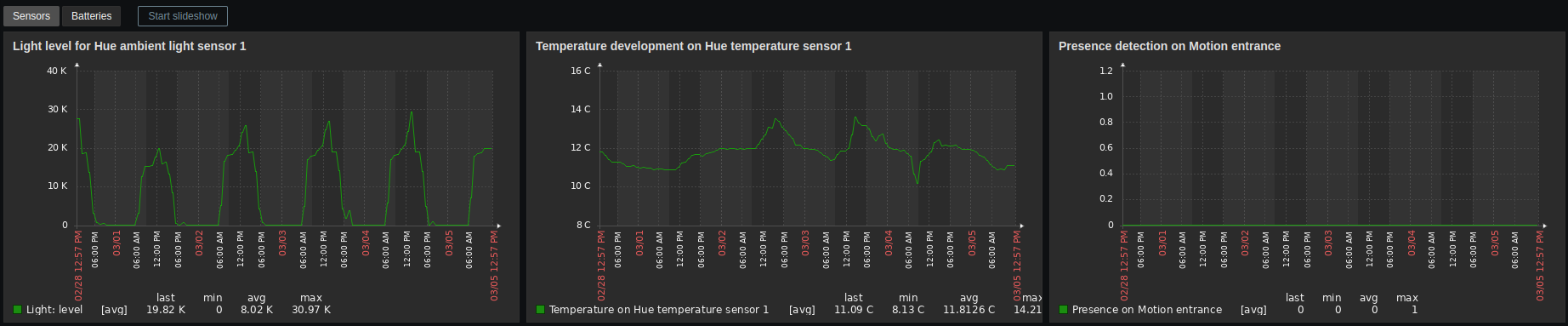
- Zabbix server 5.0+
- Zabbix agent 5.0+
- Python 3.9+ on Zabbix agent machine
pip3 install huemon- Copy
config.example.ymlfromsrc/huemonto/path/to/config.yml - Make necessary changes
- Provide the path through environment variable
HUEMON_CONFIG_PATH
Create a command or discovery plugin by implementing HueCommand or Discovery respectively and copy the file to the configured path in plugins.commands.path or plugins.discoveries.path of the configuration file.
# file:/path/to/zabbix/agent/conf.d/hue.conf

UserParameter=hue.discovery[*],HUEMON_CONFIG_PATH=/path/to/config.yml python3 -m huemon discover $1
UserParameter=hue.value[*],HUEMON_CONFIG_PATH=/path/to/config.yml python3 -m huemon $1 $2 $3
Or Docker
# file:/path/to/zabbix/agent/conf.d/hue.conf

UserParameter=hue.discovery[*],docker-compose run huemon discover $1
UserParameter=hue.value[*],docker-compose run huemon $1 $2 $3
Or agent mode
# file:/path/to/zabbix/agent/conf.d/hue.conf

UserParameter=hue.discovery[*],curl http://127.0.0.1:8000/discover?q=$1
UserParameter=hue.value[*],curl http://127.0.0.1:8000/$1?q=$2\&q=$3
An installer that configures Huemon as a Systemd service is included in this repository. It uses /etc/huemon/config.yml as the configuration path.
assets/service-installer.sh installHUEMON_CONFIG_PATH=/path/to/config.yml python3 -m huemon discover lightsOr agent mode
HUEMON_CONFIG_PATH=/path/to/config.yml python3 -m huemon agent startProvide a configuration path for the huemon-config volume in docker-compose.yml before running the commands below.
docker-compose run huemon discover lightsOr agent mode
docker-compose up -d

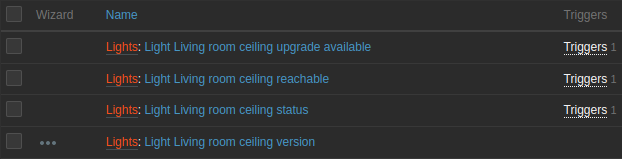

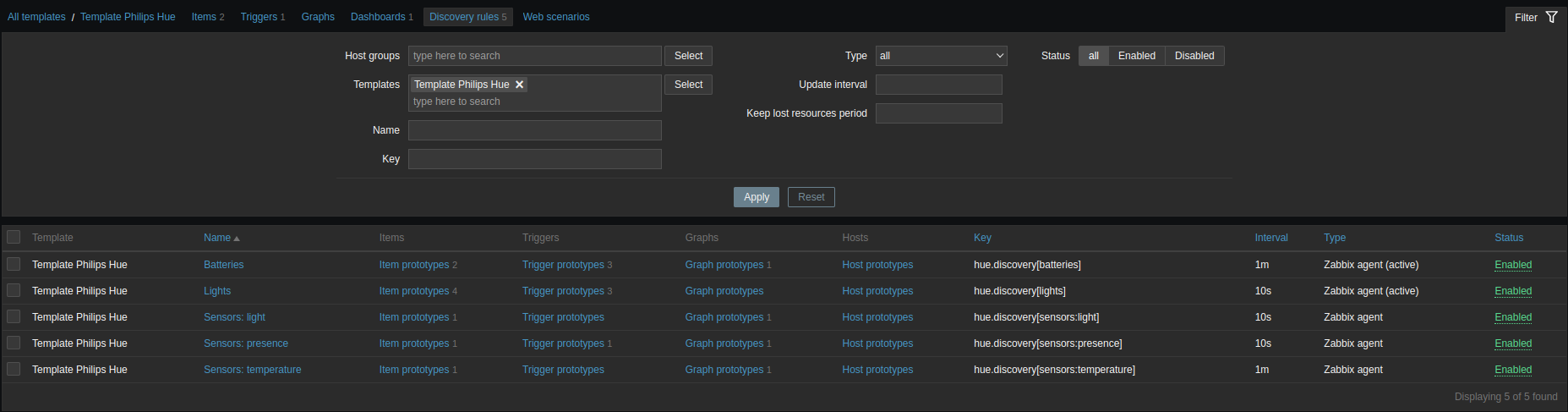
See the contributing guide to learn how to contribute to the repository and the development workflow.
Contributor Code of Conduct. By participating in this project you agree to abide by its terms.
MPL-2.0