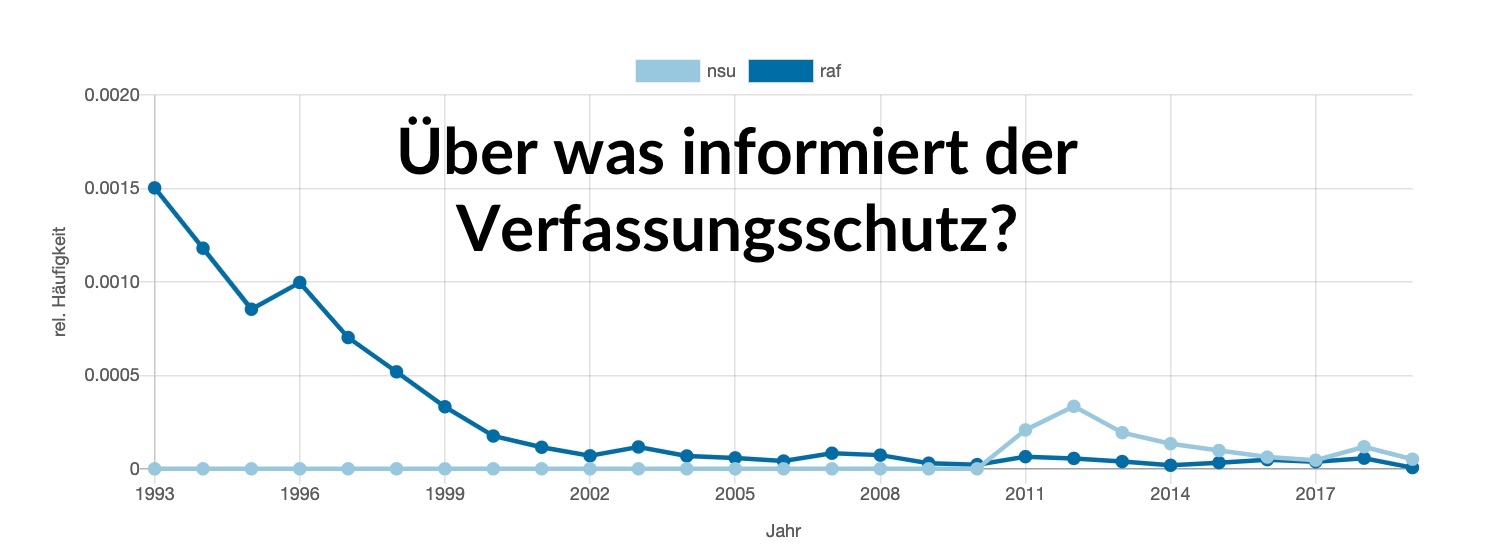
Über was informiert der Verfassungsschutz? Die Berichte des Geheimdienstes: gesammelt, durchsuchbar und analysiert.
Der Verfassungsschutz hat die Aufgabe die Öffentlichkeit über verfassungsfeindliche Bestrebungen aufzuklären. Die 16 Landesämter und das Bundesamt für Verfassungsschutz veröffentlichen jährlich Verfassungsschutzberichte. Diese Webseite ist ein zivilgesellschaftliches Archiv, das den Zugang zu den Berichten erleichert.
- Spiegel Online: „Netzaktivist startet Archiv für Verfassungsschutzberichte“
- Netzpolitik.org: „Wo der Verfassungsschutz hinschaut“
- golem.de: „Portal macht Verfassungsschutzberichte durchsuchbar“
- Unsere Pressemitteilung zum Launch
About what does the Verfassungsschutz (the German internal intelligence, translated: protection of the constitution) inform? The reports of the secret service: collected, searchable and analyzed.
The Verfassungsschutz has the task of informing the public about anti-constitutional efforts. The 16 state offices and the federal office publish annual reports on the protection of the constitution. This website is a civil society archive that simplifies access to the reports.
- install and run Docker
git clone https://github.com/dmedak/verfassungsschutzberichte.de && cd verfassungsschutzberichte.dedocker-compose up- http://localhost:5001
To get started, put some PDFs in to verfassungsschutzberichte.de/data/pdfs and create the folder verfassungsschutzberichte.de/data/images.
Then get the container id with docker ps, then enter the Docker container docker exec -it f00d7aa42de8 bash with the appropriate id. Finally run flask update-docs '*' inside the container to process PDFs.
End-to-end tests verify that the application works correctly after updates (e.g., Python version upgrades).
Run tests locally:
# Simply run the test script (requires Docker)
./scripts/run_tests.sh
All tests run inside Docker containers - no local Python dependencies needed!
CI/CD: Tests run automatically on every push and pull request via GitHub Actions.
Deploy with Dokku.
- create a Dokku app, e.g. with the name
vsb - link a Postgres db
- link a Redis cache
- Then mount a folder
datawith contains two folders (pdfsfor PDFs andimagesfor images of the PDF pages) for the static content:dokku storage:mount $app $path:/data/
To serve the images and PDFs via nginx (xsendfile), adapt the nginx config of Dokku (e.g. create /home/dokku/vsb/nginx.conf.d/myconf.conf):
location /x_images {
  internal;
  add_header X-Robots-Tag "noindex, nofollow"; # prevent search enginges from indexing files
  alias /folder/with/images;
}

location /x_pdfs {
  internal;
  add_header X-Robots-Tag "noindex, nofollow";
  alias /folder/with/pdfs;
}
Adjust the Postgres config and increase shared_buffers and work_mem to, e.g., 1GB and 128MB respectively.
- clear cache:
dokku run vsb flask clear-cache - add documents:
dokku run vsb flask update-docs '*' - remove all documents:
dokku run vsb flask remove-docs '*' - remove one document:
dokku run vsb flask remove-docs 'vsbericht-th-2002.pdf' - clean all data from the database and adds all documents again:
dokku run vsb clear-data
The reports are organized by folders and filenames. This has the limitation that we can't store different versions of a yearly report.
All documents should be PDF in a A4/A5 portrait format. Several pdf scripts exists but occasionally, manual work is required. See scripts.
Two folders exists to store the PDFs:
raw, sometimes the original PDF requires manual help (e.g. some pages are in landscape format)cleaned, normalized PDFs, but before the OCR & file reduction
Naming: vsbericht-nw-2000.pdf for NRW 2000, vsbericht-2000.pdf for the federal report 2000.
If a report is for multiple years, choose the latest year as the main date.
And update the title in src/report_info.py accordingly.
- Put the file in a folder, e.g.
x - cd
scripts ./new_docs.sh /absolute/path/x process- verify the result in
x.doneis fine, optionally add ax.rawfolder with the unprocessed files. ./new_docs.sh /absolute/path/x upload
Using Postgres' full-text search features via sqlalchemy-searchable. Right now, there are some shortcomings. It's not possible to use trigram similarity. And wildcard queries are the default and can only be deactivated by using quotes, i.e., "query". Also the matching tokens are not displayed on the page/image. Further work is required to improve the search.
MIT