
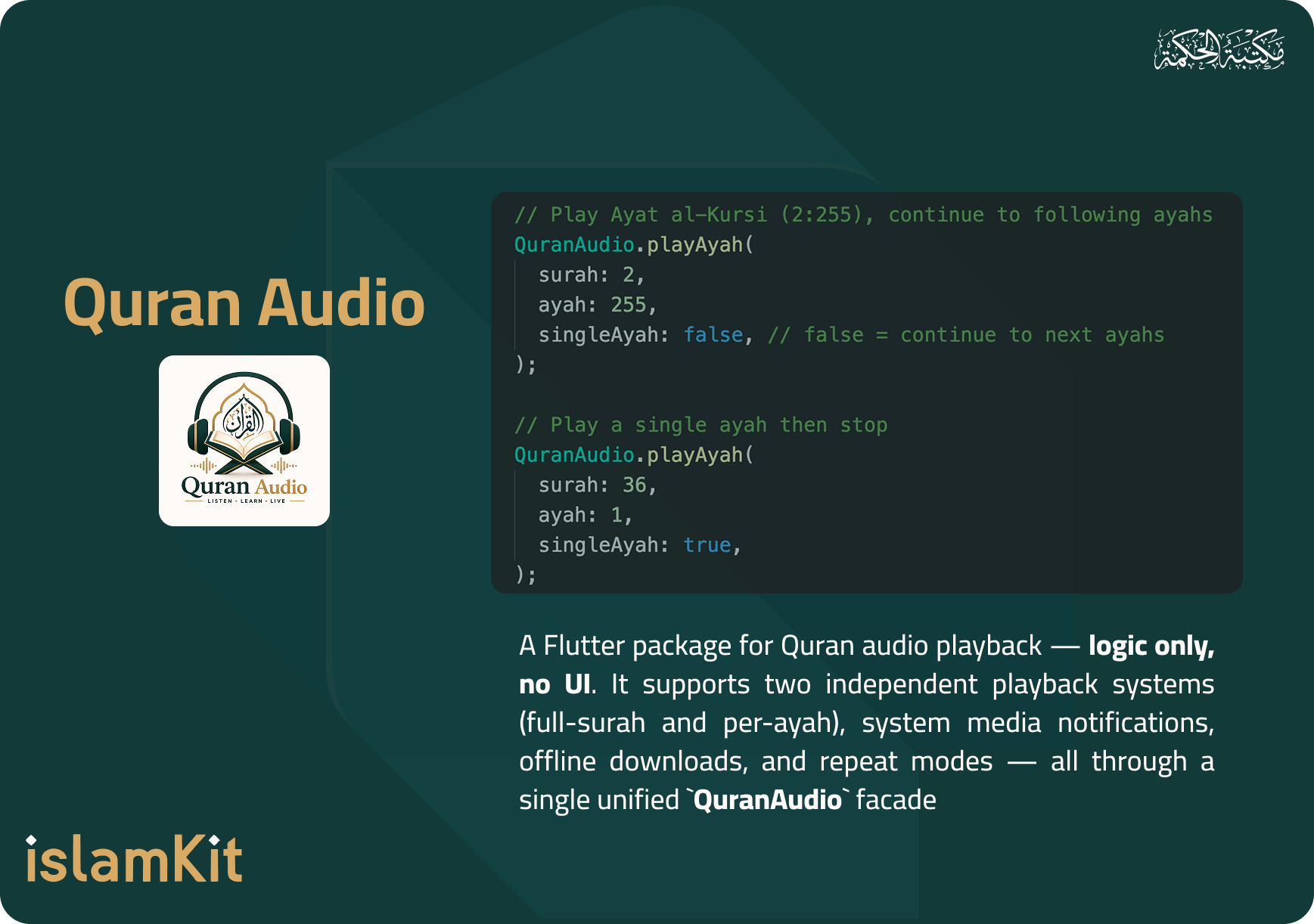


A Flutter package for Quran audio playback — logic only, no UI. It supports two independent playback systems (full-surah and per-ayah), system media notifications, offline downloads, and repeat modes — all through a single unified QuranAudio facade.
- Getting started
- Usage Example
- Reciters
- Notification Icon
- Offline Downloads
- Repeat
- Recitation Correction (qurani.ai)
- Reading State (GetX)
- Metadata Helpers
- How it Works
- Sources
- License
The required permissions for audio playback (WAKE_LOCK, and FOREGROUND_SERVICE_MEDIA_PLAYOUT) are automatically added by the package. You don't need to manually edit your AndroidManifest.xml.
Additionally, to enable system-integrated audio controls (notification/lockscreen) using audio_service, your app's MainActivity must extend AudioServiceActivity:
Kotlin:
import com.ryanheise.audioservice.AudioServiceActivity

class MainActivity: AudioServiceActivity()
Java:
import com.ryanheise.audioservice.AudioServiceActivity;

public class MainActivity extends AudioServiceActivity {}
If you don't apply this change, the audio will still work locally, but system controls won't be available.
For background audio playback, you must add the following to your app's Info.plist:
<key>UIBackgroundModes</key>
<array>
  <string>audio</string>
</array>
macOS requires a network entitlement. Open macos/Runner/DebugProfile.entitlements and add:
<key>com.apple.security.network.client</key>
<true/>
⚠️ Also add the same key tomacos/Runner/Release.entitlements, otherwise release builds cannot reach the network for audio streaming.
The library works out of the box on macOS (just_audio uses the native AVAudioPlayer backend). The minimum deployment target should be macOS 11.0.
No manual setup is required. The library automatically initializes the media_kit audio backend on Windows and Linux via just_audio_media_kit during QuranAudio.init(). Just run:
flutter run -d windows # or -d linuxNote: System media notifications (lock-screen controls) are not available on Windows, Linux, or macOS — this is an
audio_servicelimitation. Audio playback itself works fully on all desktop platforms.
The library works on web in streaming-only mode (no offline downloads, since browsers have no file system). QuranAudio.init() handles everything automatically:
flutter run -d chrome- ✅ Play surahs & ayahs (streamed from network URLs)
- ✅ Reciter selection, repeat modes, playback controls
- ❌ Offline downloads (not possible on web — use streaming instead)
- ❌ System media notifications (not supported on web by
audio_service)
In the pubspec.yaml of your flutter project, add the following dependency:
dependencies:
  ...
  quran_audio: ^1.0.0
Import it:
import 'package:quran_audio/quran_audio.dart';Initialize it:
Future<void> main() async {
  WidgetsFlutterBinding.ensureInitialized();
  // Initialize the entire library in one step
  await QuranAudio.init();
  runApp(const MyApp());
}
💡
QuranAudio.init()accepts optional parameters:await QuranAudio.init( enableSystemNotifications: true, // false = no notifications (lighter, for web/tests) androidNotificationChannelId: 'com.myapp.quran', androidNotificationChannelName: 'Quran Playback', notificationIconSource: 'assets/images/logo.png', // custom icon (asset/url/file) );
By default,
QuranAudio.init()uses the library's bundled icon for the system media notification. To change it at runtime, see Notification Icon.
The system media notification (lock screen / Bluetooth / car audio) shows an icon. By default the library's bundled logo is used. You can set a custom icon from an asset, a network URL, or a local file:
// From an asset (most common)
await QuranAudio.setNotificationIconFromAsset('assets/images/my_logo.png');

// From a network URL
await QuranAudio.setNotificationIconFromUrl('https://example.com/logo.png');

// From a local file path
await QuranAudio.setNotificationIconFromFile('/path/to/logo.png');

// Auto-detect type (asset / url / file)
await QuranAudio.setNotificationIcon('assets/images/my_logo.png');

// Revert to the library's default icon
await QuranAudio.useDefaultNotificationIcon();

// Read the current icon URI
final Uri? icon = QuranAudio.notificationIcon;
The icon is refreshed live — if playback is active when you call these methods, the notification updates immediately.
Play a full surah (single MP3 file per surah):
// Play Surah Al-Baqarah
QuranAudio.playSurah(2);

// Play Surah Al-Fatihah
QuranAudio.playSurah(1);
Play a specific ayah by surah number and ayah number:
// Play Ayat al-Kursi (2:255), continue to following ayahs
QuranAudio.playAyah(
  surah: 2,
  ayah: 255,
  singleAyah: false, // false = continue to next ayahs
);

// Play a single ayah then stop
QuranAudio.playAyah(
  surah: 36,
  ayah: 1,
  singleAyah: true,
);By default, playback streams online if the file is not already downloaded — giving instant playback. You can change this with streamFirst / downloadFirst / downloadScope:
// 1) Default: stream immediately (online)
QuranAudio.playAyah(surah: 2, ayah: 255);

// 2) Download the single ayah first, then play it (offline-ready)
QuranAudio.playAyah(
  surah: 2, ayah: 255,
  downloadFirst: true,
  downloadScope: DownloadScope.single,
);

// 3) Download the entire surah first, then play from ayah 255
QuranAudio.playAyah(
  surah: 2, ayah: 255,
  downloadFirst: true,
  downloadScope: DownloadScope.surah,
);

// 4) Full surah — download first then play
QuranAudio.playSurah(2, downloadFirst: true);| Parameter | Default | Description |
|---|---|---|
streamFirst |
true |
Stream online immediately if the file is missing |
downloadFirst |
false |
Download before playing (overrides streamFirst) |
downloadScope |
DownloadScope.single |
With downloadFirst: single (current ayah) or surah (all ayahs) |
Web: downloading is not possible (no file system), so
downloadFirstis ignored and playback always streams. Note:downloadFirsttakes precedence overstreamFirst. If the file is already downloaded, it plays locally regardless of either setting.
Controls automatically execute on the currently active system — no need to know which is running.
QuranAudio.pause();               // Pause (active system)
QuranAudio.resume();              // Resume (active system)
QuranAudio.stop();                // Stop completely
QuranAudio.next();                // Next (surah or ayah)
QuranAudio.previous();            // Previous (surah or ayah)
QuranAudio.seek(Duration(minutes: 5));  // Seek to position
QuranAudio.togglePlayPause();     // Toggle play/pause
Complete Audio Example
class AudioPlayerScreen extends StatelessWidget {
  const AudioPlayerScreen({super.key});

  @override
  Widget build(BuildContext context) {
    final c = QuranAudio.surahController;
    return Scaffold(
      appBar: AppBar(title: const Text('Quran Audio Player')),
      body: Column(
        children: [
          // Reactive now-playing display
          Obx(() {
            final surahNo = c.currentSurahNumber.value;
            final meta = QuranAudio.surah(surahNo);
            return Text('${meta.name} — ${meta.englishName}');
          }),

          // Control buttons
          Row(
            mainAxisAlignment: MainAxisAlignment.center,
            children: [
              IconButton(
                onPressed: QuranAudio.previous,
                icon: const Icon(Icons.skip_previous),
              ),
              IconButton(
                onPressed: QuranAudio.togglePlayPause,
                icon: const Icon(Icons.play_arrow),
              ),
              IconButton(
                onPressed: QuranAudio.next,
                icon: const Icon(Icons.skip_next),
              ),
              IconButton(
                onPressed: QuranAudio.stop,
                icon: const Icon(Icons.stop),
              ),
            ],
          ),

          // Progress bar
          StreamBuilder<PositionData>(
            stream: QuranAudio.positionDataStream,
            builder: (context, snap) {
              final d = snap.data;
              return Slider(
                value: d?.position.inSeconds.toDouble() ?? 0,
                max: d?.duration.inSeconds.toDouble() ?? 1,
                onChanged: (v) => QuranAudio.seek(
                  Duration(seconds: v.toInt()),
                ),
              );
            },
          ),

          // Play buttons
          ElevatedButton(
            onPressed: () => QuranAudio.playSurah(1),
            child: const Text('Play Al-Fatihah'),
          ),
          ElevatedButton(
            onPressed: () => QuranAudio.playAyah(surah: 2, ayah: 255),
            child: const Text('Play Ayat al-Kursi'),
          ),
        ],
      ),
    );
  }
}The library ships with two independent reciter lists (matching the original quran_library):
- Surah reciters: 21 reciters (quranicaudio.com, mp3quran.net, tarteel.ai)
- Ayah reciters: 12 reciters (cdn.islamic.network, everyayah.com)
// Change reciter by index
QuranAudio.setSurahReader(2);
QuranAudio.setAyahReader(1);

// Access the lists
final surahReaders = QuranAudio.surahReaders;
final ayahReaders = QuranAudio.ayahReaders;
final currentIndex = QuranAudio.surahReaderIndex;
Custom Reciters
// Override the default surah reciters list
SurahReaders.customReaders = [
  const ReaderInfo(
    index: 0,
    name: 'My Custom Reciter',
    readerNamePath: 'my_reader/',
    url: 'https://my-server.com/quran/',
  ),
];

// Override the default ayah reciters list
AyahReaders.customReaders = [
  const ReaderInfo(
    index: 0,
    name: 'My Custom Reciter',
    readerNamePath: 'my_reader',
    url: 'https://everyayah.com/data/',
  ),
];// Surah system (single MP3 file)
await QuranAudio.downloadSurah(2); // Download Al-Baqarah
final ready = await QuranAudio.isSurahDownloaded(2);
await QuranAudio.deleteSurahDownload(2);
// Ayah system (one MP3 per ayah)
await QuranAudio.downloadSurahAyahs(2); // All ayahs of Al-Baqarah
await QuranAudio.downloadAyahRange(2, from: 1, to: 10); // Range
final ready = await QuranAudio.isSurahAyahsDownloaded(2);
await QuranAudio.deleteSurahAyahDownloads(2);
// Cancel any ongoing download
QuranAudio.cancelDownload();QuranAudio.repeatAyah(); // Repeat the current ayah
QuranAudio.repeatSurah(); // Repeat the current surah
QuranAudio.repeatAyahRange( // Repeat a range of ayahs
fromAyah: 1,
toAyah: 10,
times: 3,
);
QuranAudio.disableRepeat(); // Disable repeatAn optional module for real-time Quran recitation correction (Tajweed feedback) via qurani.ai. It is completely isolated — the library works at 100% without it. It activates only after you call Recitation.init(apiKey:).
import 'package:quran_audio/quran_audio.dart';

void main() async {
  WidgetsFlutterBinding.ensureInitialized();
  await QuranAudio.init();                 // playback (required)
  Recitation.init(apiKey: 'YOUR_KEY');     // recitation (optional)
  runApp(MyApp());
}
Without Recitation.init(...), the recitation module stays inert — no cost, no network, no permissions.
// 1) Create a session targeting a specific ayah
final session = Recitation.createSession(
  config: QrcConfig(
    chapterIndex: 1,    // Al-Fatihah (1..114)
    verseIndex: 1,      // first ayah
    hafzLevel: 1,       // memorization strictness (default 1)
    tajweedLevel: 1,    // tajweed strictness (default 1)
  ),
);

// 2) Listen to live feedback
session.feedbackStream.listen((QrcFeedback fb) {
  print('correct: ${fb.isCorrect}, score: ${fb.score}, raw: ${fb.raw}');
});

// 3) Start (opens WS + sends StartTilawaSession + records mic + streams)
await session.start();

// ... the user recites — feedback arrives in real time ...

// 4) Stop
await session.stop();final session = Recitation.createSession(config: cfg);
session.state.listen((RecitationState s) {
// idle | connecting | recording | paused | processing | error | finished
});- Android: add
<uses-permission android:name="android.permission.RECORD_AUDIO"/>toAndroidManifest.xml. - iOS: add
NSMicrophoneUsageDescriptiontoInfo.plist. - macOS: add
com.apple.security.device.audio-inputto entitlements. - Web: the browser prompts for mic permission automatically.
⚠️ Documentation gaps: some qurani.ai details (the exactwss://endpoint, the response JSON schema, the allowed ranges forhafz_level/tajweed_level) are not fully published. The client is designed defensively —QrcFeedback.rawholds the full server JSON, and you can override the WS URL/auth strategy viaRecitation.init(wsUrl:, authStrategy:). Calibrate these empirically once you have an API key.
⚠️ Important: EachObxmust read.valuedirectly from a controller inside its builder. Do not wrap a whole widget inObxif Rx values are read in a deeperbuild— GetX will throw an error.
final c = QuranAudio.surahController;

// ✅ Correct — .value is read directly inside Obx
Obx(() => Text(
  c.isPlaying.value ? 'Playing' : 'Paused',
));

Obx(() => Text('Surah: ${c.currentSurahNumber.value}'));
Progress bar & reactive card
// Progress bar via StreamBuilder (no Obx needed)
StreamBuilder<PositionData>(
  stream: QuranAudio.positionDataStream,
  builder: (context, snap) {
    final d = snap.data;
    return Slider(
      value: d?.position.inSeconds.toDouble() ?? 0,
      max: d?.duration.inSeconds.toDouble() ?? 1,
      onChanged: (v) => QuranAudio.seek(Duration(seconds: v.toInt())),
    );
  },
);

// A reactive now-playing card
class NowPlayingCard extends StatelessWidget {
  Widget build(BuildContext context) {
    final surahC = QuranAudio.surahController;
    final ayahC = QuranAudio.ayahController;
    return Obx(() {
      final surahNo = surahC.currentSurahNumber.value;
      final ayahNo = ayahC.currentAyahInSurah.value;
      final playing = surahC.isPlaying.value || ayahC.isPlaying.value;
      final meta = QuranAudio.surah(surahNo);
      return Card(
        child: ListTile(
          title: Text(meta.name),
          subtitle: Text(playing ? 'Playing' : 'Paused'),
          trailing: Text('$ayahNo / ${meta.ayahCount}'),
        ),
      );
    });
  }
}Instead of bundling the full Quran file (745KB), the library uses a tiny (~3KB) JSON holding only surah numbers, names, and ayah counts. Unique ayah numbers (UQ 1..6236) are computed cumulatively — no need to store them.
QuranAudio.ayahCountOf(2);          // → 286
QuranAudio.uqNumberOf(2, 255);      // → 262
QuranAudio.surah(2).name;           // → "Surat Al-Baqarah"
QuranAudio.allSurahs;               // → List<SurahMeta> (114 entries)

// Validation
QuranAudio.metadata.isValidSurah(2);           // → true
QuranAudio.metadata.isValidAyah(2, 255); // → trueThe library maintains two independent playback systems, each with its own reciters, URLs, and mechanisms:
| System | Description | Reciters | Sources |
|---|---|---|---|
Surah (SurahAudioController) |
One MP3 per full surah | 21 | quranicaudio.com, mp3quran.net, tarteel.ai |
Ayah (AyahAudioController) |
One MP3 per ayah | 12 | cdn.islamic.network, everyayah.com |
They share a single AudioPlayer via a coordination layer (AudioEngine). When one system takes control, the other is automatically stopped and its state is reset.
- Auto-advance: Ayahs play sequentially (playlist + windowing); surahs auto-advance to the next (1→114) on completion.
- Smart controls:
pause()/resume()/next()/previous()execute on whichever system is currently active. - Direct access: For advanced use, the controllers are exposed via
QuranAudio.surahControllerandQuranAudio.ayahController.
- Quran metadata (surah names & ayah counts): derived from King Fahd Glorious Quran Printing Complex data
- Audio sources: quranicaudio.com, mp3quran.net, tarteel.ai, cdn.islamic.network, everyayah.com
MIT for code. Read more about the license here.