
Focus Browser for people who don't want to distract him/herself. Focus browser blocks
distractable elements in websites. There is a one tab for one focus.
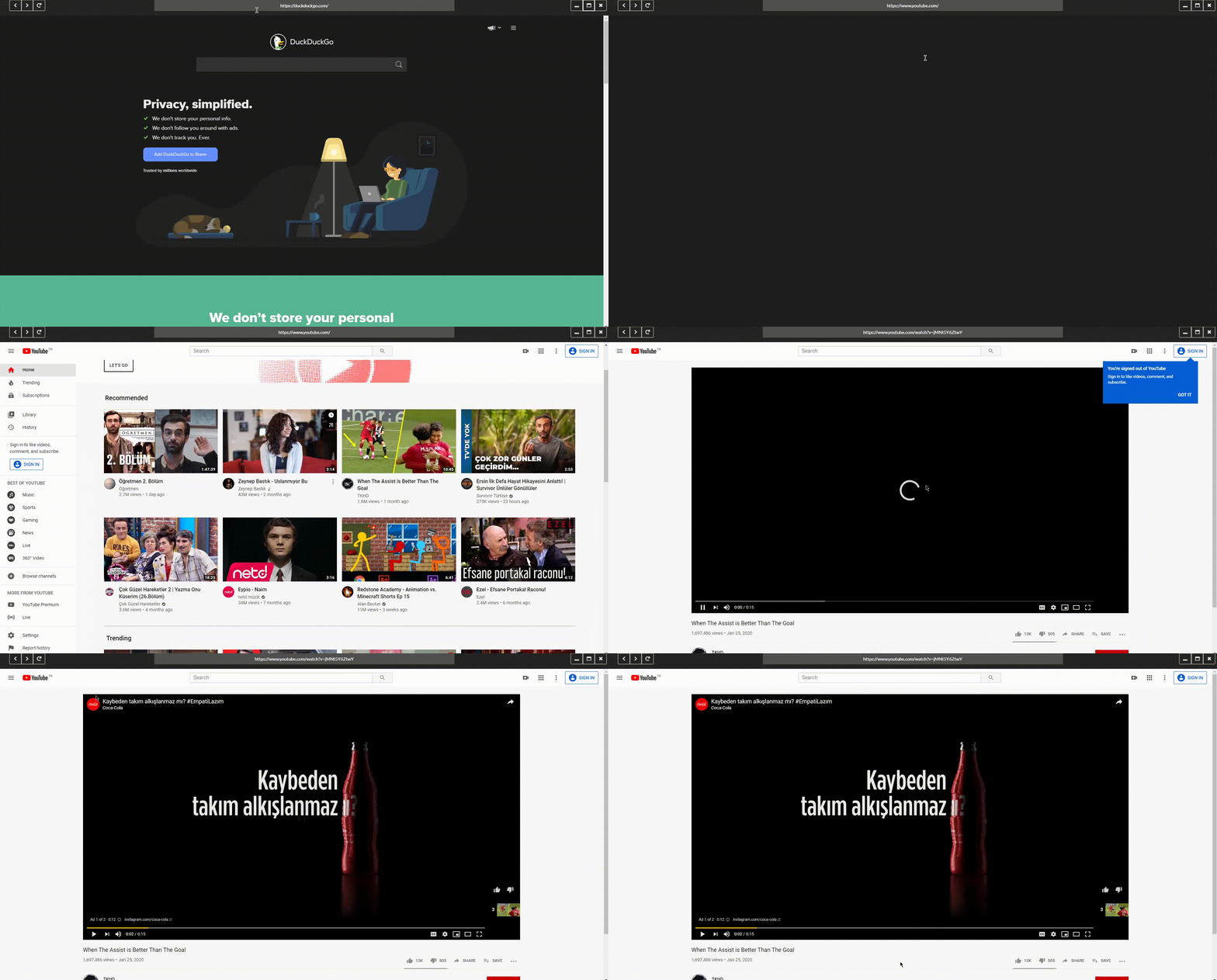
- Minimal UI Design
- Disabling comments and "Up next" section in YouTube
First, You have to install Node.js from https://nodejs.org/en/download/ if you don't have. Then, you can open a folder to install app.
If you have git:
- Run these commands on terminal: git clone https://github.com/akcware/Focus-Browser.git
- npm install
If you don't have git, just download as zip and extract it. And run this command: npm install
To run app, you can run this command in your terminal: "npm start"
Or if you want to just install and run and you're using Windows, you can download in Sourceforge: https://sourceforge.net/projects/focus-browser/