


Generate, review, and refine SVG graphics with AI — directly inside Inkscape
An Inkscape extension that turns text descriptions into vector graphics using OpenAI, Anthropic Claude, Google Gemini, Azure OpenAI, local Ollama models, or any custom OpenAI-compatible server — with a review-first gallery so nothing lands on your canvas until you approve it.
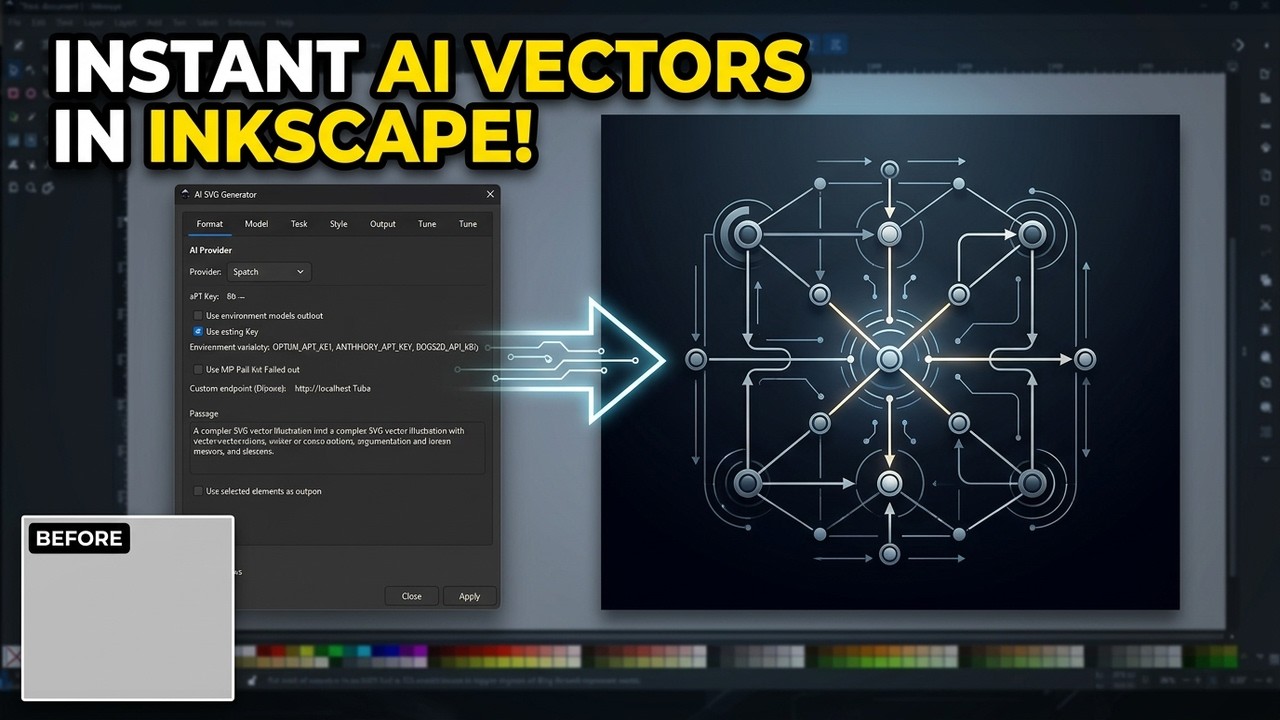
Click to watch the tutorial on YouTube
-
🤖 Seven AI providers
Provider Auth Notes OpenAI API key GPT-5.x, GPT-4.1, o3/o4 reasoning models Anthropic Claude API key Claude Opus 4.8, Sonnet 5, Haiku 4.5 Google Gemini API key Gemini 2.5 Pro / Flash Azure OpenAI API key + endpoint Your own deployments Ollama none (local) Any locally installed model Custom (OpenAI-compatible) optional key + endpoint LM Studio, vLLM, Groq, Together, DeepSeek… -
🖼️ Review-first workflow — after generation, a gallery shows every variation rendered. Check what you want, Refine with a follow-up instruction ("make the roof red"), Regenerate, Preview/Copy/Save — and only then Insert Selected. Discard All leaves your document untouched.
-
⚡ Fast & responsive — variations generate in parallel; streaming providers show live character counts; Cancel returns immediately.
-
🛡️ Safe by default — generated SVG is sanitized (scripts, event handlers,
foreignObject,javascript:URIs stripped) before it is previewed or inserted. -
🎨 Rich style controls — style presets, color schemes, complexity, stroke styles, negative prompts, custom system prompt — all editable as markdown files under
prompts/. -
📐 Flexible output — preset/custom sizes, aspect ratios, target layer, grouping, positioning, multiple variations, save-to-disk, link-or-embed.
-
🧰 Workflow tools — prompt history with search & replay, named templates, live model-list refresh per provider, API key test button, selection-as-context and selection-refine modes.
| Component | Version | Purpose |
|---|---|---|
| Inkscape | 1.0+ | Runs the extension (GTK3 + its bundled Python) |
| Python | 3.8+ | Ships with Inkscape — nothing to install |
| Internet | — | API access (not needed for Ollama) |
No pip packages required — the extension uses only the Python standard
library. librsvg (bundled with Inkscape) enables thumbnail previews.
-
Find your extensions directory (Edit → Preferences → System → User extensions):
OS Path Windows %APPDATA%\inkscape\extensions\macOS ~/Library/Application Support/org.inkscape.Inkscape/config/inkscape/extensions/Linux ~/.config/inkscape/extensions/ -
Copy (or clone) this whole folder there as
svg_maker/:git clone https://github.com/YouvenZ/svg_maker_ink.git [extensions-dir]/svg_maker
-
Restart Inkscape. The extension appears under Extensions → Generate → AI SVG Generator.
- Extensions → Generate → AI SVG Generator
- Pick a provider and paste an API key (or use local Ollama — no key)
- Type a prompt:
A simple house icon with a chimney - Click Generate
- In the review gallery: refine if needed, check the variations you like, click Insert Selected
| Tab | Purpose |
|---|---|
| Prompt | Provider + key, preset, prompt text, negative prompt, selection context/refine |
| Model | Model picker with live ⟳ Refresh, temperature, max tokens, timeout, retries, seed |
| Size | Presets (200–800 px), aspect ratios, custom dimensions |
| Style | Visual style, complexity, color scheme, stroke style, gradients |
| Output | Position, grouping, variations (1–4), animations, accessibility, target layer, page auto-fit |
| Save | Save-to-disk directory, filename prefix, embed vs. link |
| Advanced | Custom system prompt, named prompt templates |
| History | Searchable prompt history — double-click to replay |
| Help | In-dialog quick reference |
After generation you get a gallery — nothing has touched your document yet:
- Each variation card: rendered thumbnail, byte size, Insert checkbox, Preview / Copy / Save buttons
- Refine — pick a variation, type a follow-up instruction; the current SVG is sent back to the model and replaced in place. Iterate as often as you like.
- Regenerate — re-run the original prompt for one variation
- Insert Selected — inserts only the checked variations
- Discard All — closes with zero changes to your document
To restore the old auto-insert behaviour (e.g. for scripted use), set
"review_before_insert": false in config.json.
- Direct input in the Provider tab (check Save entered key to persist)
- Environment variable —
OPENAI_API_KEY,ANTHROPIC_API_KEY,GOOGLE_API_KEY,AZURE_OPENAI_API_KEY,CUSTOM_OPENAI_API_KEY - config.json in the extension folder (flat keys):
{
  "openai_api_key": "sk-…",
  "anthropic_api_key": "sk-ant-…",
  "google_api_key": "…",
  "default_provider": "anthropic",
  "default_model": "claude-opus-4-8",
  "default_save_directory": "C:/Users/you/Pictures/AI_Images",
  "review_before_insert": true
}
⚠️ config.jsonstores keys as plain text. Prefer environment variables on shared machines.config.jsonis gitignored.
| File | Purpose |
|---|---|
config.json |
Saved keys and defaults |
svg_llm_history.json |
Prompt history (last 50) |
svg_llm_templates.json |
Named prompt templates |
All are gitignored and stay on your machine.
Key from platform.openai.com/api-keys.
Reasoning models (o3, o4-mini, gpt-5*) are handled automatically
(correct token parameter, no temperature).
Key from console.anthropic.com.
Recommended: claude-opus-4-8 (best quality) or claude-haiku-4-5 (fast/cheap).
Newest models ignore the temperature setting (API restriction).
Key from aistudio.google.com/apikey.
Recommended: gemini-2.5-flash.
Enter your resource endpoint (https://your-resource.openai.azure.com) and
key; the model field is your deployment name.
ollama pull llama3.1   # once
ollama serve
Select provider Ollama — installed models are auto-discovered. No key.
Point the Endpoint field at any /v1-style base URL:
http://localhost:1234/v1 (LM Studio), https://api.groq.com/openai/v1, etc.
Type the model name in the Custom model name field.
Everything sent to the model lives under prompts/ — edit without touching code:
prompts/
├── system_prompt.md      # the system prompt
├── presets/              # icon, logo, diagram, flowchart, …
├── styles/               # minimal, flat, isometric, cartoon, …
├── colors/               # warm, pastel, neon, …
├── complexity/           # simple, medium, complex
└── strokes/              # thin, thick, none, variable
Add a new file (e.g. styles/blueprint.md) and reference it, or edit
existing ones. Missing files fall back to built-in defaults.
Save any prompt + settings combination as a named template in the Advanced tab, and reload it with one click.
Everything except the Inkscape insertion can be tested outside Inkscape:
# Offline unit checks (sanitizer, cleaner, dimension fixer, registry)
python test_svg_generation.py --self-test

# Live end-to-end call using your config.json / env keys
python test_svg_generation.py --provider anthropic --stream
python test_svg_generation.py --provider ollama --model llama3.1Extension not in the menu
- Confirm the folder layout:
[extensions]/svg_maker/svg_llm.inx+svg_llm.py - Restart Inkscape fully
- Check Edit → Preferences → System → Open Error Log
API error (401 / 403)
- Use the Test button next to the key field
- Check for stray spaces, expiry, or org restrictions on the key
Model error (400)
- Click ⟳ Refresh in the Model tab to load the provider's current list — hardcoded model names go stale
- For Azure, the model must be your deployment name
No thumbnails in the review gallery
- Thumbnails need librsvg (bundled with Inkscape on all platforms); when missing, a source-code preview is shown instead — everything else works
Ollama not reachable
- Start it:
ollama serve, then verifycurl http://localhost:11434/api/tags - Check the endpoint field if you run it on another port/host
svg_maker/
├── svg_llm.inx              # Inkscape extension registration
├── svg_llm.py               # Main extension (effect flow, document insertion)
├── svg_llm_common.py        # Provider registry, sanitizer, HTTP/SSE helpers
├── svg_llm_dialog.py        # GTK3 main dialog + progress dialog
├── svg_llm_review.py        # Review-first result gallery
├── svg_llm_prompts.py       # Markdown prompt loader
├── svg_llm_openai.py        # ── provider modules ──
├── svg_llm_anthropic.py
├── svg_llm_google.py
├── svg_llm_azure.py
├── svg_llm_ollama.py
├── svg_llm_custom.py
├── prompts/                 # Editable prompt fragments (markdown)
├── test_svg_generation.py   # Self-tests + live smoke test
└── example_config.json      # Config template
- Be specific: "A red apple with a leaf" beats "an apple"
- Use presets — they add tuned instructions for icons, logos, diagrams…
- Refine instead of retrying — the review gallery's Refine keeps what works and changes only what you ask
- Use the negative prompt for things to avoid ("text, shadows, 3D")
- Select elements first and enable selection context to match a style
- Fork, branch (
git checkout -b feature/x), commit, PR - Run
python test_svg_generation.py --self-testbefore submitting - Provider modules are self-contained — adding a provider means one new
svg_llm_<name>.py(withgenerate()/fetch_models()) plus a registry entry insvg_llm_common.py
MIT — see the license file.
- Issues: GitHub Issues
- Email: youvenz.pro@gmail.com
- ✨ Review-first workflow: gallery with thumbnails, per-variation insert, iterative Refine, Regenerate — nothing auto-inserts
- ✨ Parallel variation generation + streaming progress + instant Cancel
- ✨ SVG sanitization (scripts/handlers/foreignObject stripped)
- ✨ Current model support: Claude Opus 4.8/Sonnet 5, GPT-5.x/o-series (correct parameters per model), Gemini 2.5
- 🔧 Single shared provider registry; root-tag-only dimension fixing; UTF-8 file output; offline self-test suite
- Initial release: OpenAI/Anthropic/Google/Ollama, styles, sizing, variations, history, GTK dialog