Introducing the classic, addictive and never-ending game of Tetris! With my respect to the Soviet software engineer Alexey Pajitnov in 1985, this remake puzzle game is designed to fascinate players of all ages. Manipulate falling Tetrominoes and fit them together to clear lines, level up, and chase high scores. Test your strategic thinking, speed, and reflexes in this engaging and entertaining game. Are you ready to embrace the challenge?
- Fluid and responsive controls for seamless gameplay
- Eye-catching visuals and special effects
- Engaging sound effects and music that adapts to your progress
- Increasing difficulty levels to challenge your skills
Before installing "Tetris", ensure that you have Python 3.7 or higher installed on your system. You can download the latest version of Python from the official website: https://www.python.org/downloads
Step 1: Install required libraries To run the game, you need to install the pygame library. Open a terminal or command prompt and enter the following command: pip install pygame
Step 2: Download the game files, including the game code, assets (images, sounds, etc.), and settings.py from the provided link or repository. Ensure that you have all the necessary files in the same folder.
Step 3: Run the game Navigate to the folder containing the game files using the terminal or command prompt. Once there, execute the following command: python Tetris.py.
Step 4: Enjoy the game The game should now start, and you can enjoy playing "Leap of Faith". Follow the on-screen instructions to control the game and have fun!
Troubleshooting:
- If you encounter any issues while installing the libraries or running the game, make sure you have the latest version of Python and the required libraries installed, i.e., pygame module.
- Ensure that all game files, including assets and settings, are in the same folder as the main Python script.
- If you still experience issues, consult the game's documentation, forums, or contact the developer for assistance.
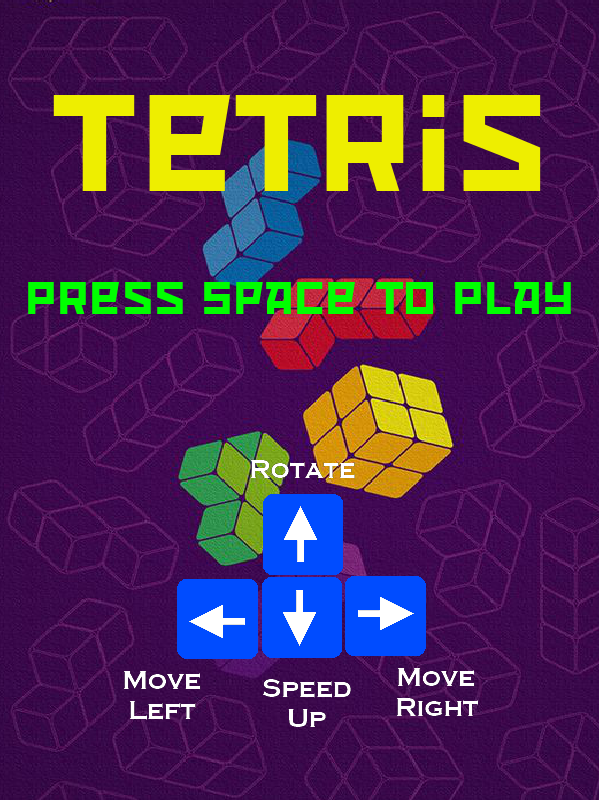
- Use the arrow keys to move the Tetrominoes left, right, or down
- Press the up arrow key to rotate the Tetrominoes
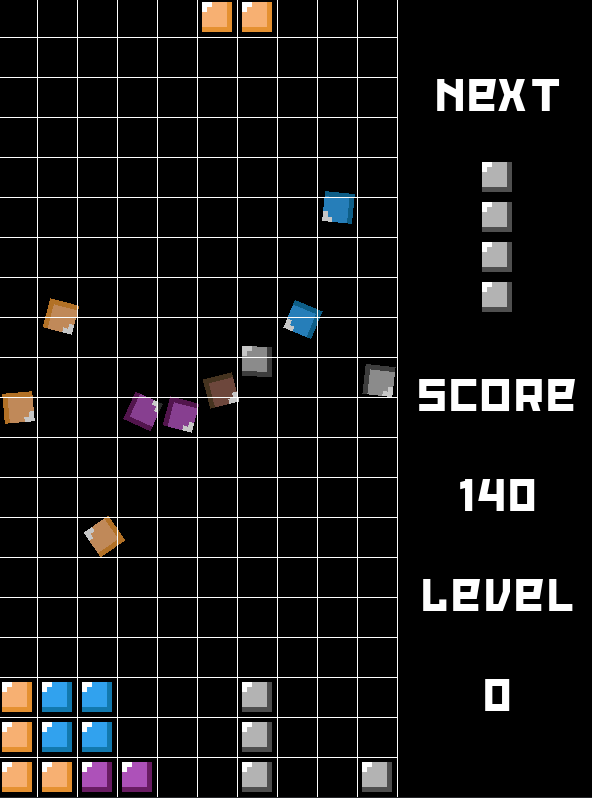
- Fill a complete line with Tetrominoes to clear it and earn points
- Clear multiple lines simultaneously to score bonus points
- The game speeds up as you progress through levels, increasing the challenge
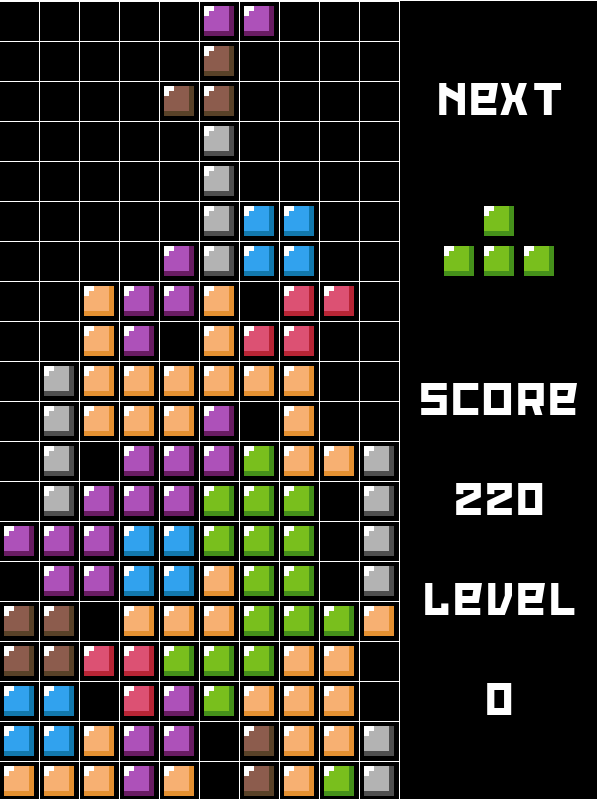
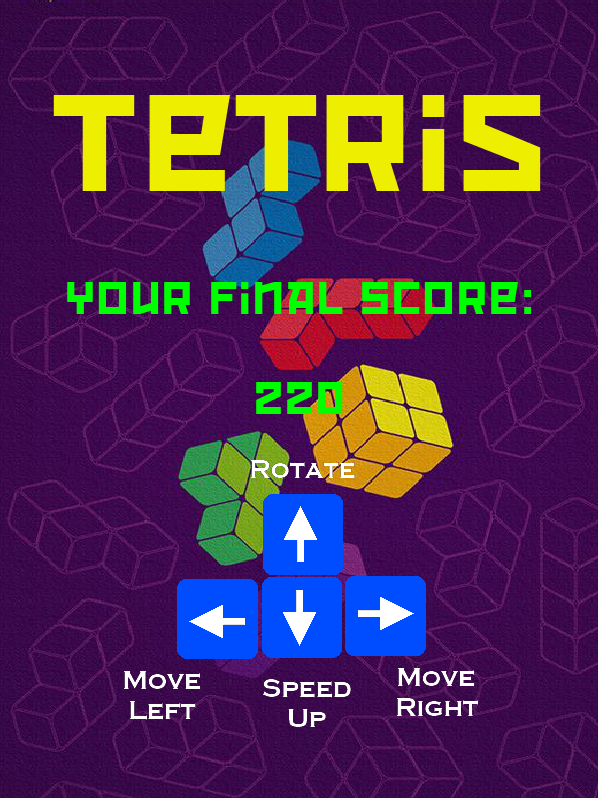
- The game ends when the Tetrominoes stack reaches the top of the gaming field
Are you prepared to test your wits and reflexes against the relentless cascade of Tetrominoes? It's time to stack, clear, and conquer the Tetris challenge!