Unit 4 Project At Masai School.
Links for reference :
Front-end Repo Link : https://github.com/alokkumar-dev/uniqlo-clone-2.git
Backend Repo Link : https://github.com/Shreyasgkhakal100/uniqlo-backend-2.git
Blog link : https://medium.com/@hgauba4/how-did-our-team-build-the-uniqlo-clone-2-0-5f9afef9c6d0
Tech Stack in Frontend:
- HTML5
- CSS3
- JavaScript
Tech Stack in Backend:
- Mongo DB
- CSS3
- Node JS
- Express JS
- DB collections
- Mongoose
About Website :
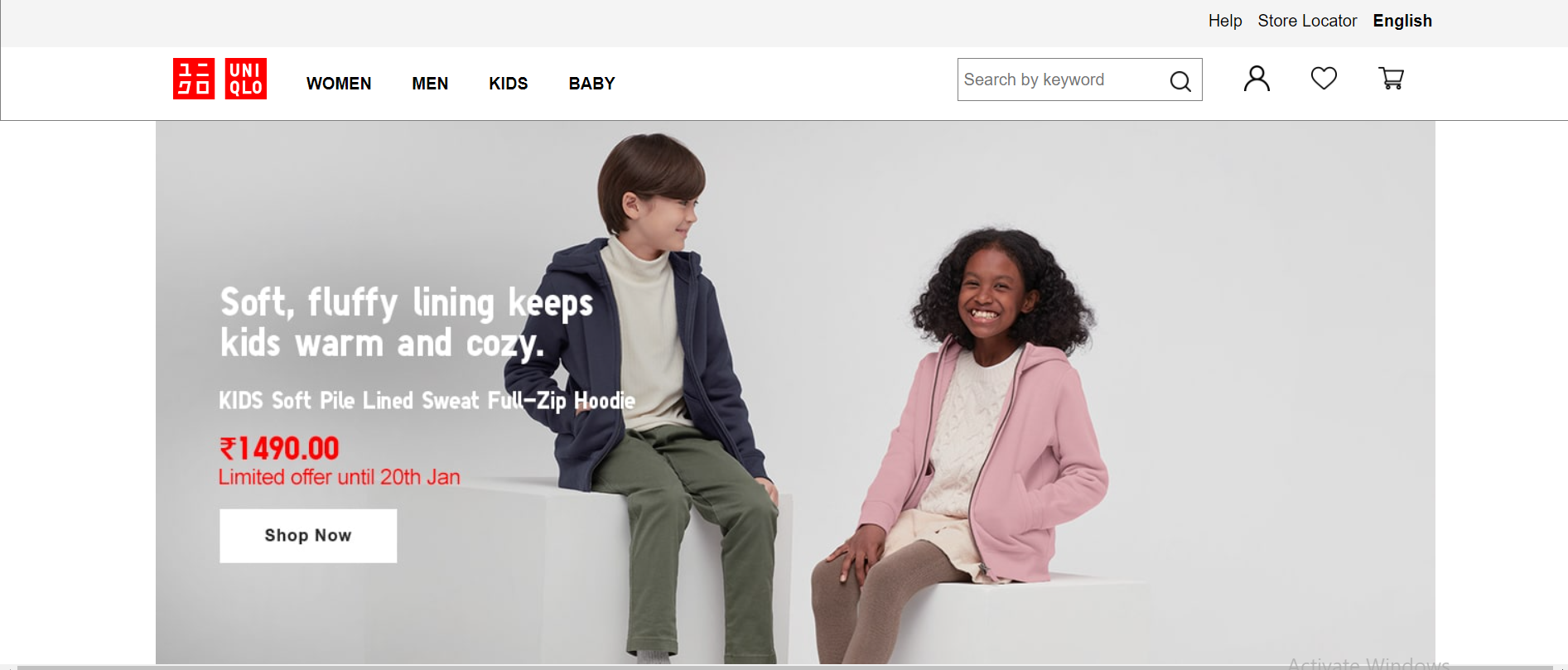
Landing page
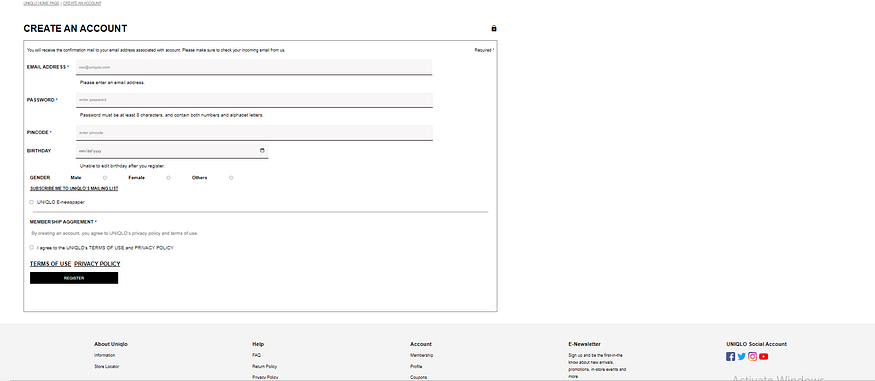
Signup page
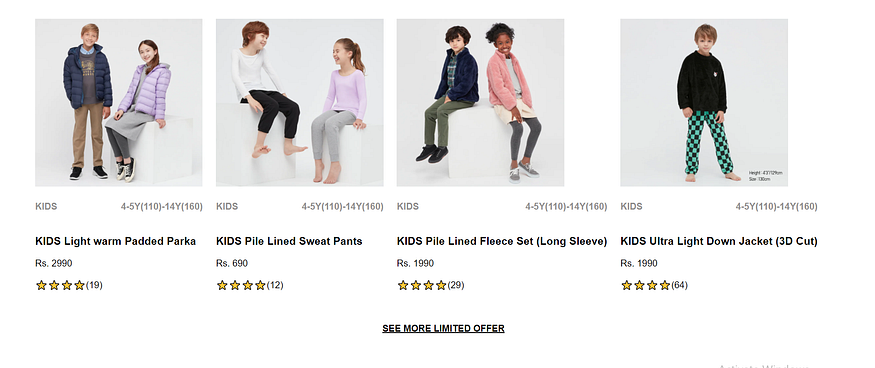
Products page

Sections page
We created cloud database using MongoDb Atlas and deployed on Heroku. So, if you want to run our code then please read the instructions below :
- Clone our repository
https://github.com/Shreyasgkhakal100/uniqlo-backend-2.gitfor backend code andhttps://github.com/alokkumar-dev/uniqlo-clone-2.gitfor frontend code. - Open that code in your VS code
index.htmlandsrc/index.js. - Open terminal in your VS Code and run the command
npm installwhich will install all packages. - Open terminal in your VS Code and run the command
npm run start. - It will show a message that
JSON Server is running on port 1698. - Open the
index.htmlon Live server. - Then you can Navigate through other pages from Landing page like
women.html,men.htmletc.