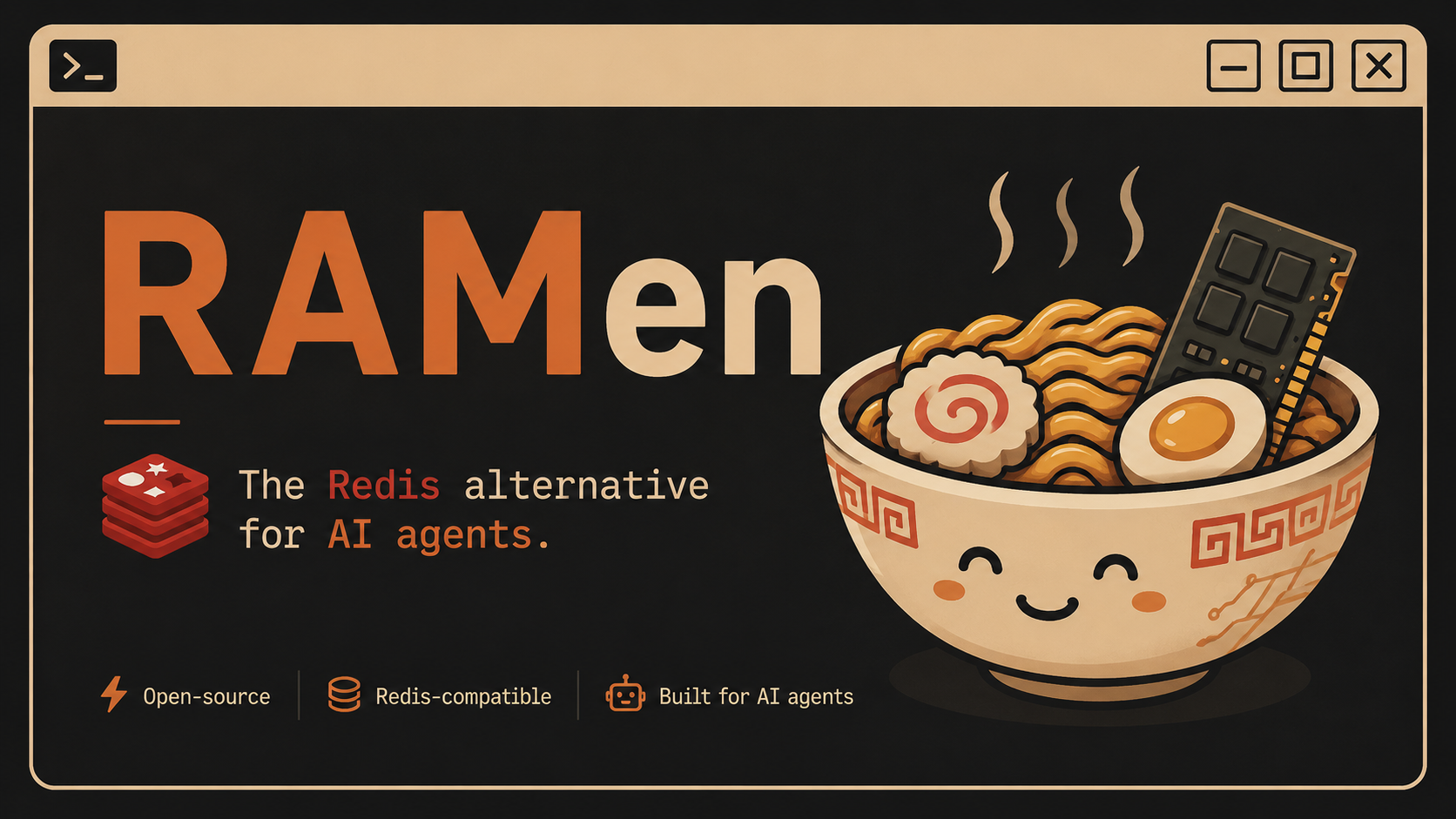
RAM + ramen. In memory, and fast to spin up.




RAMen is a fast in-memory data store, like Redis, but built for AI apps and AI agents.
It does three things:
- It works as a drop-in cache. It speaks the same protocol as Redis, so your existing Redis client and code keep working with no changes.
- It can store and search vectors, and it can cache AI answers by meaning. So if two prompts mean the same thing, RAMen can return the saved answer instead of calling the model again. That saves you money.
- It has a built-in MCP server. That means AI agents (like Claude) can read, write, search, and remember data in RAMen directly as a tool. No extra glue code needed.
Redis was built for app servers. RAMen is built for AI agents.
Yes, for a lot of common use cases. If you use Redis (or Valkey) as a cache or a simple key value store, you can point your app at RAMen instead and it will just work, because RAMen speaks the Redis protocol (RESP2).
Where RAMen is different:
- It has vector search and a semantic cache built in. With Redis you would need an extra module or extra code for that.
- It has an MCP server built in, so AI agents can use it as a tool out of the box.
- It is one small single file (a single binary) with no extra dependencies. Easy to download and run.
What RAMen does NOT do yet (so you know what you are getting):
- No clustering, no replication, no failover.
- No append-only-file durability (it saves snapshots to disk instead).
- Not tuned to beat Redis or Valkey on raw speed.
So: great as a Redis-style cache and an AI data layer for one machine. Not yet a replacement for a big production Redis cluster.
You need Go installed (version 1.25 or newer). Then run one of these.
go install github.com/Rohit-Dnath/RAMen/cmd/ramen@latest
ramendocker run -p 6379:6379 -p 8080:8080 ghcr.io/rohit-dnath/ramen:latestgit clone https://github.com/Rohit-Dnath/RAMen
cd RAMen
go run ./cmd/ramenWhen it starts you will see:
ramen: listening on [::]:6379
ramen: dashboard on http://localhost:8080
That is it. RAMen is now running on port 6379, and a live dashboard is at http://localhost:8080.
If you have redis-cli installed, just connect to port 6379:
redis-cli -p 6379> SET hello world
OK
> GET hello
"world"
> EXPIRE hello 60
(integer) 1
If you have an app that already uses Redis, point it at RAMen. Usually you only change one setting:
export REDIS_URL=redis://localhost:6379These work just like Redis:
SET user:1 "Rohit"          store a value
GET user:1                  read it back
INCR visits                 count something
HSET person name Rohit      store fields under one key
RPUSH queue job1 job2       a list
SADD tags go ai             a set
ZADD board 100 alice        a ranked list
SUBSCRIBE news              listen for messages
PUBLISH news "hello"        send a message
Full list with examples: docs/commands.md.
Store vectors and find the closest ones. Your app gives RAMen the numbers, no API key needed.
VSET docs d1 0.1 0.2 0.9 META "intro page"
VSET docs d2 0.9 0.1 0.0 META "pricing page"
VSEARCH docs 0.1 0.2 0.85 TOPK 1 WITHSCORES
Cache an AI answer once. Next time a similar question comes in, get the saved answer back instead of paying for another model call.
SCACHE.SET "What is the capital of France?" "Paris"
SCACHE.GET "whats the capital of france" THRESHOLD 0.9
> "Paris"
This needs an embeddings provider. It works with a free local Ollama or with OpenAI. See Configuration.
Let an AI agent remember things across turns:
REMEMBER session7 user_name Rohit
RECALL session7 user_name
> "Rohit"
Start RAMen, then add this to your Claude config and Claude can use RAMen as a tool:
{
  "mcpServers": {
    "ramen": {
      "command": "ramen",
      "args": ["mcp", "--addr", "localhost:6379"]
    }
  }
}
Step by step guide: docs/mcp.md.
Open http://localhost:8080 in your browser while RAMen is running. You will see your keys, memory use, and the cache hit rate, updating live. Turn it off with --dashboard-addr "".
| RAMen | Redis | Valkey | |
|---|---|---|---|
| Redis protocol (RESP2) | Yes | Yes | Yes |
| Works with existing Redis clients | Yes (common commands) | Yes | Yes |
| One single binary, no setup | Yes | No | No |
| Vector search built in | Yes | Needs a module | Needs a module |
| Semantic cache command | Yes | No | No |
| MCP server for AI agents | Yes | No | No |
| Clustering and replication | Not yet | Yes | Yes |
| Best raw speed on one node | Good | Best | Best |
| License | BSD-3-Clause | AGPL / RSAL (since 2024) | BSD-3-Clause |
Every flag also has a RAMEN_* environment variable.
| Flag | Env var | Default | What it does |
|---|---|---|---|
--addr |
RAMEN_ADDR |
:6379 |
Port to listen on |
--auth |
RAMEN_AUTH |
empty | Require a password (empty means no password) |
--snapshot-path |
RAMEN_SNAPSHOT_PATH |
ramen.snapshot |
Where to save data (empty turns saving off) |
--snapshot-interval |
RAMEN_SNAPSHOT_INTERVAL |
60s |
How often to save to disk |
--dashboard-addr |
RAMEN_DASHBOARD_ADDR |
:8080 |
Dashboard port (empty turns it off) |
RAMEN_EMBED_URL |
RAMEN_EMBED_URL |
empty | Embeddings endpoint for the semantic cache |
RAMEN_EMBED_MODEL |
RAMEN_EMBED_MODEL |
text-embedding-3-small |
Which embedding model to use |
RAMEN_EMBED_KEY |
RAMEN_EMBED_KEY |
empty | API key for the embeddings endpoint |
Turn on the semantic cache for free with a local Ollama:
ollama pull nomic-embed-text
export RAMEN_EMBED_URL=http://localhost:11434/v1/embeddings
export RAMEN_EMBED_MODEL=nomic-embed-text
ramen
Or use OpenAI:
export RAMEN_EMBED_URL=https://api.openai.com/v1/embeddings
export RAMEN_EMBED_MODEL=text-embedding-3-small
export RAMEN_EMBED_KEY=sk-your-key
ramen- Done: core Redis commands, strings, hashes, lists, sets, sorted sets, expiry, pub/sub, snapshot saving.
- Done: vector store, semantic cache, agent memory, MCP server, dashboard.
- Next: replication, stronger durability, clustering, faster vector index (HNSW).
RAMen is open source and very new, which means this is a great time to get involved and make a real difference. Beginners are welcome. You do not need to be a Go expert.
Good first things to help with:
- Try it out and report bugs or confusing parts.
- Improve the docs or add examples.
- Add a missing Redis command.
- Test RAMen with your favourite Redis client and tell us what worked.
Please read the Contributing Guide to get started. If you are not sure where to begin, open an issue and say hi. Stars and shares also help a lot.
BSD-3-Clause. This is the same license family Redis used before 2024, and the one Valkey uses. Simple and permissive, no surprises.