
SEO BirdLife is a Spanish NGO with birds as its flag. Its mission is to conserve biodiversity with the participation and involvement of society.
SEO Bird Life Aventurer@s, is the Aventurer@s club of SEO BirdLife. Focused on teenagers, in which they will learn by playing to identify some plants, birds and insects.
Our project is an educational and playful website focused on teenagers. It consists of the sighting of birds, plants and insects throughout an excursion. The objective is to understand how climate change is affecting the migratory movements of birds and the natural processes of other species.
Is the final project of the FullStack Web Development Bootcamp 👩🎓
- It MUST be done under the Scrum framework
- You MUST configure different different roles: admin and user
- The backend MUST be decoupled in front
- The front MUST be in React
- The connection MUST be secure
- Testing MUST be done (Postman, Joke, Codeception)
- Optimal data modeling MUST be done
- The forms MUST be very usable and take into account the UX/UI of the web (smart selects, preconfigured fields, geolocation)
 Ana Delgado - Scrum Master, Developer |
 Marian García - Product Owner, Developer |
 Belén Zumalacarregui - Developer |
 Micaela Huertas - Developer |
 Gema Adame - Developer |
|---|

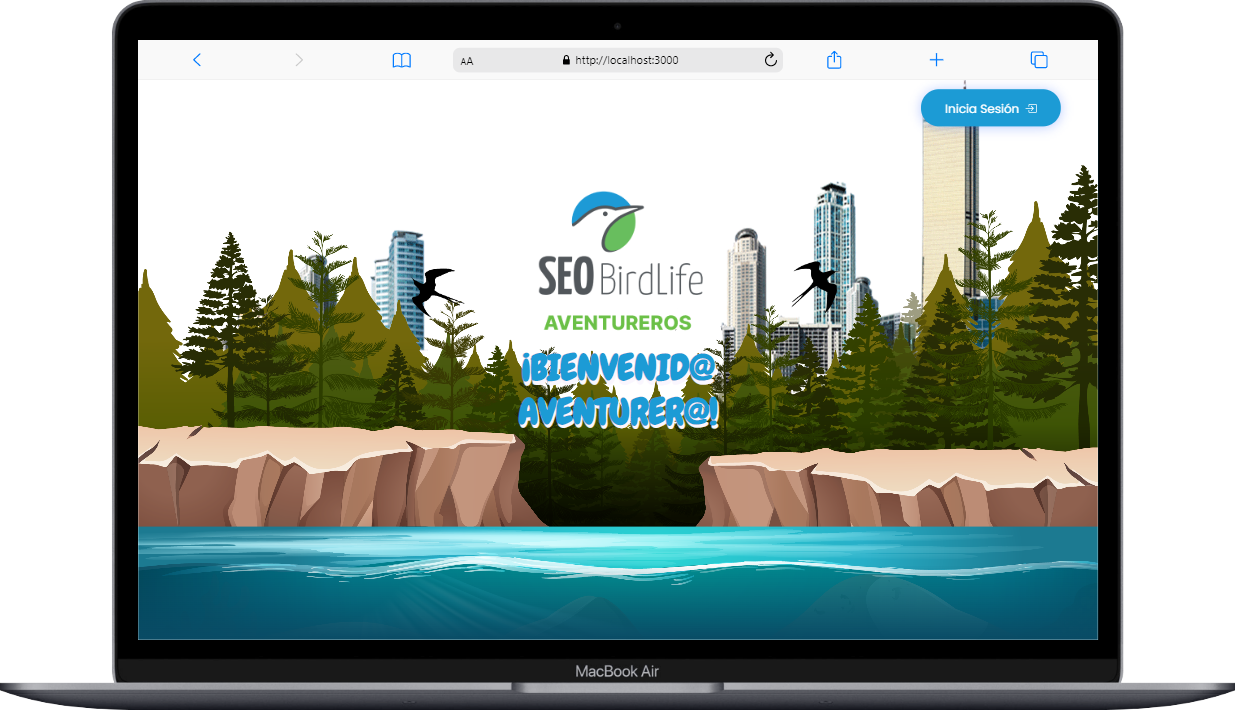
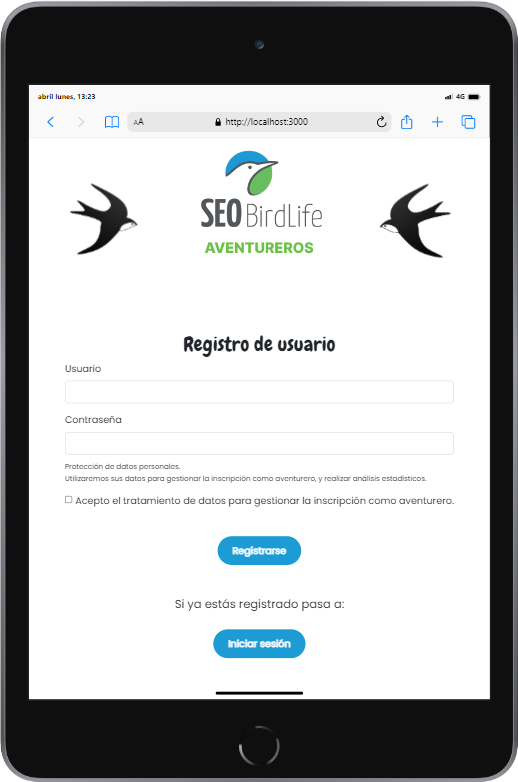
Look at our design👉https://www.figma.com/file/AKaJDdIityg8OFTg29KdMv/SEOBIRDLIFE?node-id=1-4&t=SXy9glp6fhplWujg-0













- First of all, you will need to clone this repository.
git clone https://github.com/Marian4gc/CopiaSeoBirdlife.git
-
You will see 2 folders, Back and Front.
-
Then navigate to the Backed folder
cd back
- Run this command to download the packages you need for symfony
composer install --ignore-platform-req=ext-zip
- Also run this command to update the database
php bin/console doctrine:schema:update --force
- Then navigate to the frontend folder
cd front
- Run the following commands to download the packages you need for React
npm install
npm install jwt-decode
- Also run this to see the backend
symfony server:start
- Finally run the following command in the front end to view the result in the browser
npm start
- Navigate to the frontend folder.
npm test
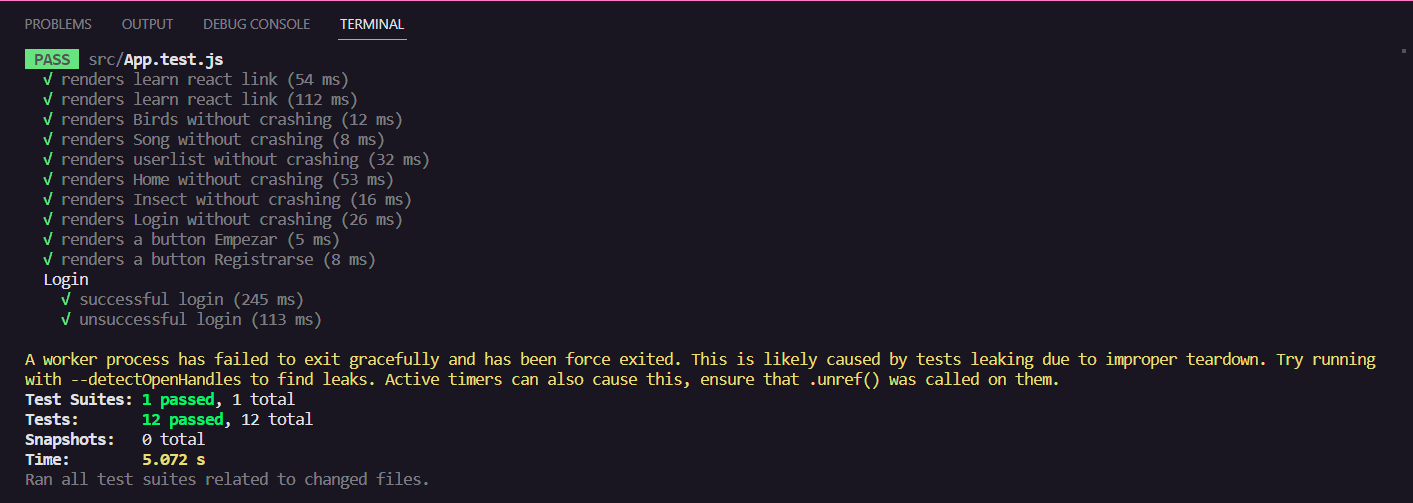
- Navigate to the backend folder.
php bin/phpunit

¡ENJOY THE CODE💚!