Boost FPS • Fix Resolution • Manage Settings • 100% Safe



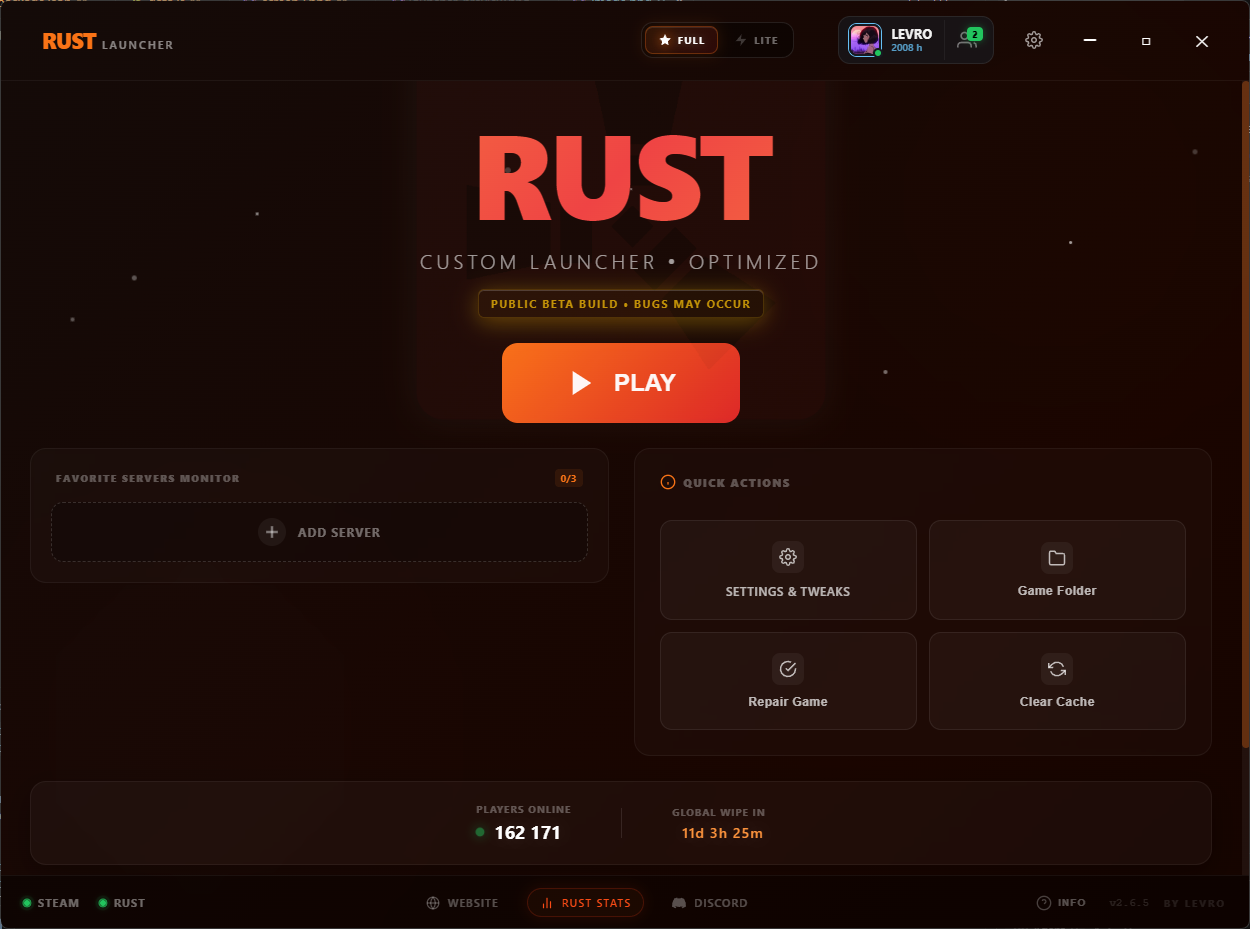
Rust Launcher is a specialized utility designed to improve your gaming experience without breaking the rules. It allows you to fine-tune hidden game settings, force custom resolutions (like Stretched) without blur, and clean up system bloat—all through a modern, user-friendly interface.
It works by modifying the official client.cfg and Steam launch parameters, making it completely safe to use.
| Feature | Description |
|---|---|
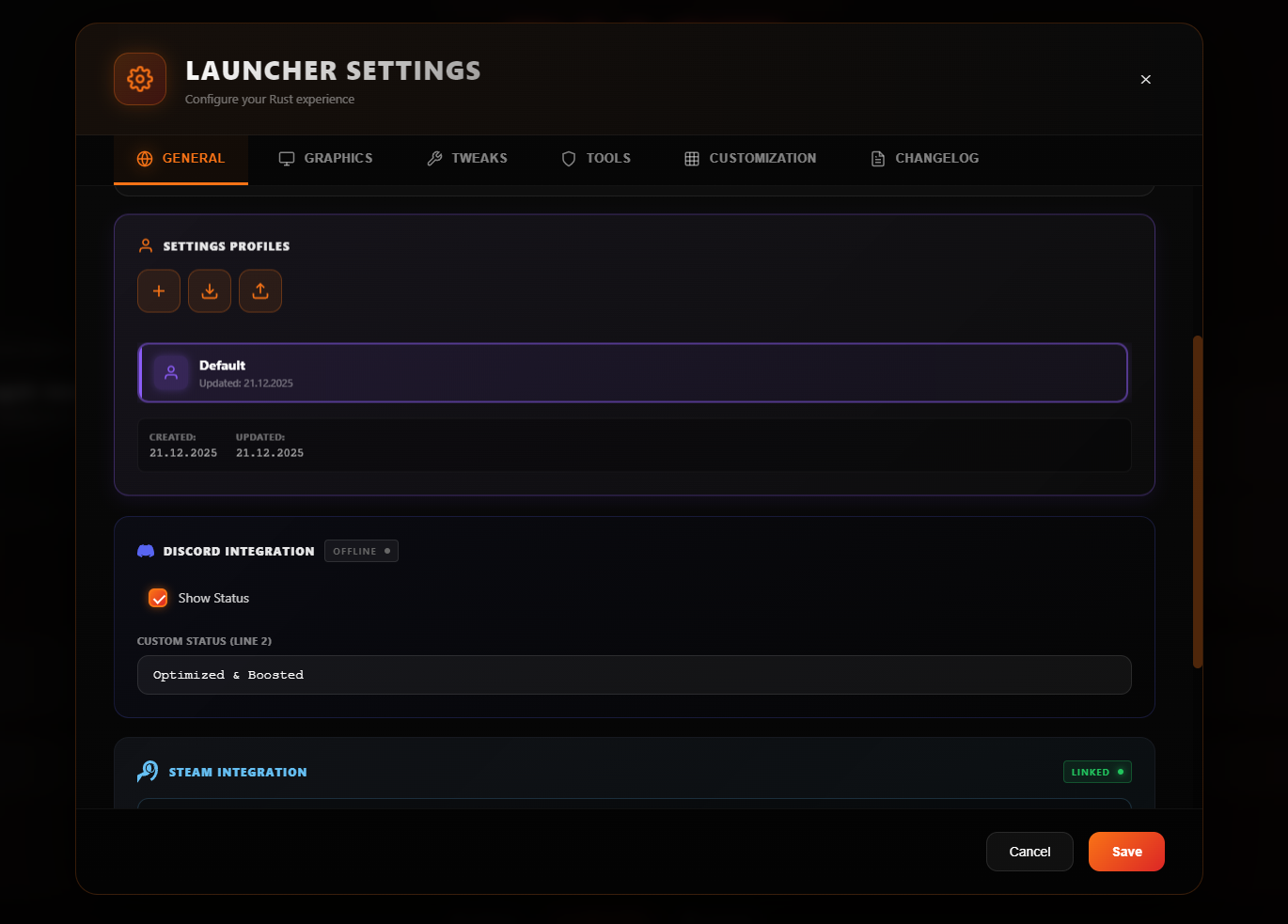
| 🚀 FPS Boost | Disables hidden debris, shadows, and unnecessary effects via client.cfg to maximize performance. |
| 🖥️ True Resolution | Forces custom resolutions (e.g., 1080x1080) for a sharp, stretched image without the "soapy" blur. |
| ⚡ Server browser | Add your favourite server to launcher and browse online, map and status directly. |
| 🧹 Smart Cleaner | Automatically clears old cache, logs, and skin files to fix stutters and free up disk space. |
| 🎮 Discord RPC | Displays a customizable "Playing Rust" status with your server info in your Discord profile. |
| 🎮 Steam Integration | Link your Steam account to check your hours and playing friends directly. |
| 🌍 Multi-Language | Full support for English, Ukrainian, and Russian. |

- Download: Go to the Releases Page.
- Get the File: Download
Rust-Launcher-Setup-x.x.x.exe. - Install: Run the installer. The launcher will automatically detect your Rust installation path.
- Play: Launch the app, apply your tweaks, and hit PLAY.
Note: If Windows Defender shows a warning (SmartScreen), this is normal for new software without a costly digital signature. Click "More Info" -> "Run Anyway".
Is this safe? YES.
- ✅ VAC / EAC Safe: The launcher DOES NOT inject code into memory and DOES NOT modify game executable files (
.exe,.dll). - ✅ Config Only: All optimizations are applied strictly through official configuration files (
client.cfg) and Steam launch arguments. - ✅ Open Transparency: We do not use macros or scripts that affect recoil or gameplay mechanics.
If this tool helped you boost your FPS, consider staring the repo or joining our Discord!
Not affiliated with Facepunch Studios.
Created by LevrikM.