A beautiful CLI tool to bulk-download transcripts and subtitles from any Coursera course you're enrolled in.
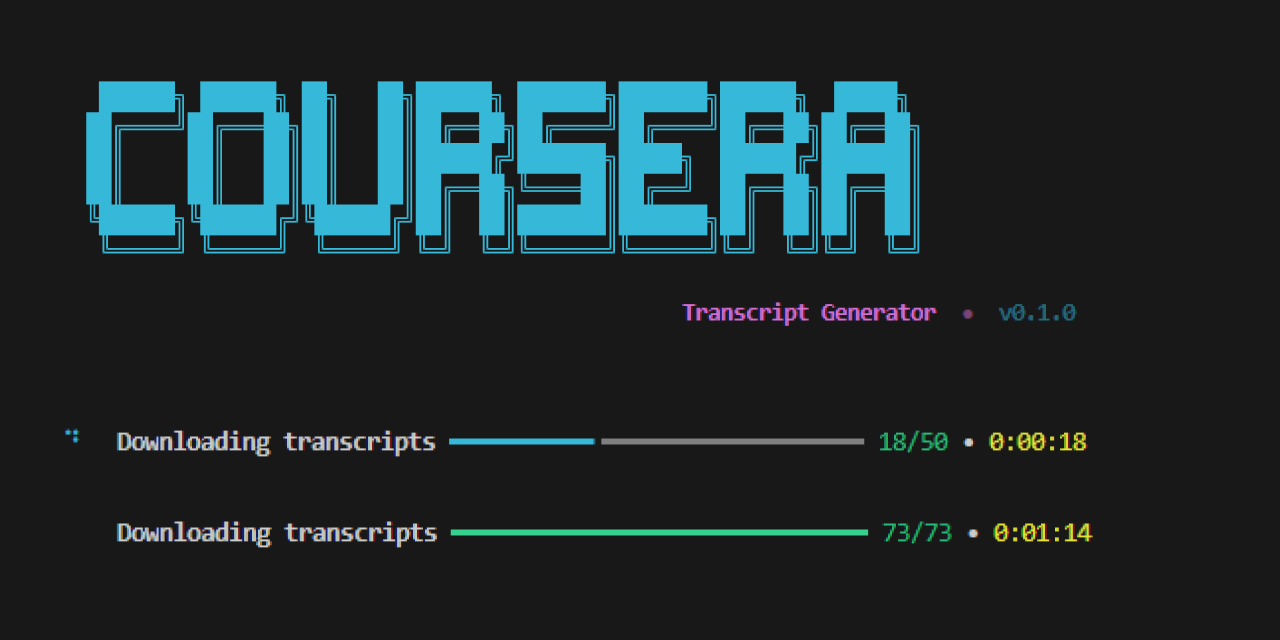




- Interactive prompts — guided step-by-step experience, no need to memorize flags
- Bulk download — grabs every lecture transcript in a course at once
- Organized output — files are neatly sorted into module folders
- Progress tracking — real-time progress bar with download status
- Retry logic — automatic retries with exponential backoff on failures
- Multiple formats — supports both
.txt(plain text) and.srt(subtitle) formats - Multi-language — download transcripts in any available language
# Clone the repo
git clone https://github.com/your-username/coursera-transcript-generator.git
cd coursera-transcript-generator

# Install in editable mode
pip install -e .Just run the command with no arguments — it will guide you through everything:
coursera-transcriptsYou'll be prompted for:
- CAUTH cookie — your Coursera authentication token
- Course slug — the identifier from the course URL
- Options — language, format, and output directory
Pass everything as flags for scripting / automation:
coursera-transcripts \
  --cookie "YOUR_CAUTH_VALUE" \
  --slug "machine-learning" \
  --language en \
  --format txt \
--output ./transcripts| Flag | Short | Default | Description |
|---|---|---|---|
--cookie |
-c |
(prompted) | CAUTH cookie value |
--slug |
-s |
(prompted) | Course slug from URL |
--language |
-l |
en |
Subtitle language code |
--format |
txt |
Output format (txt or srt) |
|
--output |
-o |
./output |
Parent output directory |
- Open coursera.org and log in
- Open DevTools (
F12orCtrl+Shift+I) - Go to Application → Cookies →
https://www.coursera.org - Find the cookie named
CAUTH - Copy its Value
Important
You must be enrolled in the course to download its transcripts.
Transcripts are organized by module:
output/
└── machine-learning/
    ├── introduction-to-ml/
    │   ├── Welcome to Machine Learning.txt
    │   ├── What is Machine Learning.txt
    │   └── Supervised Learning.txt
    ├── linear-regression/
    │   ├── Model Representation.txt
    │   └── Cost Function.txt
    └── ...
The slug is the part of the URL after /learn/:
https://www.coursera.org/learn/machine-learning
                                └── this is the slug
- Python 3.10+
- A Coursera account with enrollment in the target course
MIT