
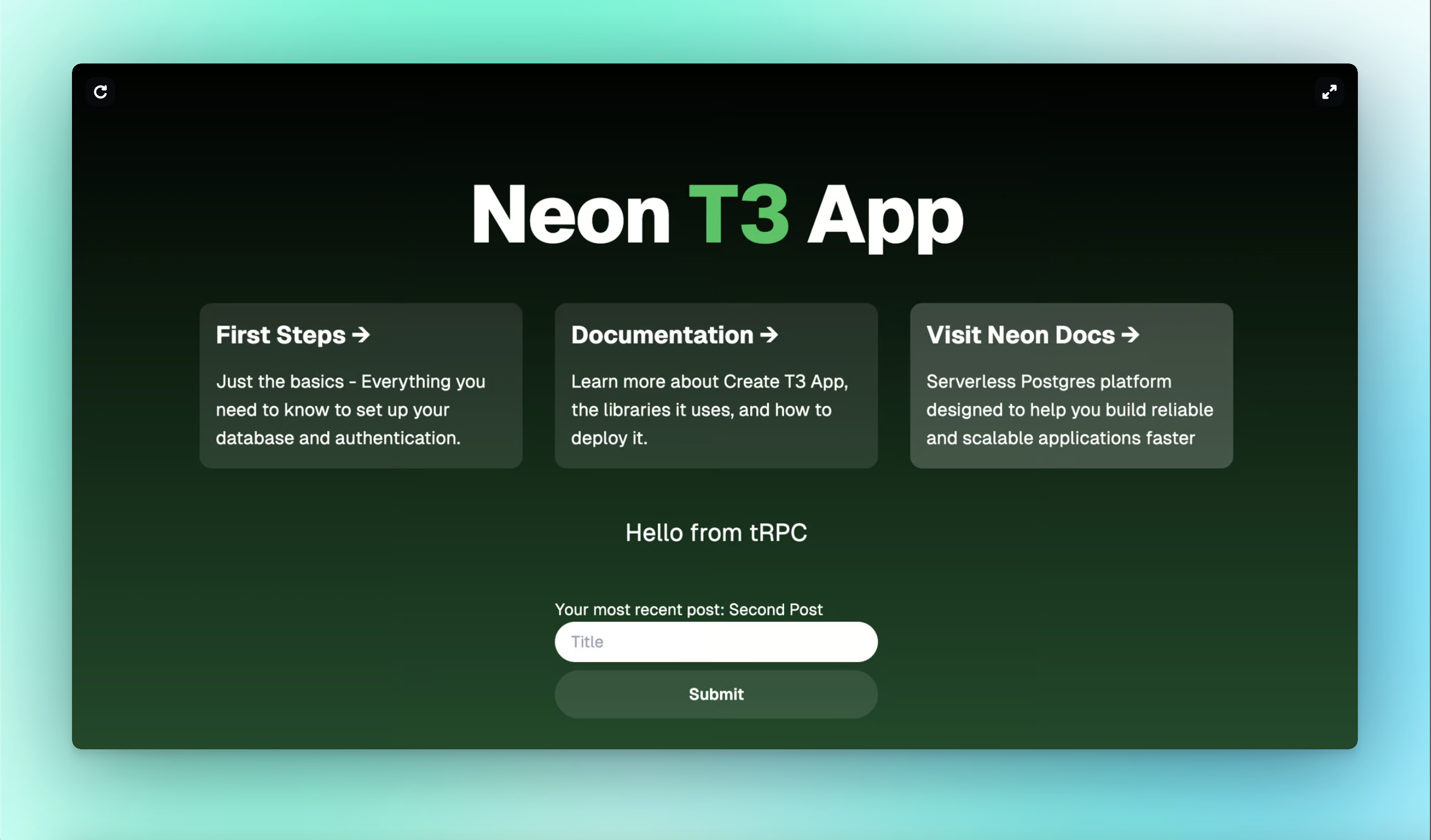
Interactive CLI to start a full-stack, typesafe Next.js app, with database on Neon
The open-source nature of create-t3-app allows it to evolve alongside the needs of the community. Our team saw an opportunity to build upon this amazing foundation by integrating Neon as a database provider. The goal of our fork was not to diverge from the original project but to contribute an enhancement that we hope will eventually be merged back into the main repository.
- The original
create-t3-appoffered PlanetScale as the primary database option for MySQL users. However, with PlanetScale's recent deprecation of their free tier, the community needs a strong alternative—especially for those who prefer to build on PostgreSQL. Neon, designed for serverless environments and with its very generous free tier, is the perfect fit for this role.
Neon offers a modern, serverless PostgreSQL solution that is perfectly aligned with the needs of developers who prioritize performance, scalability, and simplicity.
With Neon, you get:
- Serverless PostgreSQL: Seamless scaling without the need for managing servers.
- Cost Efficiency: A free tier that supports developers from prototyping to production.
- Developer-Friendly: A modern approach to database management, making it easy to integrate into existing workflows.

Our CLI tool retains the simplicity and flexibility of the original create-t3-app while offering Neon as the default database provider.
To scaffold an app using create-neon-t3, run any of the following four commands and answer the command prompt questions:
npm create neon-t3@latestyarn create neon-t3pnpm create neon-t3@latestbun create neon-t3@latestFor more advanced usage, check out the original CLI docs.