
Installation Guide | readthedocs | Introduction on Colab | HowToLens
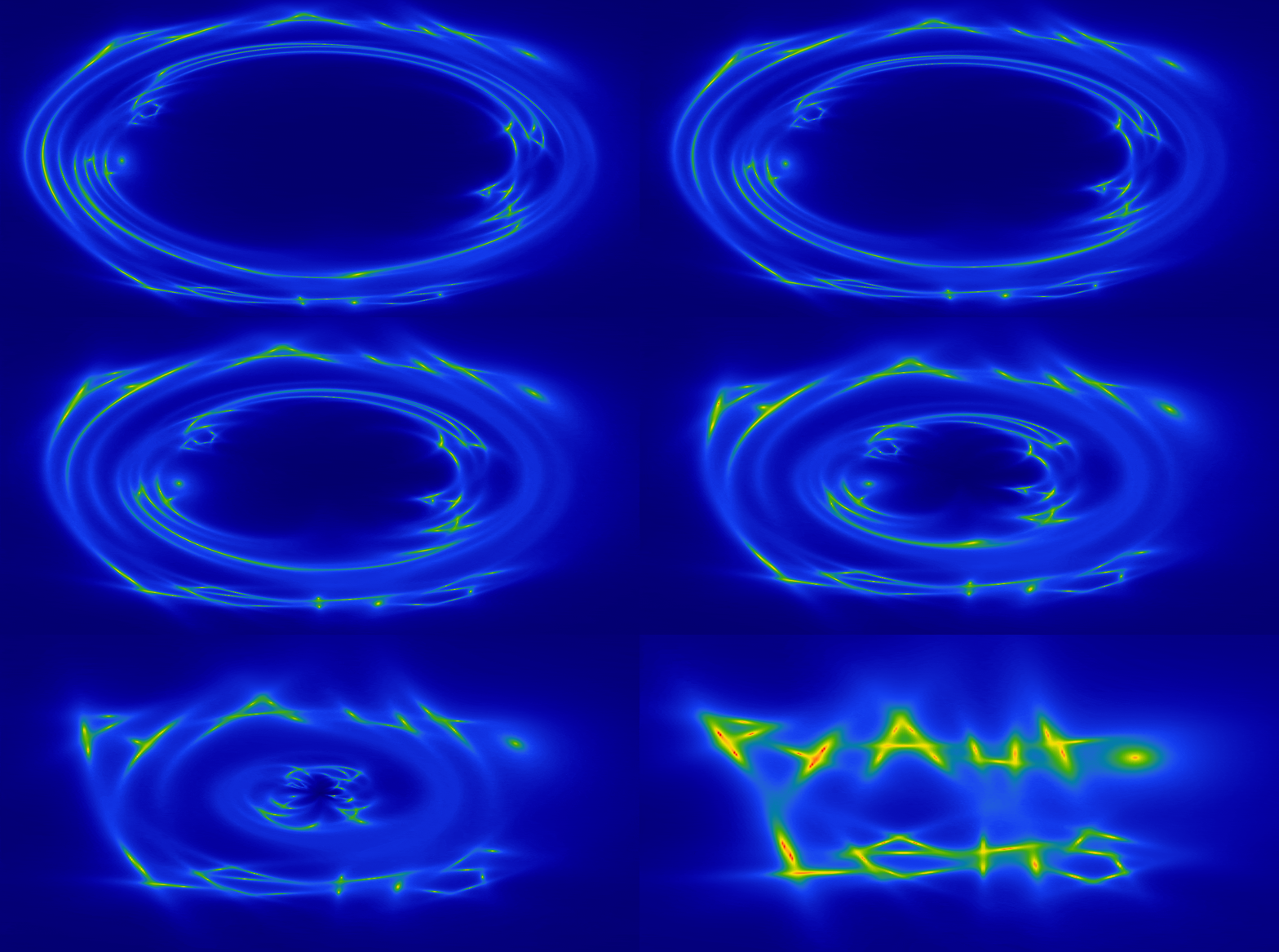
Welcome to the PyAutoLens Workspace!
You can get set up on your personal computer by following the installation guide on our readthedocs.
Alternatively, you can try PyAutoLens out in a web browser by going to the autolens workspace on Colab.
New users should read the autolens_workspace/start_here.ipynb notebook, which will give you a concise
overview of PyAutoLens's core features and API.
This can be done via a web browser by going to the following Google Colab link:
https://colab.research.google.com/github/Jammy2211/autolens_workspace/blob/release/start_here.ipynb
Then checkout the new user starting guide to navigate the workspace for your science case.
For experienced scientists, the workspace examples will be easy to follow. Concepts surrounding strong lensing were already familiar and the statistical techniques used for fitting and modeling already understood.
For those less familiar with these concepts (e.g. undergraduate students, new PhD students or interested members of the public), things may have been less clear and a slower more detailed explanation of each concept would be beneficial.
The HowToLens Jupyter Notebook lectures are provide exactly this. They are a 3+ chapter guide which thoroughly take you through the core concepts of strong lensing, teach you the principles of the statistical techniques used in modeling and ultimately will allow you to undertake scientific research like a professional astronomer.
To complete thoroughly, they'll probably take 2-4 days, so you may want try moving ahead to the examples but can go back to these lectures if you find them hard to follow.
If this sounds like it suits you, checkout the autolens_workspace/notebooks/howtolens package.
The workspace includes the following main directories:
notebooks: PyAutoLens examples written as Jupyter notebooks.scripts: PyAutoLens examples written as Python scripts.config: Configuration files which customize PyAutoLens's behaviour.dataset: Where data is stored, including example datasets distributed.output: Where the PyAutoLens analysis and visualization are output.slam_pipeline: The Source, Light and Mass (SLaM) pipelines to model strong lens imaging (Advanced).
The examples in the notebooks and scripts folders are structured as follows:
guides: Guides which introduce the core features of PyAutoLens, including the core lensing API.imaging: Examples for galaxy scale strong lenses observed with CCD imaging (e.g. Hubble, Euclid).interferometer: Examples for galaxy scale strong lenses observed with an interferometer (e.g. ALMA, JVLA).point_source: Examples for strong lens point source datasets.group: Examples for group scale strong lenses.cluster: Examples for cluster scale strong lenses.howtolens: The HowToLens lectures which teach inexperienced scientists what strong lensing is how to use PyAutoLens.
The dataset packages (e.g. imaging, interferometer, point_source, group and cluster) include the
following types of examples:
modeling: Performing lens modeling using that type of data.simulators: Simulating examples of that strong lens dataset type.fit: How to fit the dataset to compute quantities like the residuals, chi squared and likelihood.data_preparation: Preparing real datasets of that type for PyAutoLens analysis.source_science: Performing source science calculations like computing the unlensed source's total flux and magnification.features: Features for detailed modeling and analysis of strong lenses (e.g. Multi Gaussian Expansion, Pixelizations).likelihood_function: A step-by-step guide of the likelihood function used to fit the dataset.
The guides package contains a number of important subpackages, which include:
results: How to load, use and inspect the results of lens modeling to many strong nses to perform scientific analysis efficiently.modeling: Ways to customize the lens modeling procedure and build advanced automated lens modeling pipelines.plot: How to plot lensing quantities and results.
The files README.rst distributed throughout the workspace describe what is in each folder.
Support for PyAutoLens is available via our Slack workspace, where the community shares updates, discusses gravitational lensing analysis, and helps troubleshoot problems.
Slack is invitation-only. If you’d like to join, please send an email requesting an invite.
For installation issues, bug reports, or feature requests, please raise an issue on the [GitHub issues page](https://github.com/Jammy2211/PyAutoLens/issues).
To make changes in the tutorial notebooks, please make changes in the corresponding python files(.py) present in the
scripts folder of each chapter. Please note that marker # %% alternates between code cells and markdown cells.
The imaging, interferometer and point_source packages provides scripts for modeling galaxy-scale lenses,
whereas the group package provides scripts for modeling group-scale lenses.
But what are the defitions of a galaxy scale and group scale lens? The line between the two is blurry, but is defined roughly as follows:
- A galaxy-scale lens is a system which can be modeled to a high level of accuracy using a single mass distribution for the main lens galaxy. There are examples which include additional galaxies in the model to make small improvements on the overall lens model, but for many science cases this is not stricly necessary.
- A group scale lens is a system which cannot be modeled to a high level of accuracy using a single mass distribution. The notion of a 'main' lens galaxy is illposed and two or more main lens galaxies are required to fit an accurate model.
If you have data which requires the lens model to include additional galaxies, whether it be a galaxy or group scale system, keep an eye out for PyAutoLens's 'extra galaxies API' which is designed to facilitate this.