LearnMate is an innovative educational app designed to address the global challenge of unequal access to quality education. Through personalized classes, comprehensive notes, interactive tests, and doubt-solving assistance, LearnMate empowers students to overcome barriers to learning and improve their academic performance. With a focus on user feedback and continuous improvement, LearnMate strives to make education more accessible and effective for all learners.

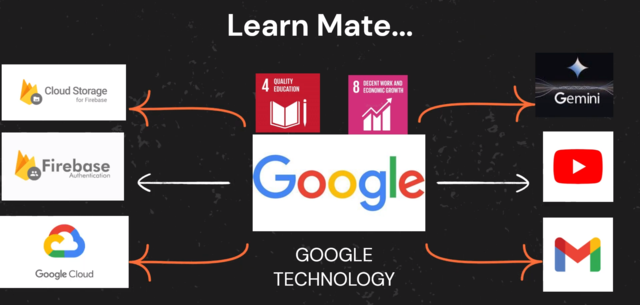
Backend:
- Utilizes Firebase for real-time database functionality and cloud storage capabilities.
- Implements Google Analytics to gather insights into user behavior and engagement patterns.
- Utilizes Gmail for seamless feedback collection, enhancing user interaction and satisfaction.
- Employs Gemini API and API.AI Studio to power the chatbot feature, providing intelligent and interactive assistance.
Frontend:
- Developed using Flutter and Dart for cross-platform compatibility, ensuring a consistent user experience across different devices and operating systems.
- Integrates YouTube Data API v3 to fetch and display class videos within the app, enriching the learning experience with multimedia content.
- Leveraging Firebase Cloud Storage to store PDFs, facilitating easy access to educational materials directly within the application.
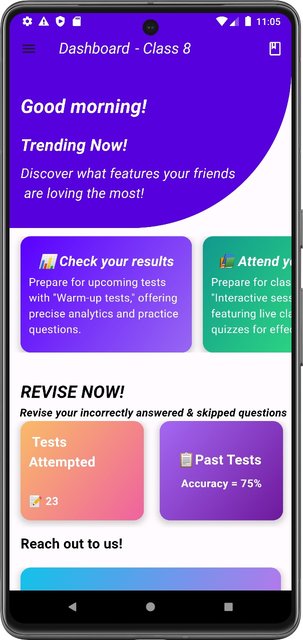
Upon signing up, you'll be greeted with the HOME SCREEN where you can view the complete REPORT of STUDENTS' progress. You'll also have the option to PROVIDE FEEDBACK through GMAIL
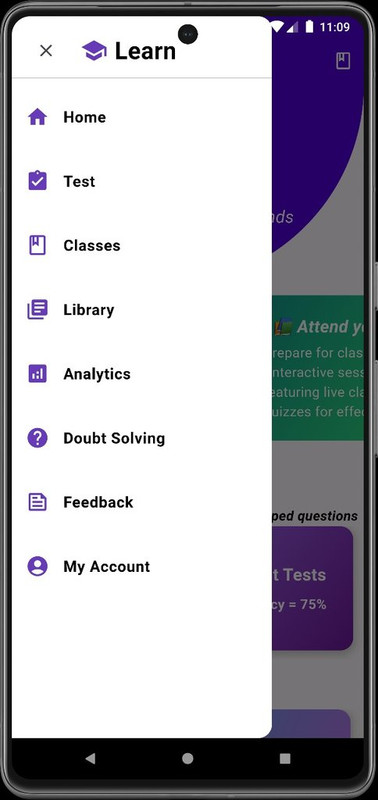
When you swipe left, a side navigation bar will appear, offering options that mimic a real-world classroom experience.
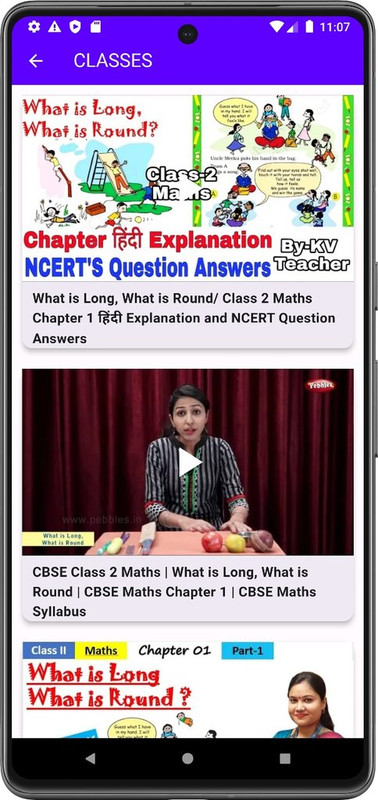
Users can attend classes tailored to their respective subjects by selecting them through the home screen.
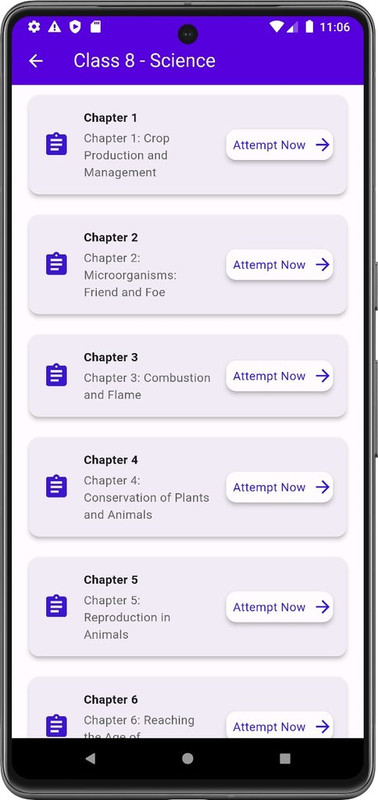
Users can take tests for their respective subjects to test their knowledge by selecting them through the home screen.
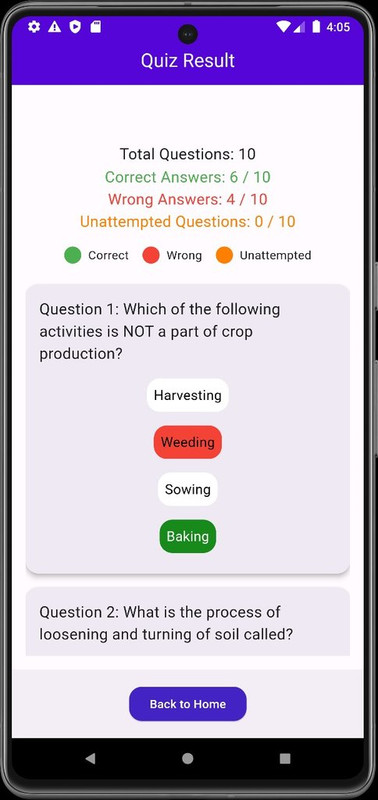
Results are displayed only after the test has been attempted, showcasing all the correct and incorrect answers.
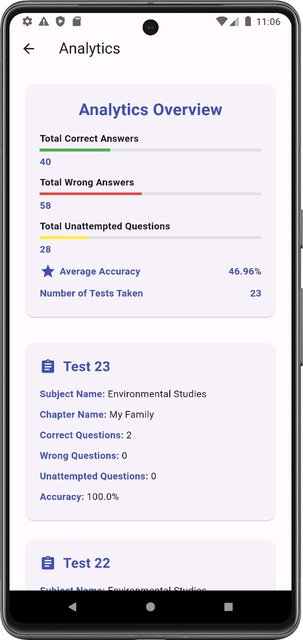
The Analytics section provides a comprehensive overview of the student's progress across all tests taken. It furnishes complete data regarding their performance, including accuracy, time taken to attempt quizzes, and more.
https://www.youtube.com/watch?v=z88FOAFGdRM
Project Setup:
- The
runAppcode is exclusively present in the/lib/main.dartfile, serving as the entry point for building the application. - API keys are already incorporated into the code wherever necessary APIs are utilized, ensuring seamless functionality.
- To access the project, clone the repository from the following GitHub link: LearnMate GitHub Repository.
- Use the following command to clone the project into your desired directory:
git clone https://github.com/JAi-SATHVIK/LearnMate .
- Enhanced Features: Continuously improve based on user feedback.
- Localization: Translate LearnMate into multiple languages.
- Partnerships: Collaborate with schools, NGOs, and governments.
- Accessibility: Ensure compatibility for all users, including those with disabilities.
- Marketing: Launch targeted campaigns to increase visibility.
- R&D: Integrate emerging technologies like AI and VR.
- Community Building: Foster a supportive user community.
-
JAYA SATHVIK TANGA :
GITHUB : https://github.com/JAi-SATHVIK
-
PRIYANSHU YADAV
GITHUB : https://github.com/priyanshu25ops