A 3D Game Engine utilizing DirectX 12, PhysX SDK 5.0, and C# scripting.
This engine was developed as an educational project as part of the curriculum at ITMO University.
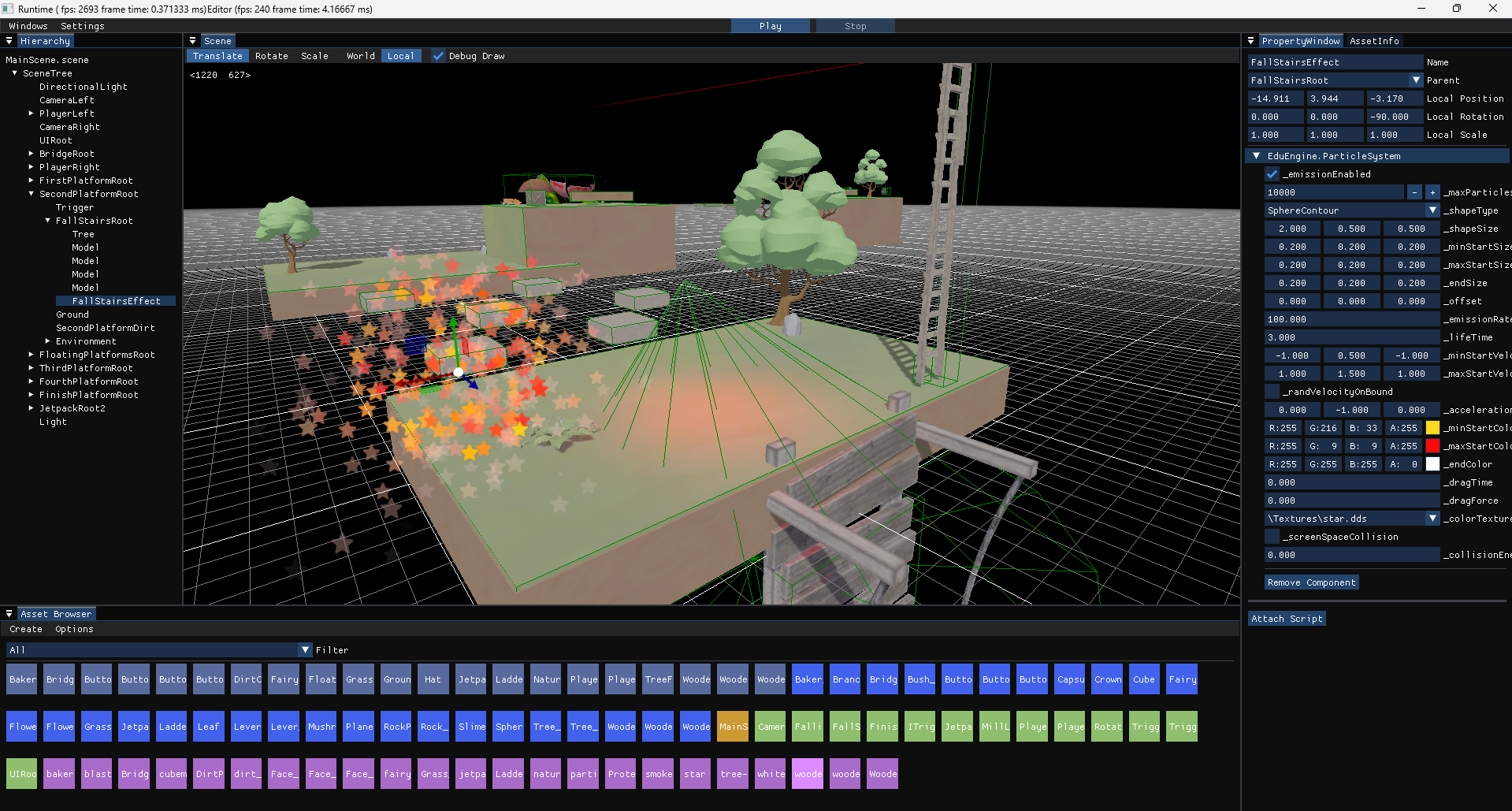
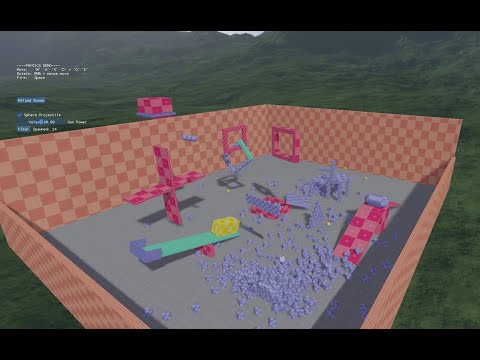
| Physics Demo |
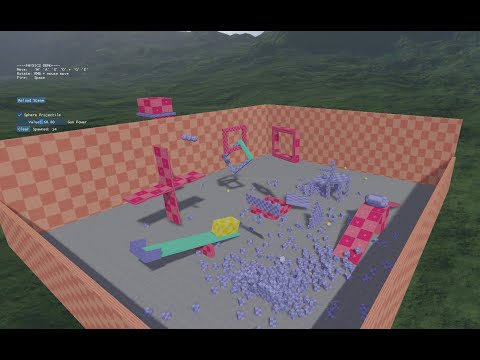
Lightings Demo |
 |
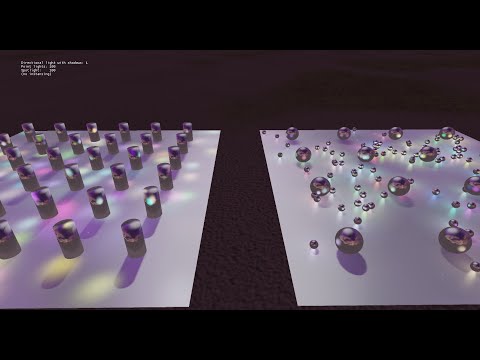 |
| GPU Partice System |
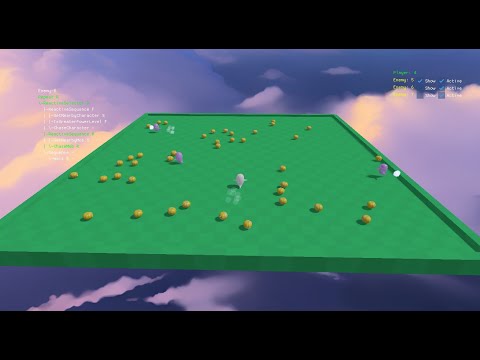
Behavior Tree Game |
 |
 |
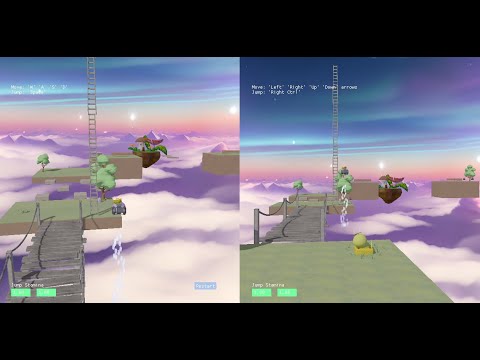
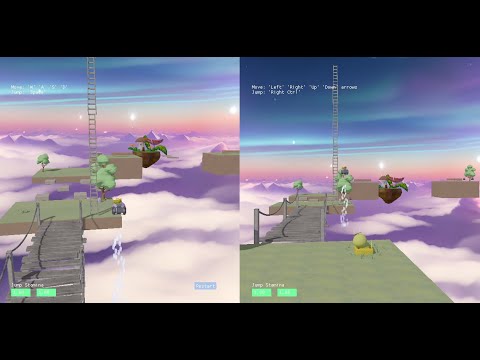
| Split Screen Game |
Engine Overview |
 |
 |
You can use EduEngineLauncher to open and create projects
- Flexible management of D3D12 resources, similar to DiligentEngine
- Abstraction of the
DirectX 12 Graphics API for high-level modules
- Deferred rendering
- Directional Cascaded Shadow Maps
- Percentage-Closer Filtering (PCF)
- Phong lighting (directional, point, and spotlight)
- Skybox with specular reflections
- Tone mapping
- Ray picking
- Multiple camera rendering
- GPU-based particle system
- Async Compute particle system
- Particle system with screen-space collision
- Material system
- Async rendering of Editor and Runtime
- More on Wiki
- Abstraction of the
PhysX SDK for high-level modules
- Static and dynamic rigidbodies
- Box, sphere, and capsule colliders
- Box, sphere, and capsule triggers
- Collision and trigger events
- Physics materials
- More on Wiki
- GameObject and component system
- Fields can be marked as editable in the editor (similar to
SerializeField in Unity)
Color, Range, and other attributes- Asset references can be assigned from the editor
- Keyboard and mouse input API
IColliderCallback interface- Custom in-game UI
- Extensive API for modifying parameters of built-in components such as
Renderer, Rigidbody, Light, and others
- Support for any .NET libraries in scripts
- More on Wiki - C# Scripts Feature
- Support for script, texture, mesh, material, and scene assets
- Generate Meta files with GUIDs for all assets
- Uses
FileSystemWatcher for automatic asset resolution
- Allows renaming and moving assets without breaking scene and material references
- More on Wiki
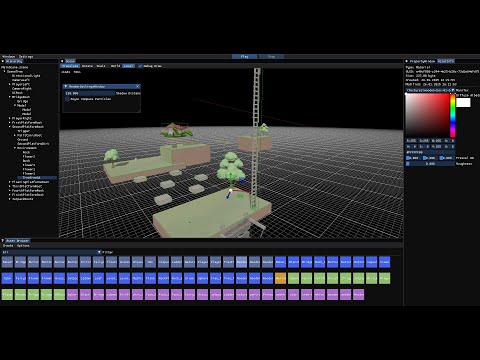
- Utilizes docked
IMGUI.NET and IMGUIZMO.NET libraries
- Displays all project assets
- Texture and mesh previews in the editor
- Material editor
- Drag-and-drop functionality in the hierarchy window to change parent objects
- Add and remove custom scripts to/from GameObjects
- Editor and Play modes
- Includes an
EDU_NO_EDITOR flag to enable running the engine without loading editor resources
- More on Wiki