

Vinci AI Studio is a comprehensive AI-powered video creation platform that enables users to generate professional-quality videos, images, and multimedia content without traditional filming equipment or complex editing skills. The platform serves businesses, creators, and marketers looking to produce engaging content at scale.
Purpose: The Explore page serves as your central discovery and workflow management center where you can browse, search, and access all available AI video creation tools.
What users can find and do:
- Browse AI Workflows: Access categorized video creation workflows organized by type (Video, Static, Labs, Publishing)
- Search Functionality: Find specific workflows by use case, creative need, or keyword search
- Filter by Category: Sort workflows by:
- All Workflows - Complete collection of available tools
- Video - Video generation and animation tools
- Static - Image creation and editing tools
- Labs - Experimental and advanced features
- Publishing - Content distribution and sharing tools
- Workflow Cards: Each workflow displays:
- Preview thumbnail and description
- Difficulty level (Beginner, Intermediate, Advanced)
- Use case badges (e.g., "Marketing Videos", "Social Content", "Product Demos")
- Star ratings for quality assessment
- Tour Guide: Built-in onboarding system to help new users navigate the platform
- Advanced Filtering: Sort by rating, difficulty, or specific use cases
What are Assets? From a user perspective, "Assets" are all the AI-generated content you've created on the platform. Think of it as your personal creative library where all your generated videos, images, and audio files are automatically saved and organized.
Types of Assets:
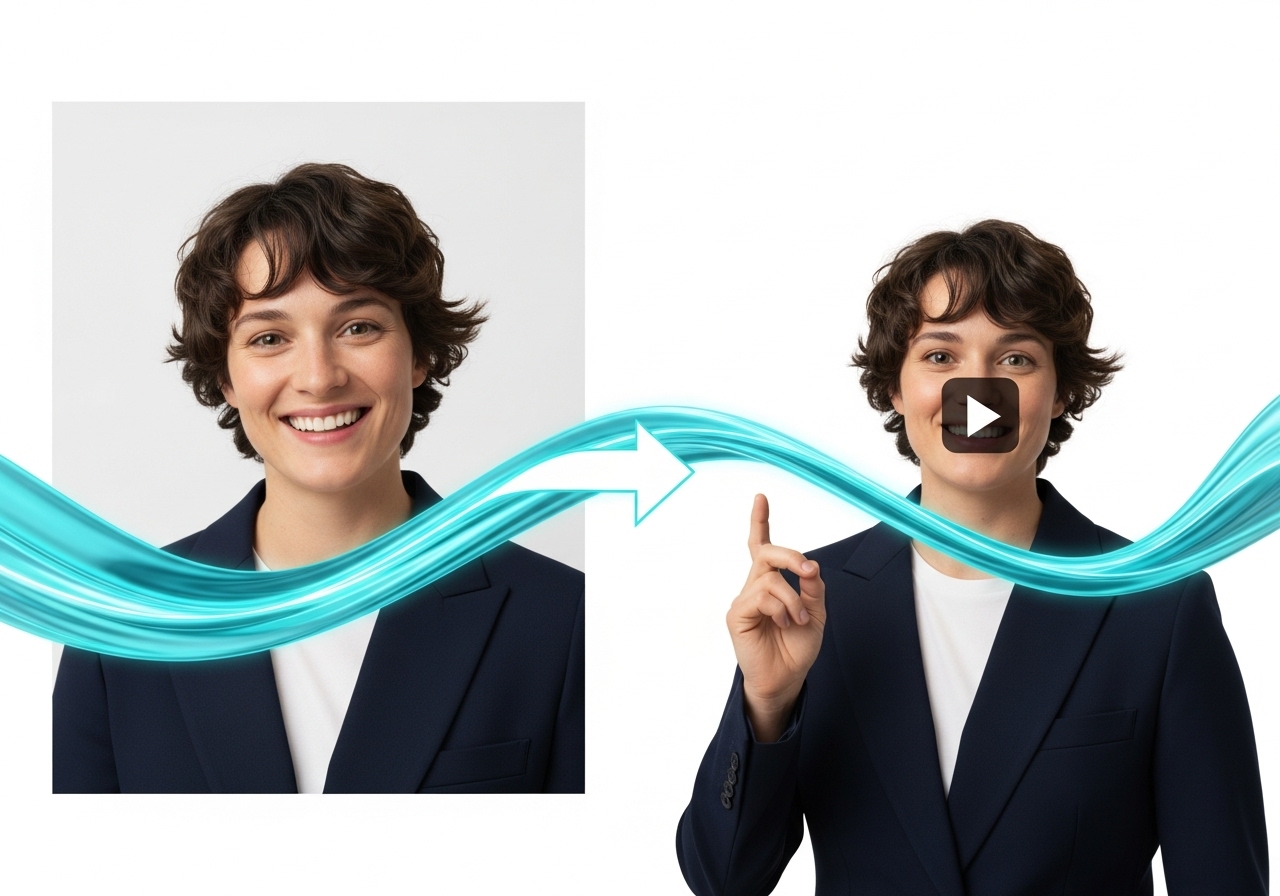
- Videos: AI-generated videos, animated characters, lip-sync content, translations
- Images: AI-generated images, character portraits, transformed photos
- Audio: Voice clones, text-to-speech files, translated audio
How to Create and Manage Assets:
- Automatic Creation: Every successful generation automatically becomes an asset
- Organization: Assets are categorized by type (video/image/audio) with timestamps
- Search & Filter: Find specific assets using the search bar or filter by media type
- View Options: Switch between grid and list view for better organization
- Asset Actions: Each asset supports:
- Preview/Play: View videos, images, or play audio directly
- Download: Save files to your device
- Share: Direct sharing to social media platforms (Twitter, Facebook, LinkedIn, WhatsApp) or copy shareable links
- Delete: Remove unwanted assets
- Asset Details: Each asset shows creation date, file type, and auto-generated descriptive titles
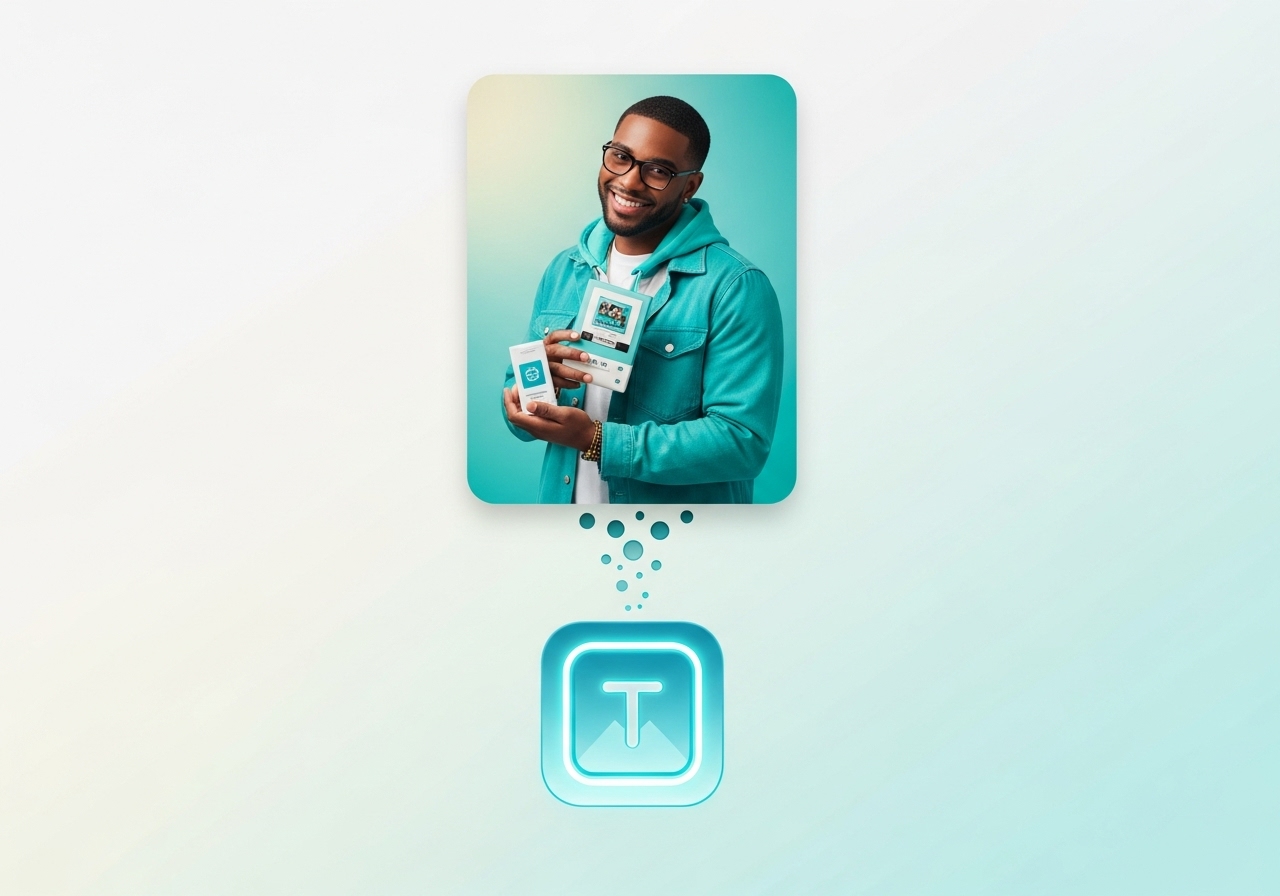
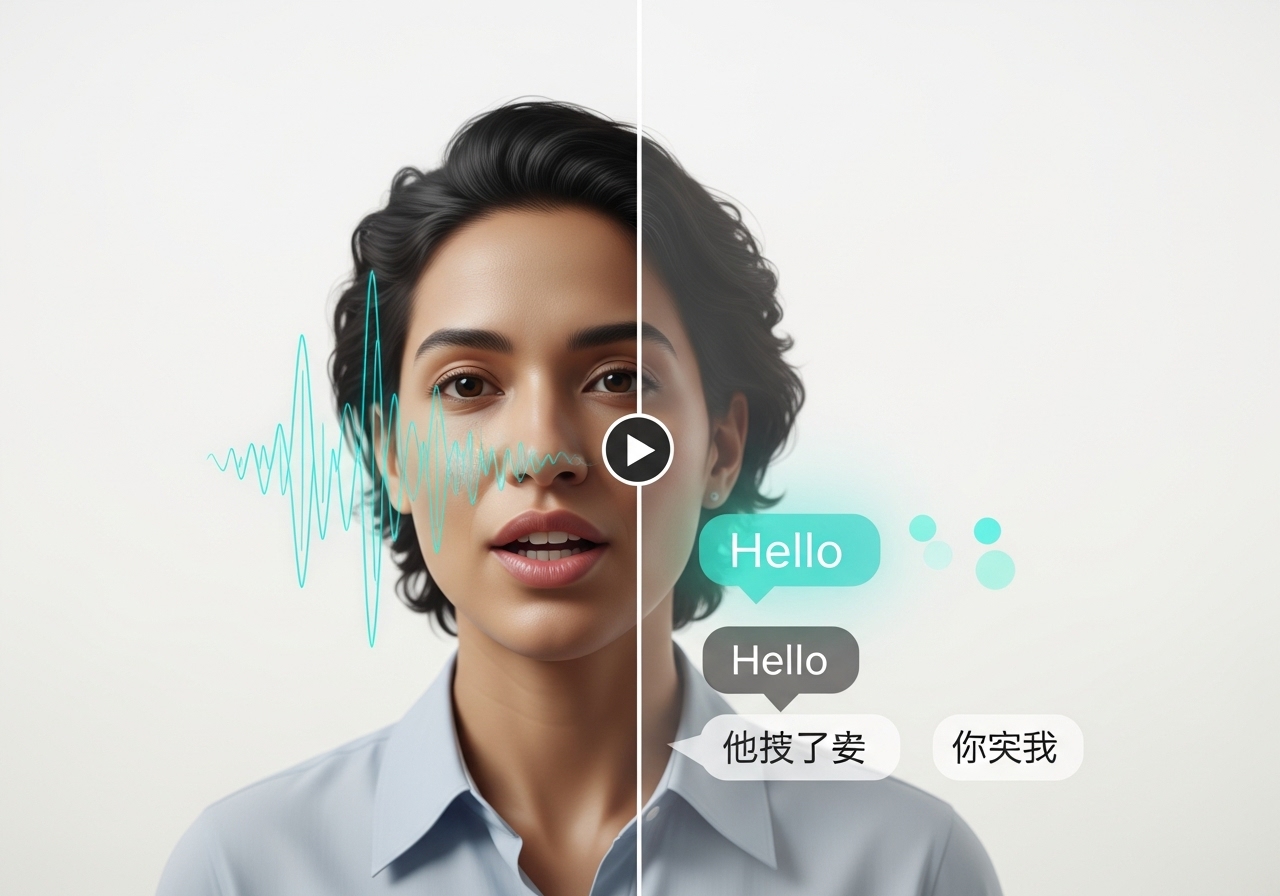
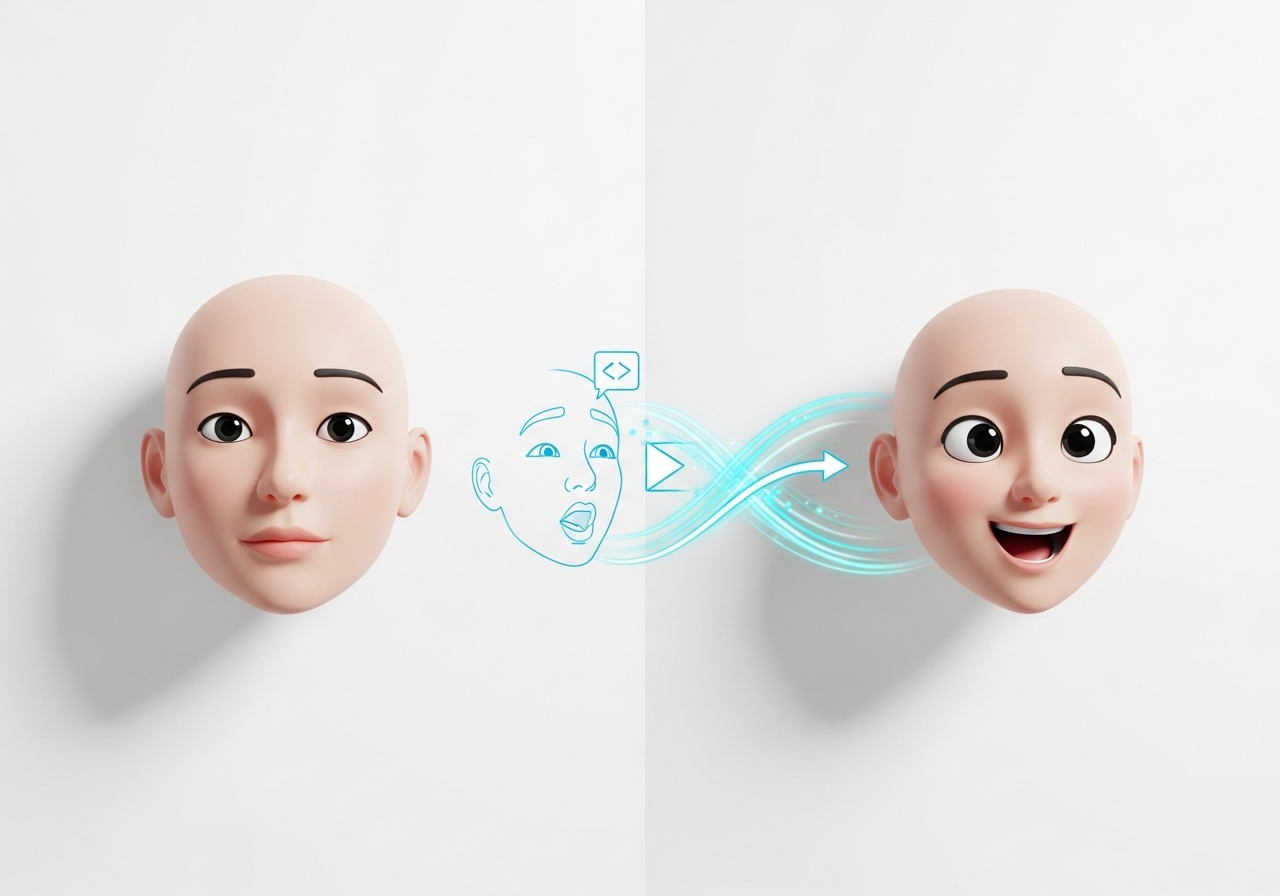
What you can do: Create custom, branded QR codes for marketing campaigns and digital connectivity.
- Vinci Voices: Professional voice library with multiple personas
- User Voices: Custom voice clones created from user audio samples
- Voice Selection: Categorized as "Vinci" (professional) or "User" (custom)
- Default Fallback: System uses "21m00Tcm4TlvDq8ikWAM" as default voice ID
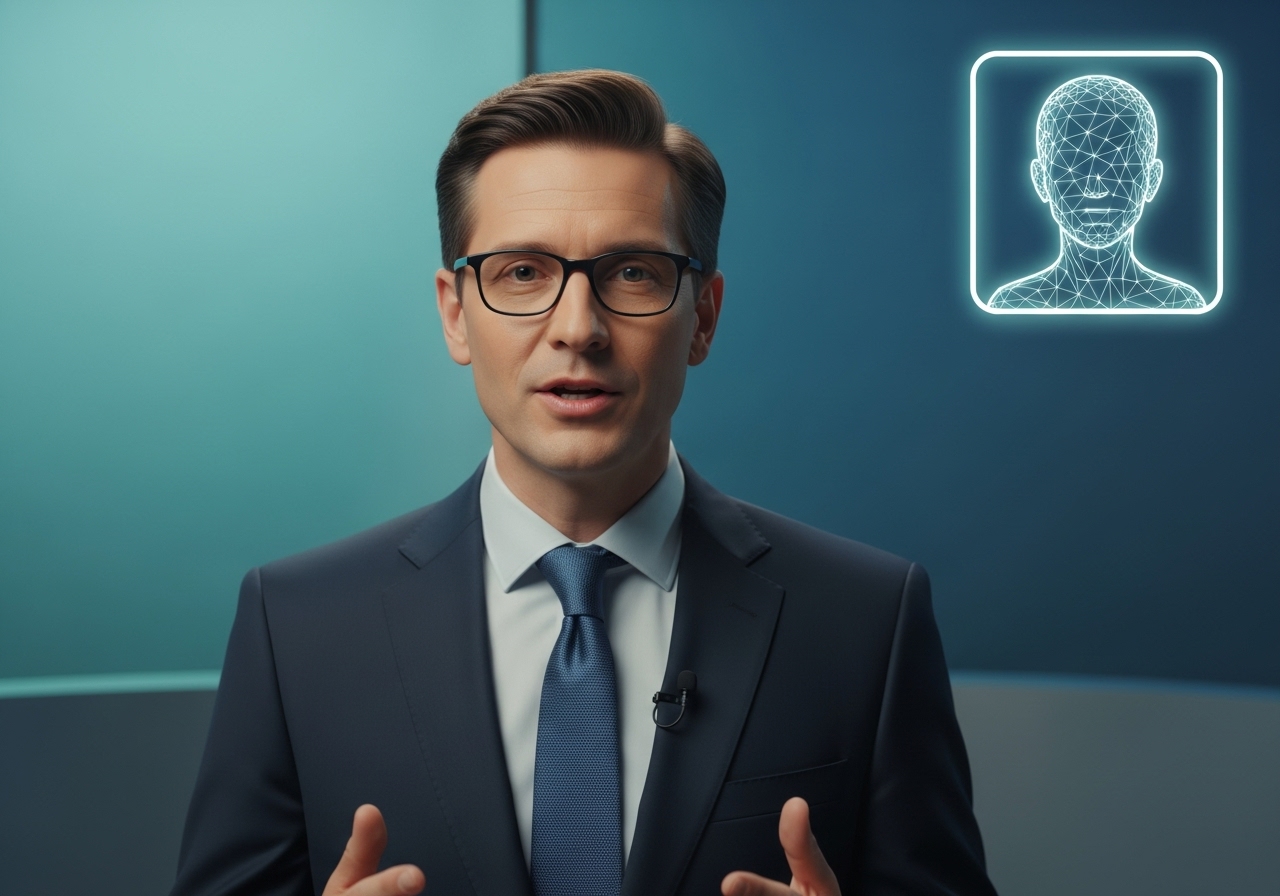
- Pre-made Characters: Curated collection of AI actors and characters
- User Characters: Custom uploaded character images
- Asset Types: Separated into "image" (static characters) and "video" (AI actors)
- Default Naming: Auto-generated names like "Character 1", "Actor 1" if no custom name provided
Image Generation Defaults:
- Resolution: 1080x1920 (portrait optimized)
- Steps: 25 (quality vs. speed balance)
- CFG Scale: 7.5 (prompt adherence)
- Seed: Random (42 default, customizable)
- Format: JPEG (PNG optional)
Video Generation Defaults:
- Aspect Ratio: 16:9 (landscape)
- Duration: 5 seconds (5-10 second range)
- Seed: Random generation
- Quality: HD standard
AI Actors Defaults:
- Frame Rate: 30 fps
- Batch Size: 8 (processing efficiency)
- CRF: 19 (video quality)
- Audio Processing: Automatic format detection and conversion
- Image Generation: "Describe the image you want to generate..."
- Video Prompts: "Describe the video you want to generate..." / "Describe the motion you want to see in the image..."
- Character Dialogue: "Type your dialogue here..." or "Click to type dialogue"
- Search Fields: "Search by use case, workflow, or creative need..."
- Workflow Templates: Pre-configured generation workflows for different use cases
- Character Templates: Ready-to-use character poses and expressions
- Voice Templates: Professional voice personalities for different content types
- Aspect Ratio Templates: Pre-set dimensions for various social media platforms
- No Technical Skills Required: Intuitive interface designed for non-technical users
- Credit-Based System: Pay-per-use model with transparent pricing
- Real-time Progress Tracking: Visual progress bars and status updates during generation
- Mobile & Desktop Optimized: Responsive design works on all devices
- Automatic Asset Management: All creations saved and organized automatically
- Professional Quality Output: Broadcast-ready video and image quality
- Scalable Creation: Generate multiple variations quickly for A/B testing