| description | Reason Studio remote scripts for Arturia Keylab Essential installation and configuration |
|---|
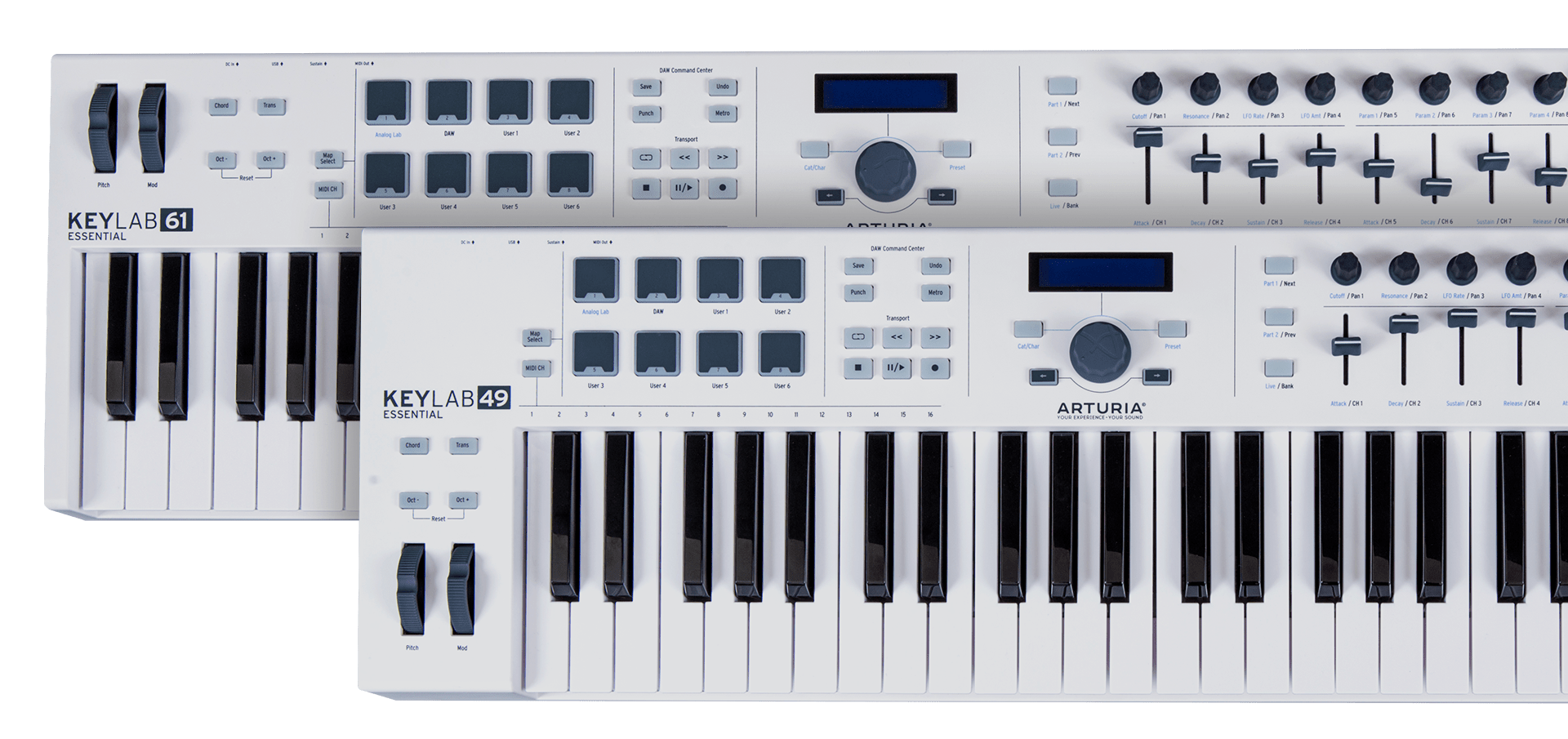
Remote is the Propellerheadʼs protocol for communication between hardware control surfaces and Reason Studio application. This project provides Reason remote scripts for the DAW Command Center surface of the Arturia Keylab Essential keyboard and the keyboard itself (pads, encoders and faders sections).
To install the Remote scripts in your environment, the files in the Remote directory should be copied to your Propellerhead installation directory:
- On MacOS
/Library/Application Support/Propellerhead Software/Remote- On Window 7 and above
C:/ProgramData/Propellerhead Software/Remote- Open the Preferences dialog and click the Control Surfaces tab.

- To add manually the control surface, click the “Add manually” button. This brings up a new dialog.
- Select "Arturia Keylab 61 Essential Control" from the Model pop-up menu. Select
Arturia KeyLab 61 Essential DAW InforIn Portattribute andArturia Keylab Essential DAW OutforOut Portattribute.

- Open the Preferences dialog and click the Control Surfaces tab.
- To add manually the control surface, click the “Add manually” button. This brings up a new dialog.
- Select "Arturia Keylab 61 Essential" from the Model pop-up menu. Select
Arturia KeyLab 61 Essential MIDI InforIn Portattribute andArturia Keylab Essential MIDI OutforOut Portattribute. - optional: select
Arturia KeyLab 61 Essentialas the master keyboard

❗ At that point youd should have 2 new control surfaces:
Arturia KeyLab 61 Essential Controlmap to Arturia DAW Midi in & out portsArturia KeyLab 61 Essentialmap to Arturia Midi in & out ports and defined as master keyboard

To change which keyboard shortcut variation is selected in Reason using the Arturia keyboard, map Previous/Next keyboard shortcut variation to Arturia KeyLab 61 Essential - part2-prev/part1-next

See Reason doc for more information