




A command-line interface for a quick and easy way to organize your scss.
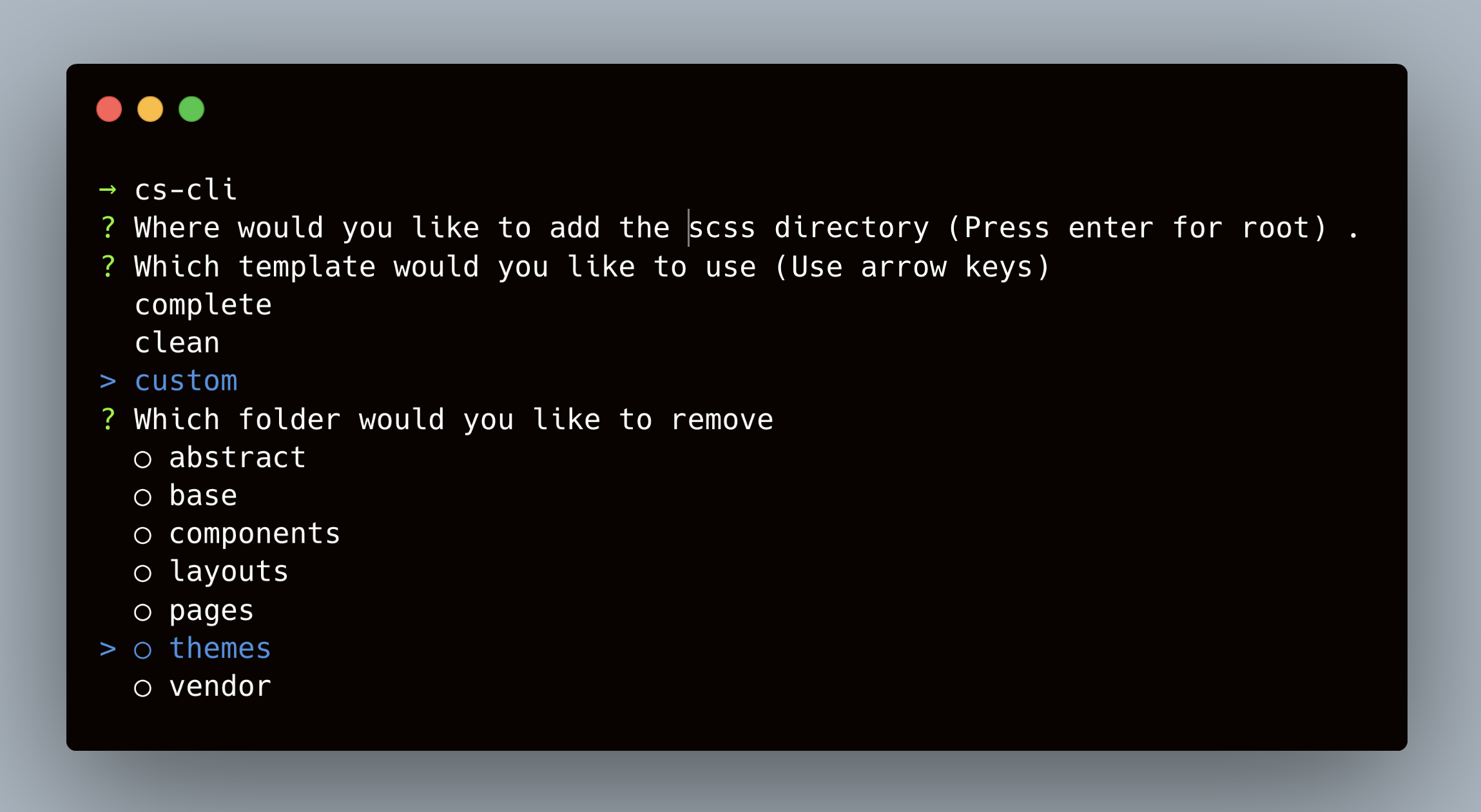
Generate an scss folder structure anywhere you want in your application. Choose which template you want to use (complete, clean, custom). Manage your file the same way in every project, and save time doing it.
To learn more about create-scss-cli, visit createscss.com
You can install the package globally or execute it right away with npx.
npm i -g create-scss-cliAfter that, you'll be able to use the create-scss-cli command in your project loke so:
cs-clinpx create-scss-cliYou will then be prompt with a series of questions to make sure the cli generate the files you want and where you want them.
scss
    │
    ├── abstracts
    │   ├── colors
    │   ├── fonts
    │   ├── index
    │   ├── mixins
    │   ├── spacing
    │   └── helper
    │
    ├── base
    │   ├── global.scss
    │   ├── shame.scss
    │   └── typography.scss
    │
    ├── components
    │   ├── alert.scss
    │   ├── banner.scss
    │   ├── buttons.scss
    │   ├── card.scss
    │   ├── forms.scss
    │   ├── icons.scss
    │   ├── menu.scss
    │   ├── modal.scss
    │   ├── progress.scss
    │   └── table.scss
    │
    ├── layout
    │   ├── footer.scss
    │   ├── grid.scss
    │   ├── header.scss
    │   ├── navigation.scss
    │   └── sidebar.scss
    │
    ├── pages
    │   └── home.scss
    │
    ├── themes
    │   └── dark.scss
    │
    ├── vendor
    │   └── normalize.scss
    │
└── main.scssIf you want to contribute to this project go to the create-scss-cli repo and open an issue ✏️
Show your support by giving a ⭐️ on Github