How to setup RAMDanceToolkit
You can download the RAMDanceToolkit in three different ways:
The following sections will walk you through how to setup installing the RAMDanceToolkit depending on which method you choose.
At the end, we will describe how to get MotionData into the app for testing
Unzip the downloaded file and launch your RAMDanceToolkit app.
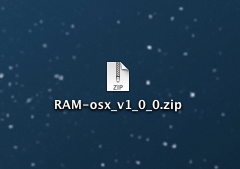
Download the source code via zip file and put the downloaded files into your openFrameworks (version 0.7.4+) directory.
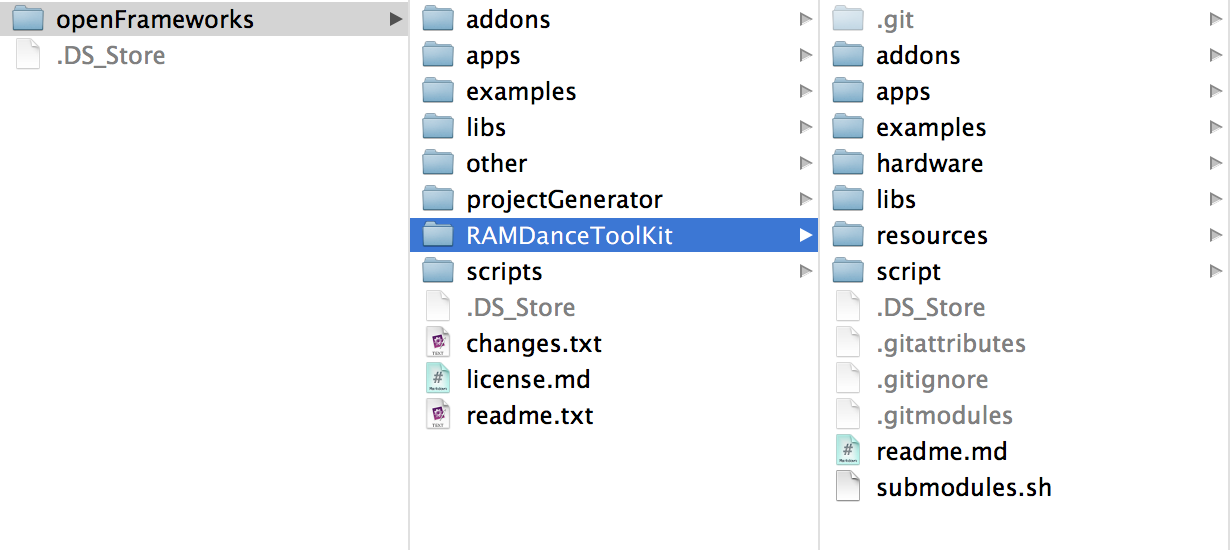
If you are a developer, you can modify the RAMDanceTookit source code found in RAMDanceToolkit/apps/RAMDanceToolkit. Please reference the RAM API Reference found on this wiki as well.
The follow is a description of the directories found in the source code:
This directory contains ofxAddons which are loaded from core libs. If you want to add other addons, we recommend adding it to {OF_ROOT}/addons.
This directory contains RAMDanceToolkit and OpenNIOSC. You can use OpenNIOSC instead of MOTIONER or other sensors for a simple mocap test if you have a Microsoft Kinect. Open the .sln file for Windows VisualC++ or the .xcodeproj file for OS X XCode to edit and use. If you are using a newly downloaded version of openFrameworks, you need to open:
openFrameworks Folder/libs/openFrameworksCompiled/project/vs2010/openframeworksLib.sln
and build it using debug and release build settings before compiling RAM Dance Toolkit projects.
This directory contains sample projects for understing the RAMDanceToolkit API. To check which files you need to usefor each project, please read the "apps" above.
This directory contains the RAMDanceToolkit core library.
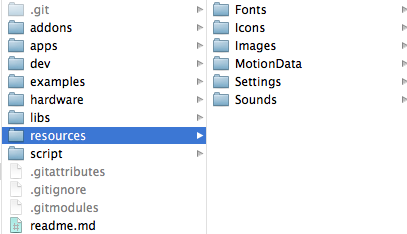
This directory contains resources which are loaded for each application. You can use ramToRecourcePath(...) in your code to get the path to this directory.
This directory also contains recorded motion data, which is described in more detail below.
git has to be installed beforehand.
Clone the RAM repository into your top-level openFrameworks (version 0.7.4+) directory.
$ cd {OF_ROOT}
$ git clone https://github.com/YCAMInterlab/RAMDanceToolkit
RAMDanceToolkit does NOT go into your {OF_ROOT}/app directory It goes into your top-level {OF_ROOT} directory. See image below
After you clone the RAMDanceToolkit, you need to do the following to steps:
This repo doesn't include any addons in RAMDanceToolkit/addons. They are instead managed as submodules.
Run this shell script after cloning the repo.
$ cd {RAM_ROOT}
$ ./submodules.sh
This script simply checks out the submodules, and applies the ofxUI.patch on the ofxUI directory. ofxUI requires the GUI/NewMedia Fett.ttf font file which is located at bin/data, so we duplicate the font to every project. After applying this patch, the path to font file will be changed to {RAM_ROOT}/resources/Fonts/FreeUniversal-Regular.ttf.
This repo doesn't include some big size files e.g. Sounds, MotionData so you have to download them manually.
- RAM-Sound_MotionData_v1_0_0.zip (29.5MB)
After downloading this zip file, add Sounds and MotionData directories into your {RAM_ROOT}/resources directory.
You can test the RAMDanceToolkit without MOTIONER or other sensors by playing back recorded motion data.
note: In RAMDanceToolkit version 1.0.0, motion data playback is available only for Mac OS.
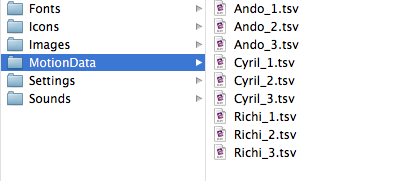
The recorded motion data Ando_1 appears only at the first time of launching the RAMDanceToolkit. The other motion datas, named Ando, Cyril, Richi, are available in RAMDanceTookit/resources/MotionData. To start playback, click "Load file" button on Actors panel or drag and drop the motion data file into the application.
Note that you can playback only four motion data at the same time. If you are sending one ramActor OSC message from MOTIONER or other motion capture system to the RAMDanceToolkit, you can playback up to three motion data recordings.
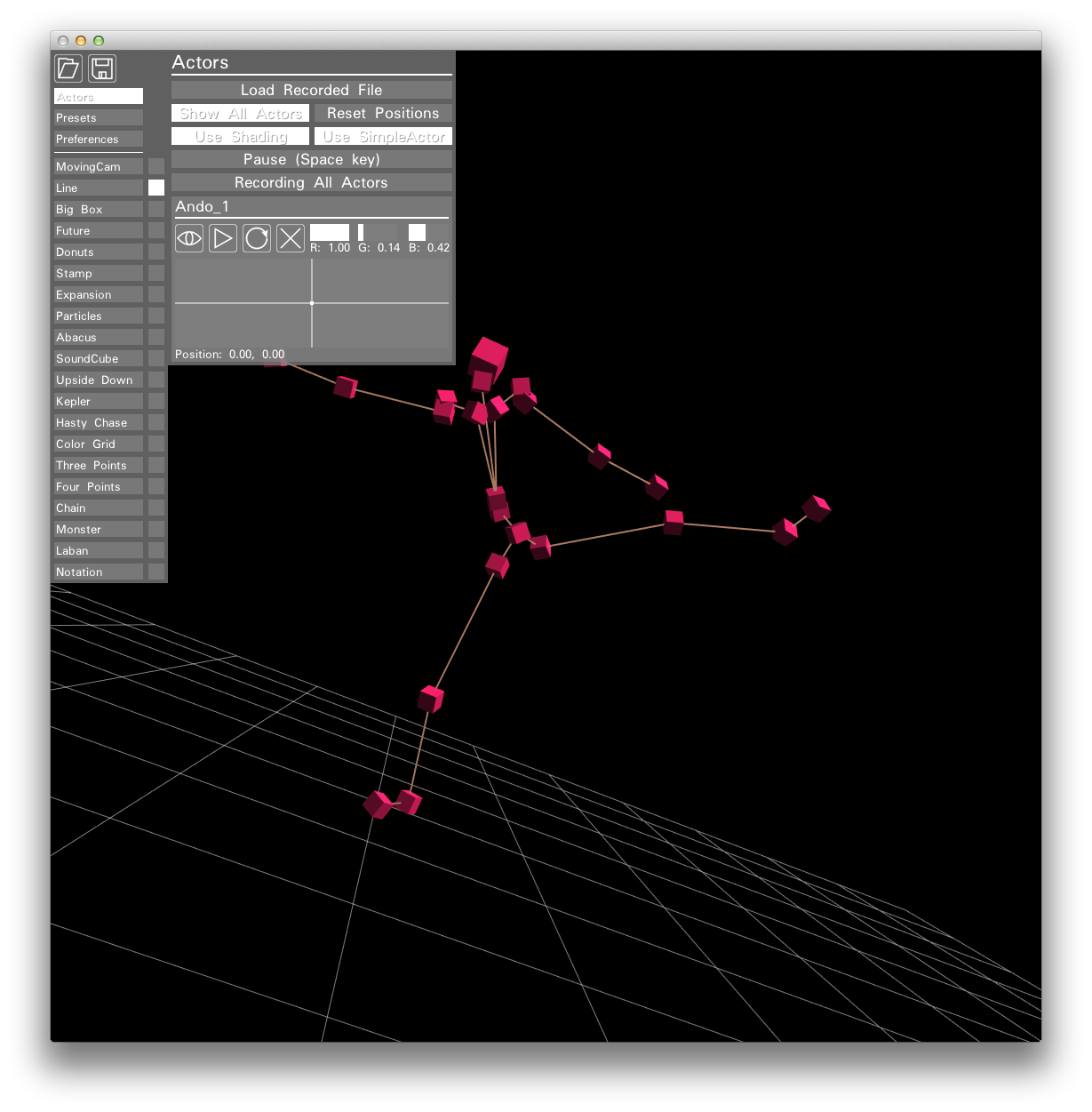
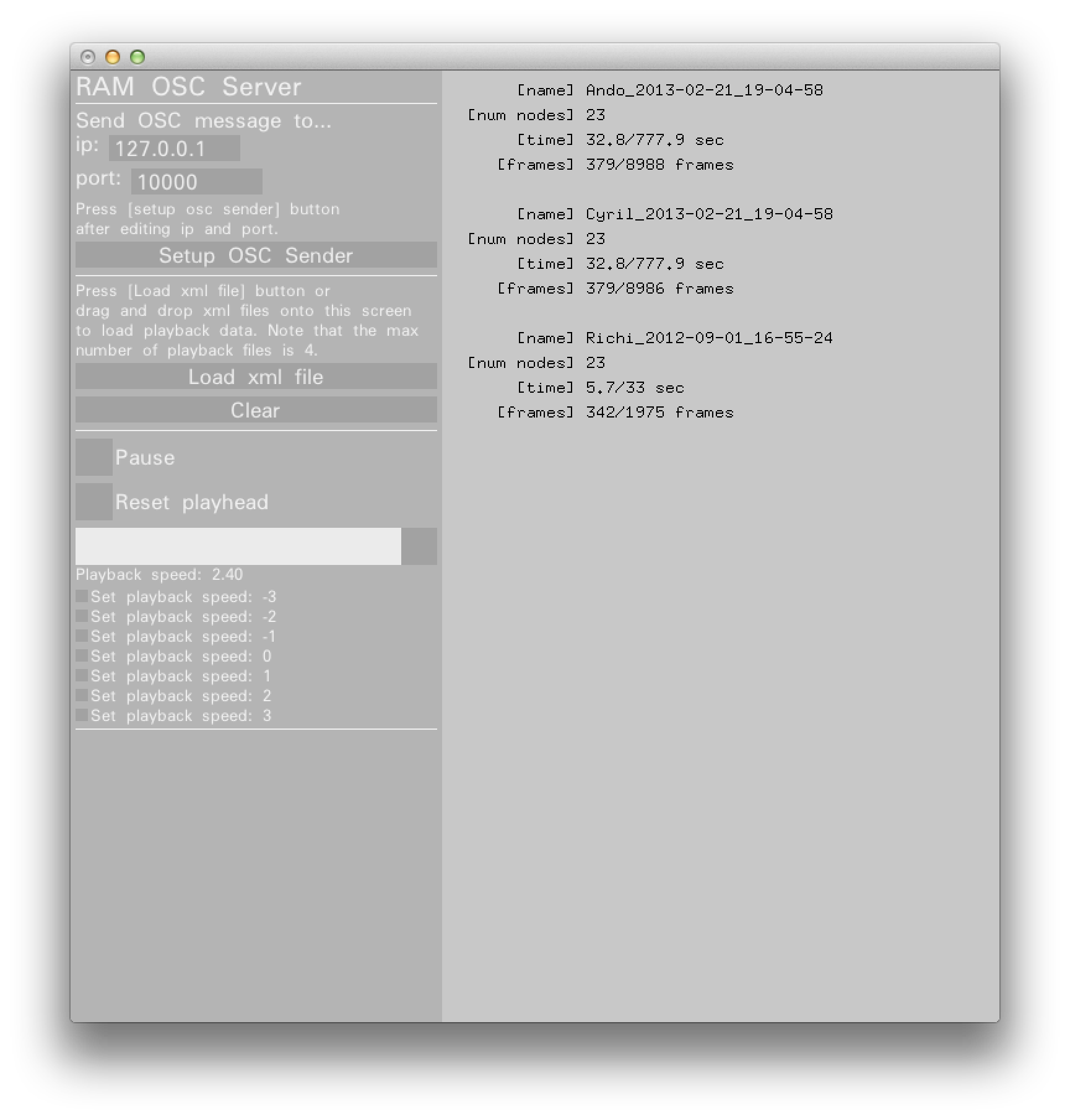
This application allows you to send OSC messages without using MOTIONER or other sensors.
The Resources zip file found above contain XML files for recorded motion data. This application will start sending OSC message when you drag and drop XML files into the app screen. Hopefully it will be helpful in testing RAMDanceToolkit :)

This Document by YCAM InterLab, Yoshito Onishi, Satoru Higa, Motoi Shimizu, and Kyle McDonald is licensed under a Creative Commons Attribution-ShareAlike 4.0 International License.